Follow @yiskang Recently, many customers asked how to export IFC from a Revit model (RVT file) by using Model Derivative API more frequently. So, I collected their questions and wrote this blog. I

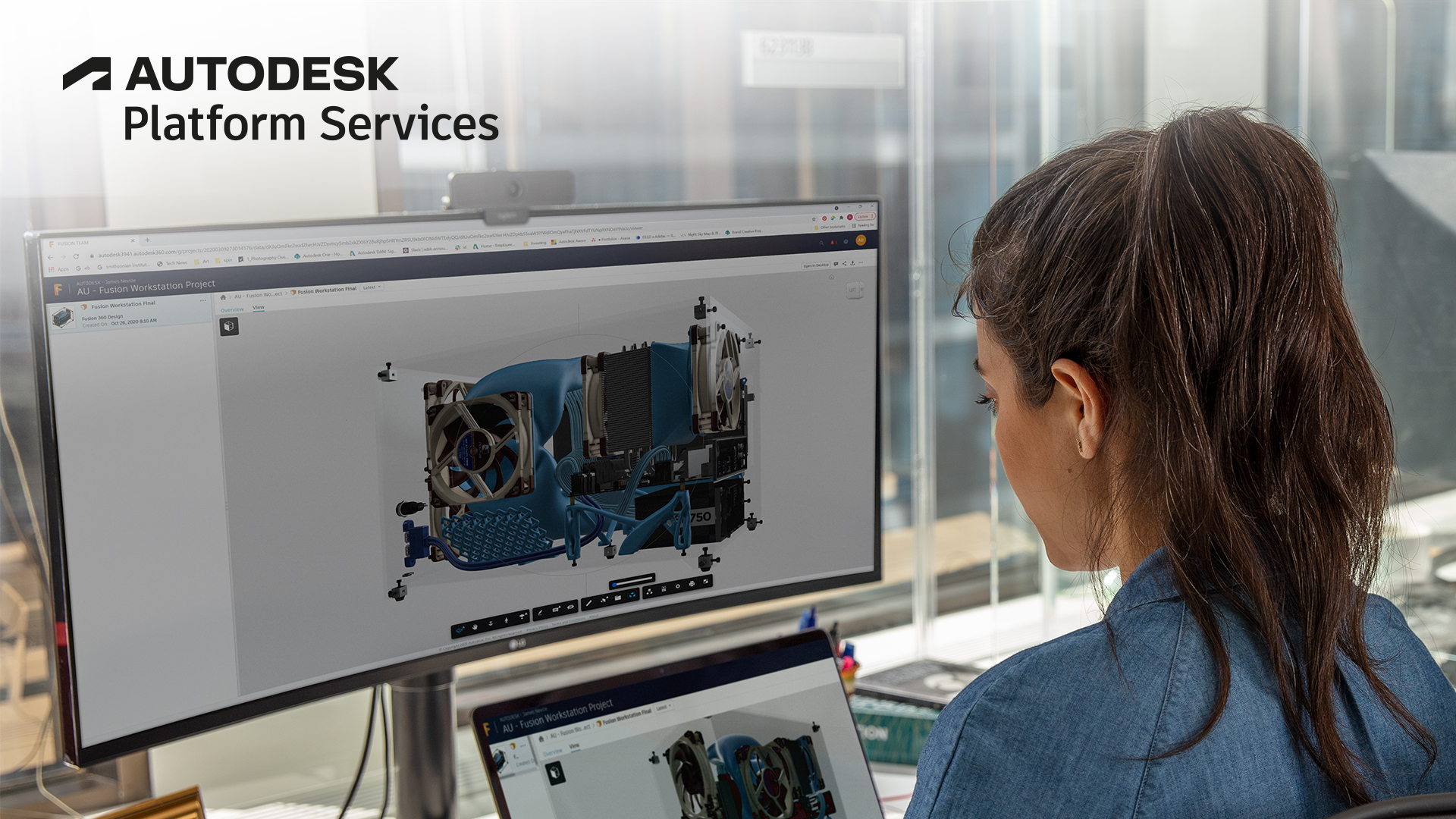
Fusion Data API now in beta release!

Update! Fusion Data Read APIs are out of beta and now in production with general availability. The technical details in this article are still accurate. See here for latest announcement https://forge
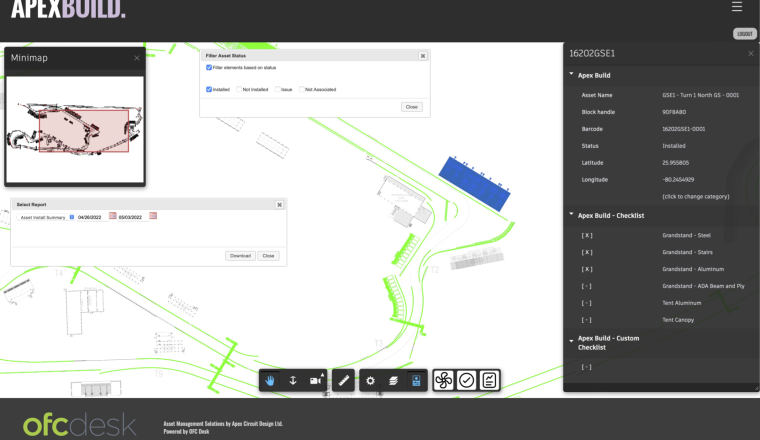
ofcdesk with Apex Circuit Design
Construction
Infrastructure
Software Development
Share your thoughts with the Forge team!

The Forge Developer Experience Research team would like to learn more about your use of the Forge platform and your experience with other developer platforms and communities. Your feedback will help
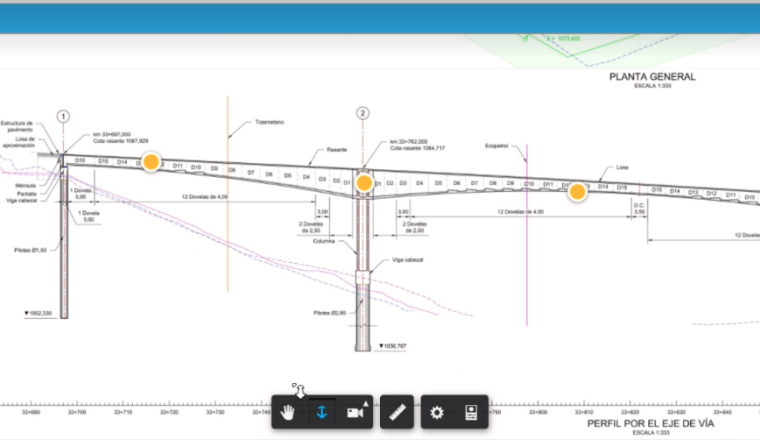
Parsing Line Points in Viewer

In Forge Viewer, sometimes we want the information about lines like polyline in AutoCAD in both 2D and a 3D polyline to apply the PageToModelTransform to transform them back to CAD or use it to

Viewer
"Takeoff Exchange CSV" Sample Update

In February, we released a set of write APIs for Autodesk Forma Takeoff specific project settings. We have updated the existing GitHub sample forge-takeoff.exchange.csv. We have enhanced project
Forma Issues API Available as Preview

9/27/2022 Update: Issues API is out of beta and has been officially released (y). No change in the endpoints nor the functionality. Long-awaited Issues API for Autodesk Forma is finally available as

Forma APIs

Beta
SIVAR
AEC
Infrastructure
Software Development
Data Exchange Released! Forge Data Exchange APIs now available in Public Beta
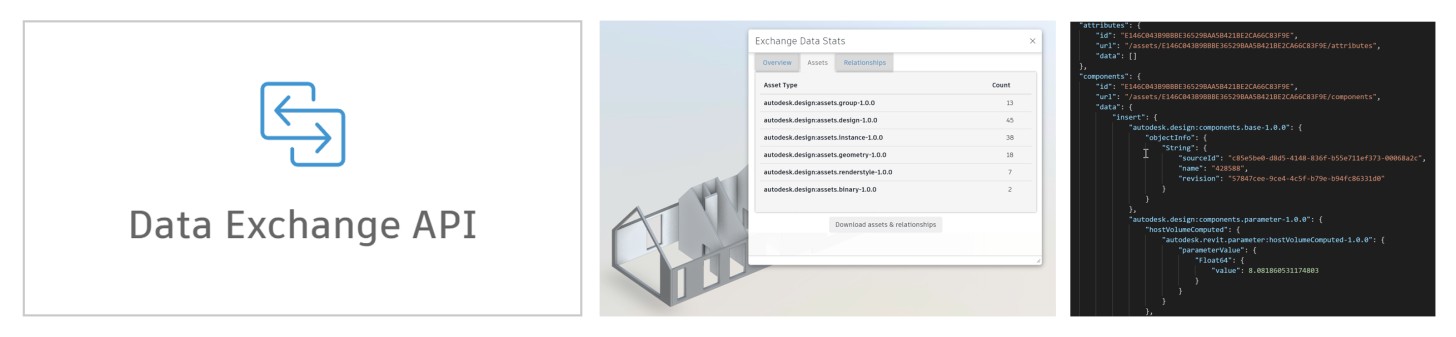
We are very happy to announce the release of Data Exchange and a public beta for the Forge APIs. Data Exchange was released in Autodesk Forma Data Management, Revit 2023 and Inventor 2023 products
Beta

Data Management API
Direct-to-S3 .NET samples

With the announcement of OSS migrating to Direct-to-S3 approach we want help you make this transition smoother. This time we will start with the .NET utility for the new binary transfer in Autodesk