
There are multiple scenarios in which you might be using Autodesk Authentication to log-in a user a) Use Autodesk log-in to access Autodesk based resources This is the most common and obvious use of

Automation will URL Decode the Data URI in argument
Recently Automation team made an improvement related to Data URI, it will URL Decode the data of URI in argument now, and it applies to all the Automation engines including AutoCAD, Inventor, Revit

Automation API
Announcing Forge Data Days - A Global Event Series

Coming to a city near you! Join us at Forge Data Days, a one-day, in-person event happening in 18 cities worldwide, to learn how to fully unlock the value of your data with Forge. Hear directly from
What is Forge?
Autodesk Forge is now Autodesk Platform Services! The same set of APIs and services formerly known as Forge are available today as Autodesk Platform Services. Learn more here. Forge is Autodesk's
Forge Community News - May 2022

Want to receive the Forge newsletter? Sign up here to get the latest Forge Community News delivered right to your inbox every month. Here's your May Forge Community News, {{lead.First Name}}
Compare Takeoff and Cost differences between 2 model versions using Model Properties API

Follow @JohnOnSoftware Last year, we announced the new Forma Takeoff API around the end of last year. I also created one sample to calculate cost for takeoff items under package, then send the result


From VS to VS Code with .NET Core
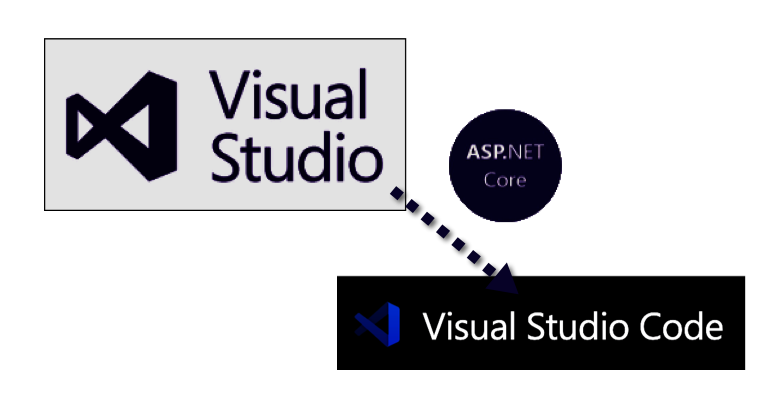
Converting From Visual Studio to Visual Studio Code with ASP .NET Core There are many blog posts on comparing Visual Studio and Visual Studio Code (e.g. https://www.codeguru.com/visual-studio/visual
BIM and IoT Integration with Digital Twins

BIM and IoT integration with digital twins using Forge's IoT toolkit The Forge Viewer team at Autodesk is excited to announce the new Data Visualization extensions as an IoT (Internet of Things)

Viewer
Move viewer's camera to rooms

Follow @yiskang Last time, we talked about Move viewer's camera along by drawing travel/walking paths in the Forge Viewer. It demonstrated how to move viewer's camera along a walking path. This time
Viewer
Make composite Revit design work with Revit Automation API
"Update 2025-09-09: Added instructions for GET linked Revit files" Recently, we have received a few questions from our customers more frequently, such as the following. So, here we are! "How can we

Data Management API
Automation API
Revit Automation API