
Here are some ways to handle the situation where you don't know in advance how many input files a given work item would need. 1) Zip up the input files and use that as a single input This is what most

application/json vs application/graphql

You might have seen that now we have a GraphQL API called Fusion Data API. When sending requests to its endpoint you can choose to send the content as either application/graphql: curl --request POST \

Manufacturing Data Model API
Jul
25 — 29
Autodesk Virtual Forge Accelerator, Avalon
Benefit from dedicated time to develop your Forge application – with direct help and training from Forge engineering experts.
Allied BIM
Powering 800% productivity increase in prefab

Call for private beta testers – Autodesk Forma Export PDF API
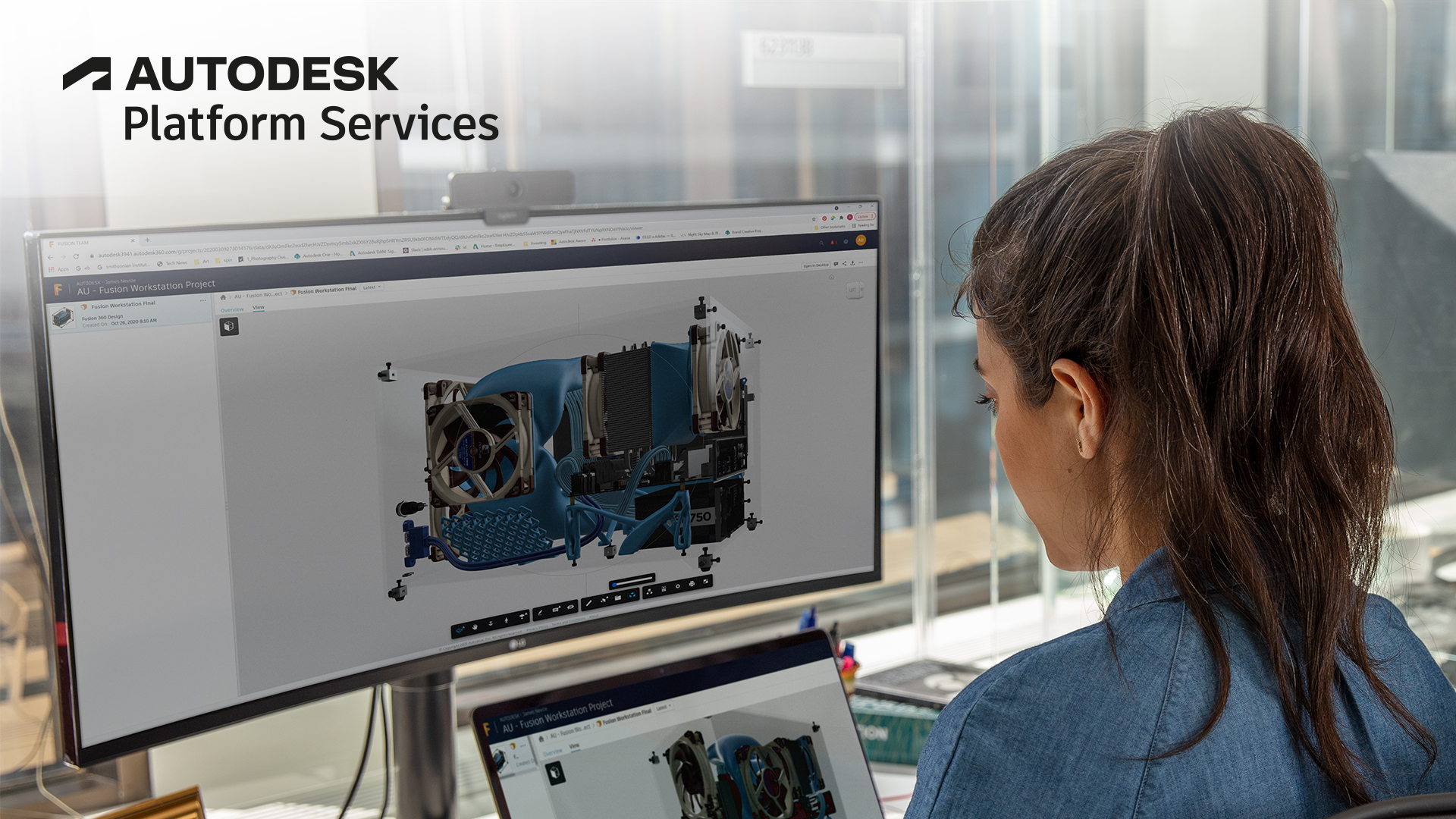
Export PDF is a feature in Autodesk Forma Data Management which allows users to export or download a PDF file with/without markups. *1 Markups can be published and/or personal. You can also have an


Forge Community News - June 2022

Want to receive the Forge newsletter? Sign up here to get the latest Forge Community News delivered right to your inbox every month. Here's your June Forge Community News, {{lead.First Name}}
LAIKA
Pushing the Boundaries of Animation Unleashes New Ways of Creating

Toshiba Elevators
The Next Era of Elevators Powered by the Platform

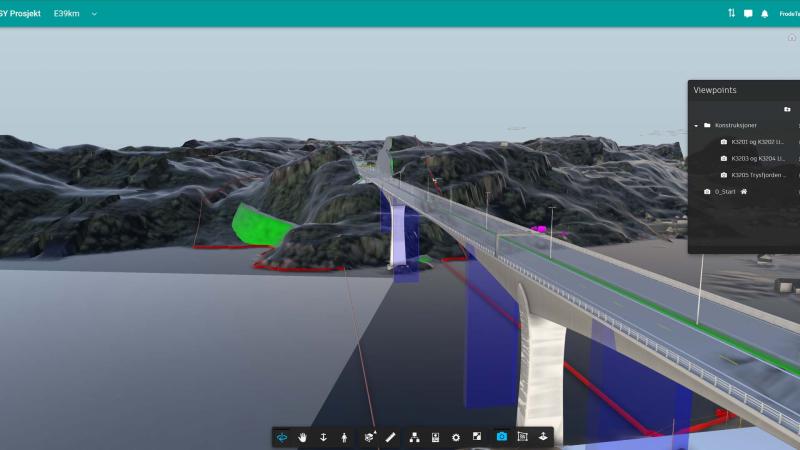
Norconsult
Carving a New Way of Making through Norway’s Dramatic Landscape
Call for feedback: Model Derivative DWG translation changes

Upcoming changes to the DWG Model Derivative translation, and we want your feedback.

Model Derivative API