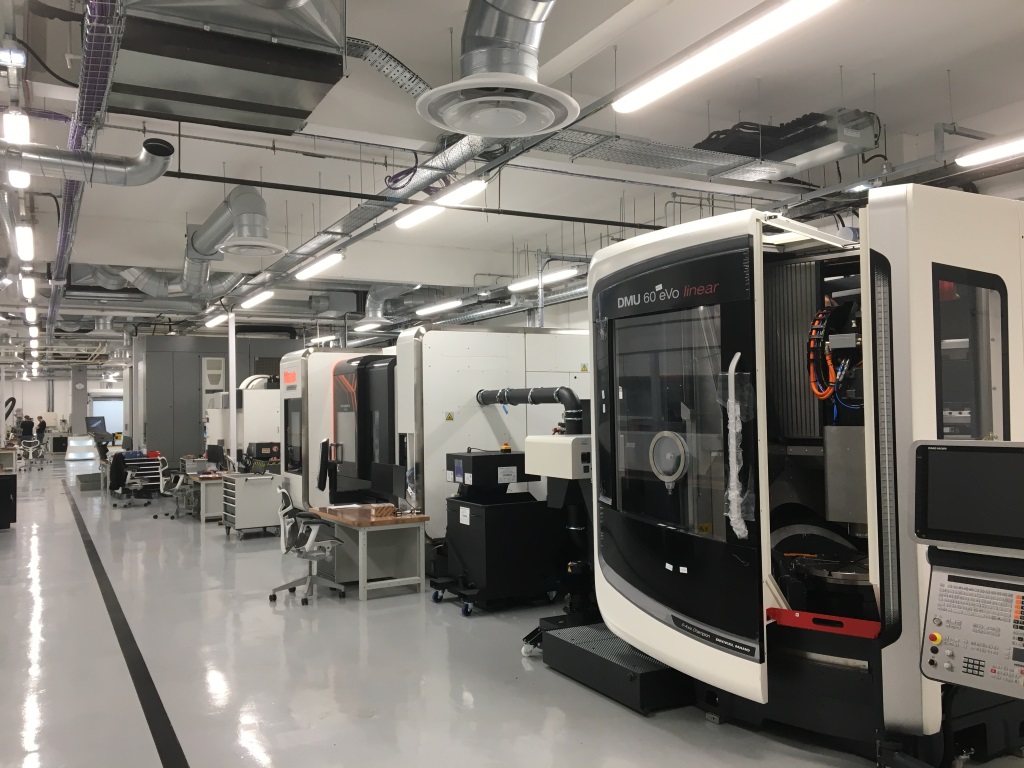
The Autodesk Technology Centers in San Francisco (Pier 9), Boston (BUILD Space) and Toronto (MaRS), and Birmingham (Advanced Manufacturing Facility) help Autodesk explore the future of manufacturing


Viewer Release Notes: v4.0.1
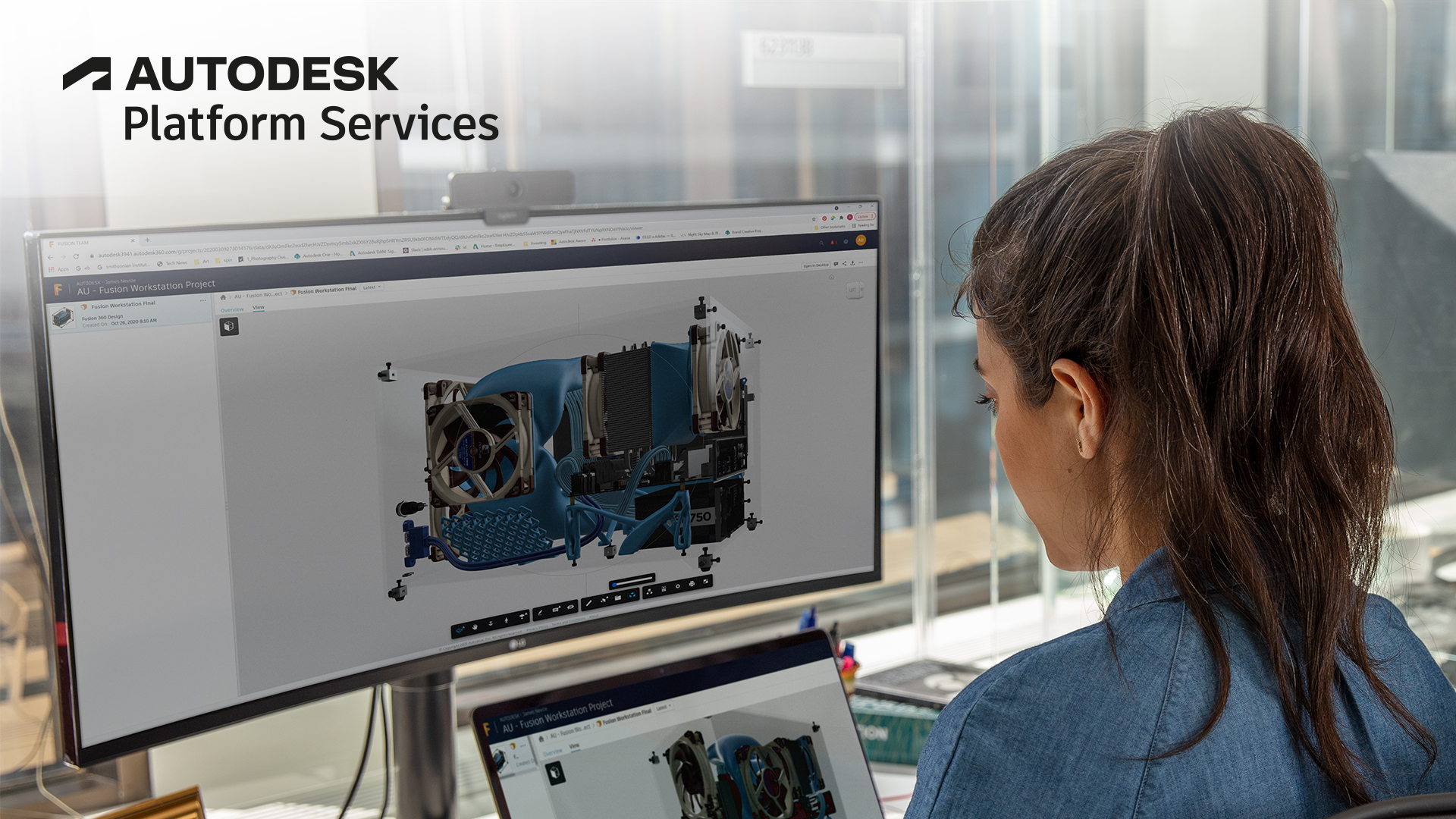
Check out the new functionality of the Forge Viewer. UI Themes, New Enhanced Search and so many more.
Autodesk's Philippe Leefsma Presented the Autodesk Forge AR/VR Toolkit at FITC Amsterdam 2018

Perhaps you've got a CAD model that you would like to see in virtual or augmented reality, but you imagine that getting your model into that environment would be a total hassle? If so, have you
AR/VR
Introducing the new Learn Forge tutorial (NodeJS & .NET)

Introducing the new Forge tutorials in NodeJS & .NET

Authentication

Data Management API

Model Derivative API

Viewer
Free Webinar - AEC-Hackathon starts tomorrow noon !

UPDATED: session recording URL added (pre-AEC Hackathon) Webinar - "Viewing your 3D BIM data in the cloud with Autodesk Forge"
Multimodel Search support in Forge Viewer v4.0

With the release of version 4.0 of the Viewer, you can now use the model browser to search across multiple models.
How to use React in a Forge Viewer DockingPanel

Learn tips and tricks on how to load React component inside a Forge Viewer DockingPanel
Xinaps Tackles AEC Industry Challenges with Autodesk Forge

Xinaps empowers design professionals to design more efficiently by minimizing manual work and utilizing building data. Their tools are the first to validate elements within a building model and
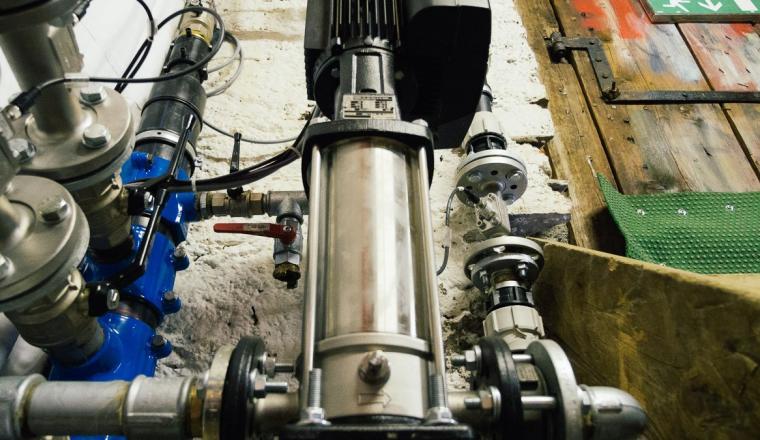
Grundfos with Xinaps
AEC
Design and Manufacturing
Design and Manufacturing
AEC