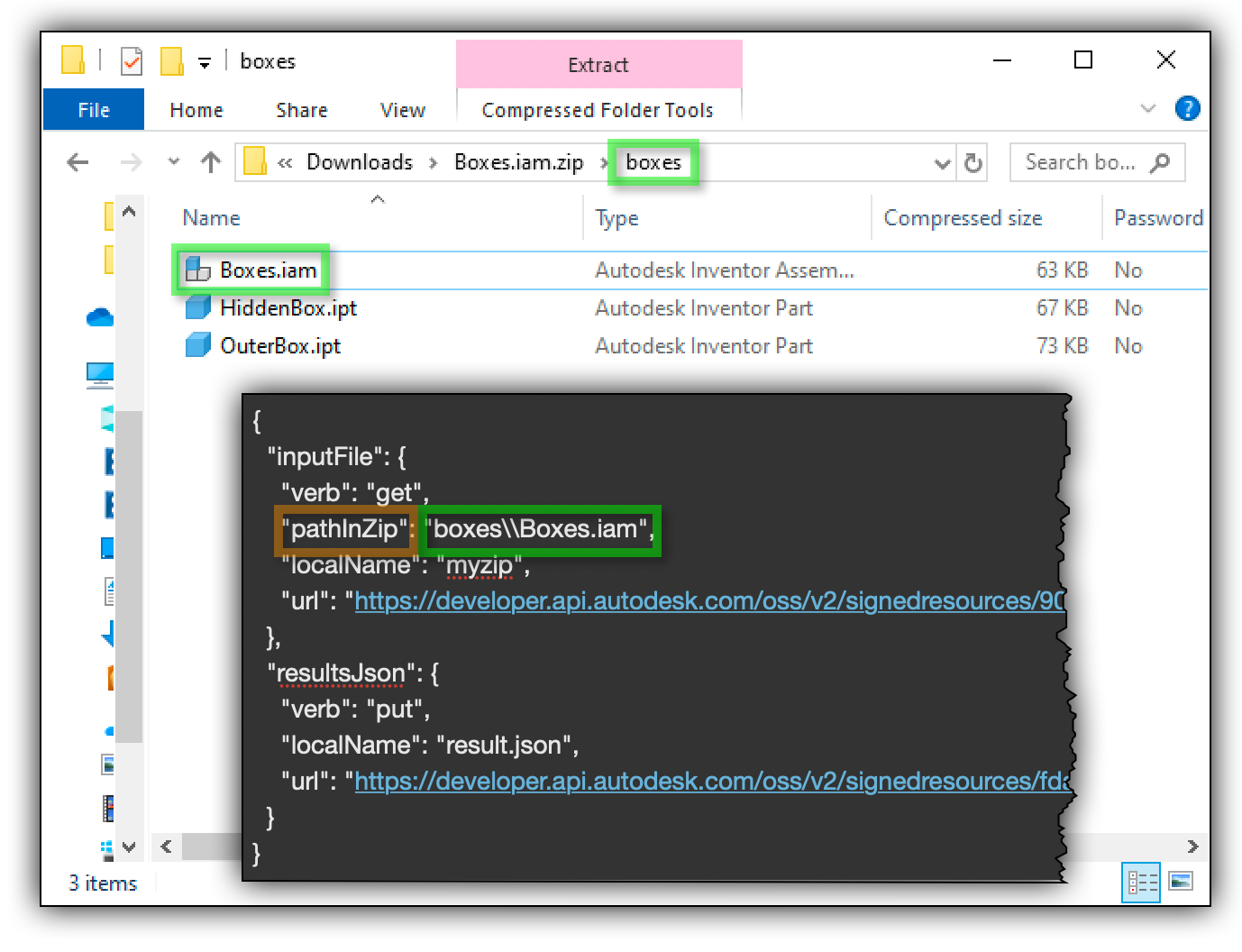
Opening a model from a zip file that you provided as one of the inputs for a WorkItem is really easy. You just have to add "zip": true for the input parameter in your POST activities request, and

Working with Viewer data "Serverlessly" - thumbnails, screesnshots and serverless upload

Traditionally, it might sound tricky to implement workflows like displaying thumbnails, snapshots, uploaded derivatives and performing model data queries that appear to be light weight without

Viewer
Viewer Release Notes: v 7.4

7.4.0 Release Date: 2019-10-08 Changed Disable explode UI when creating or editing a pushpin. Updated default memory budgets used by the ``Autodesk.MemoryLimited``extension. Added SceneBuilder API
Cross-industry classes at Forge DevCon

Perhaps buildings give you a buzz. Maybe machines make you misty-eyed. Whatever your industry preference, don't completely ignore the classes in the 'other' tracks at Forge DevCon. Most of the
Load encrypted model data with WebAssembly and Rust
Security and intellectual property protection has arguably been a high priority concern for Forge and BIM developers at large. With Forge our strengthening measures include the enforcement of TLS 1.2
Viewer
Meet the Forge DevCon Team: Jaime Rosales

We had a chat with Jaime Rosales, a developer advocate in the Forge Partner Development Team. He tells us about his background, his experience at previous Forge DevCons, and his love for Ruby Murray
Meet the Forge DevCon Team: Petr Broz

We sat down with Petr Broz, Forge evangelist, to learn more about his background and what he is most excited about for Forge DevCon this year. Can you tell me your name and what you do at Autodesk? My
Forge DevCon classes: building top-quality cloud solutions

We've got a lot of content prepared for you during this year's Forge DevCon, and one theme I'm particularly excited about are the best practices for building top-quality cloud apps and services using
Automation API for Inventor with Vault

We've had developers looking to work with the Inventor Automation API, but their files were inside of Vault, and hence were wary of the additional steps involved, viz. logging into the Vault Server
Revisiting Viewer’s Theming Coloring - Selective Cancelling, Deferred Rendering and Recursive Propagation
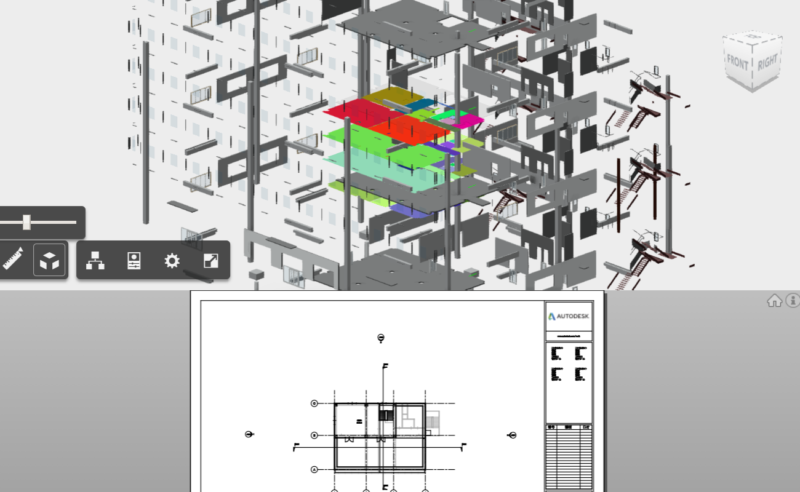
Note: All usage demonstrated hereby is based on Viewer v7.* and is subject to change for future versions! When we talked about theming color (available via viewer.setThemingColor(dbid)) last time
Viewer