
We are about to get into Forge DevCon Season. That means events are happening across the globe to help developers build cloud-based solutions for design and engineering industries. Here is a quick and
Viewer Release Notes: v6.0
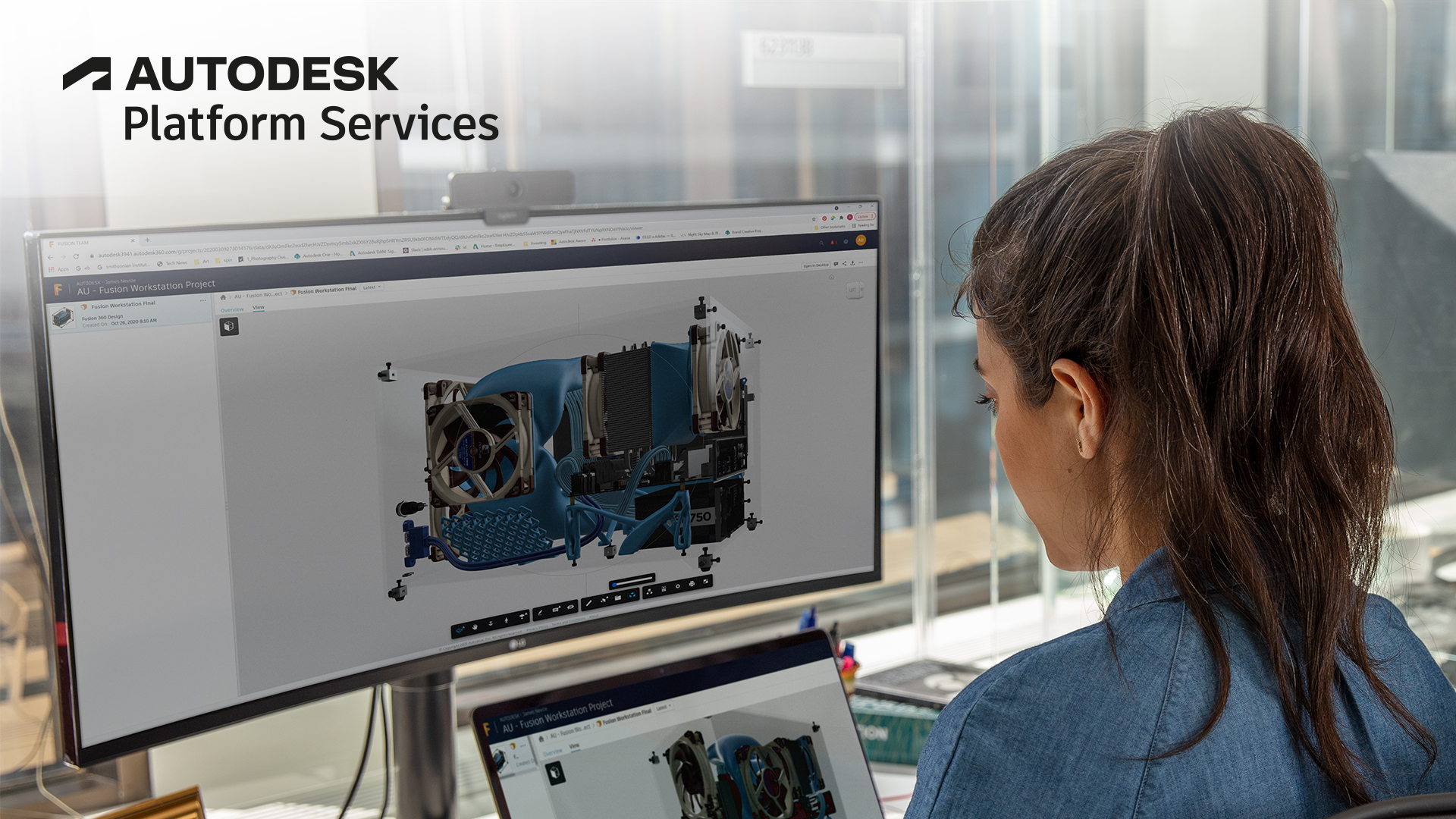
NOTE: This release includes breaking changes described below. As a workaround, affected users may append version number to href and src tags to stay with an earlier version, such as ?v=3.3.* Changed

TLS 1.2 for Node.js developers
Get started with this previous blog post for basic information, this article will just summarize actions for Node.js apps. Background The Autodesk Forge .Node.js package is available on NPM. Adding

Authentication

BIM 360 API

Data Management API

Automation API

Model Derivative API

Reality Capture API

Webhooks
Accessing BIM 360 Design models on Revit
BIM 360 Design models for Revit desktop .NET API
Export to Dwg from Rvt by Forge translation service
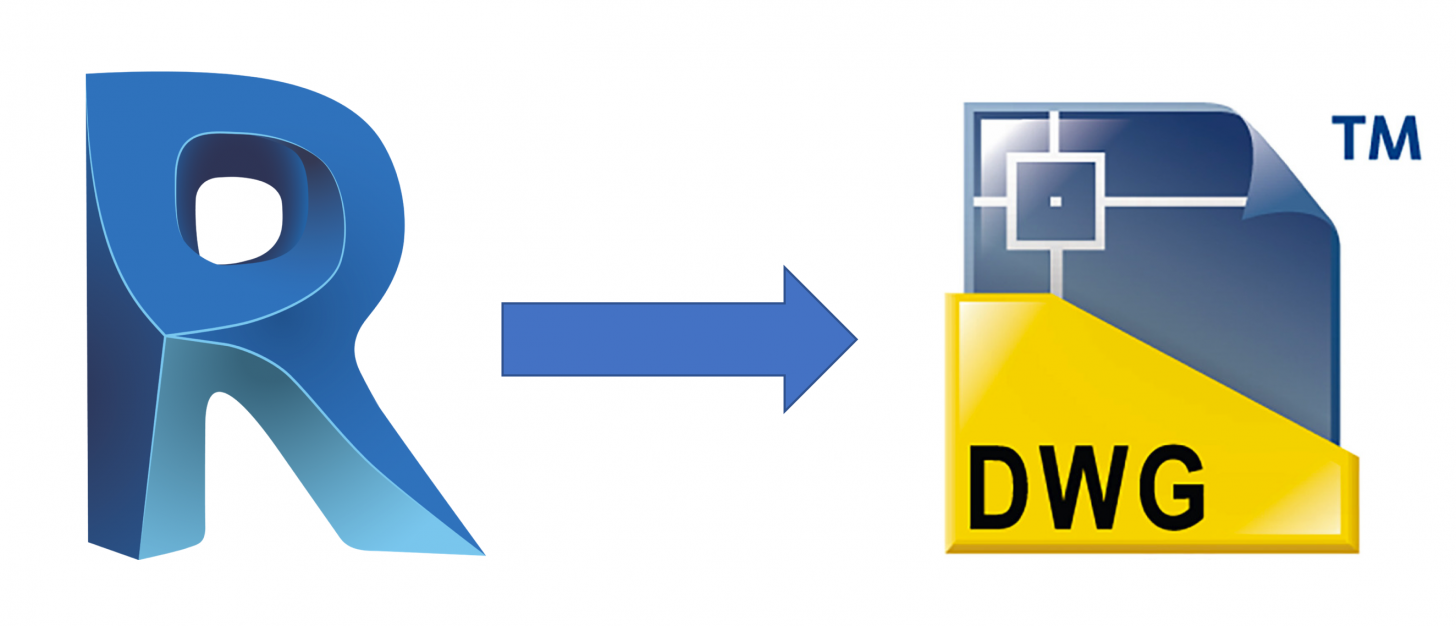
Follow @JohnOnSoftware Forge Model Derivative translation service is quite popular, most of people using the service to translate industry design file to SVF for rendering in the Forge Viewer, but it
Model Derivative API
AEC Hackathon Berlin

Berlin City is calling! The famous AEC Hackathon Series is coming to Germany´s Capital. The AEC (Architecture, Engineering and Construction) Hackathon is a weekend of geeking at its finest. It gives
Adding computer vision to your Forge Application

A sample integration between Forge and OpenCV computer vision library via Node.js bindings
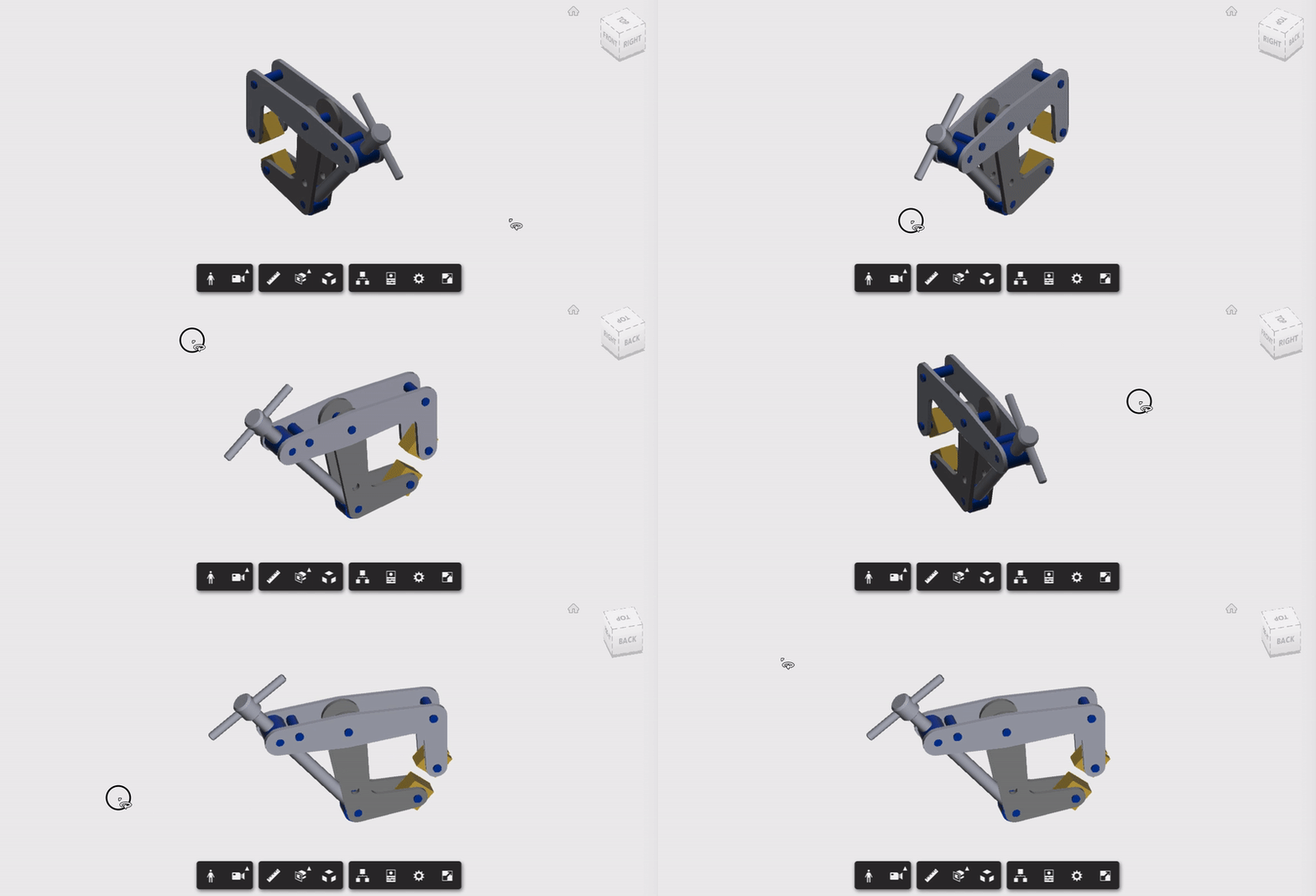
How to get '2D Line Style View' from 3D models

Here's an easy way to get that 2D 'Line-Style' Floorplan top-view, from your existing 3D Forge Viewer buildings.