
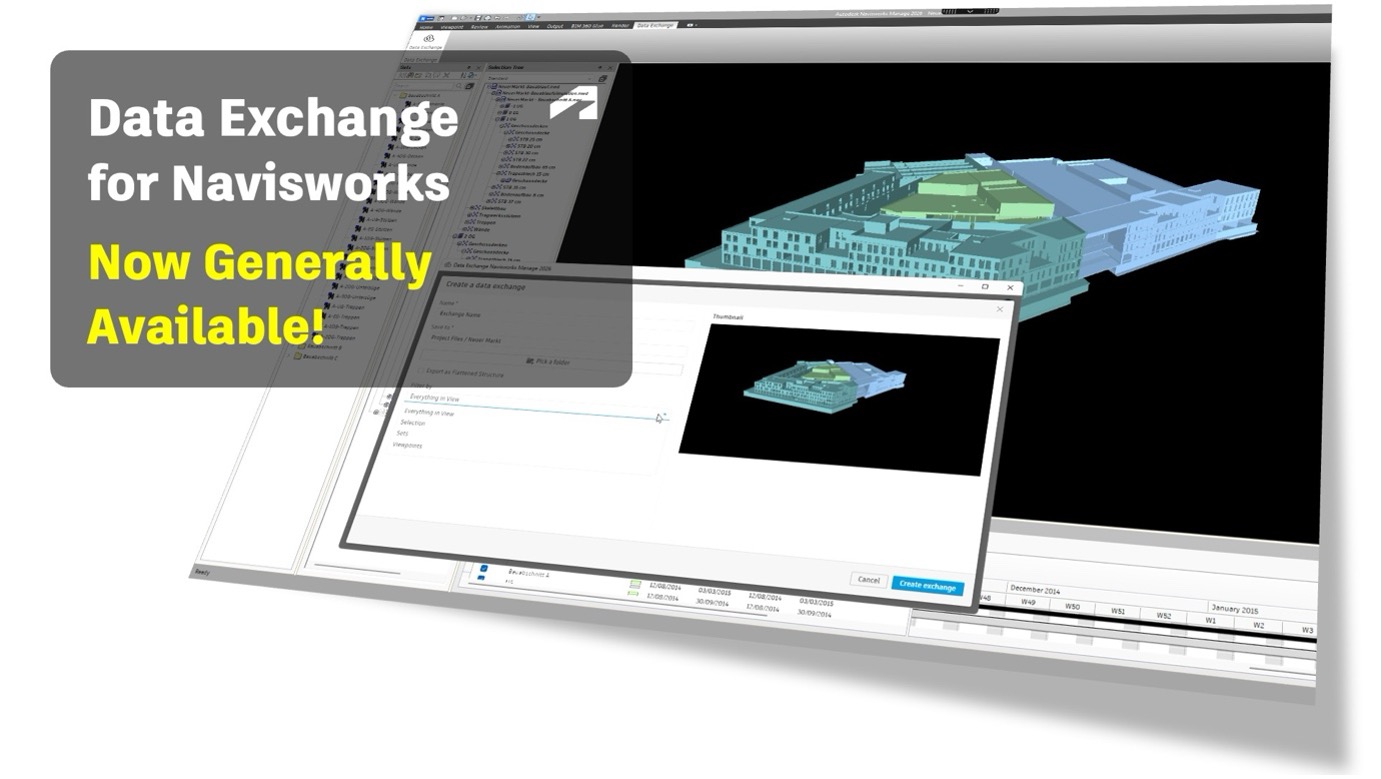
We are excited to announce that the Navisworks Data Exchange Connector is now generally available for Navisworks Manage 2024, 2025, 2026 and 2027(Coming soon). This release builds on the beta connector we announced earlier this year, thank you to everyone who shared feedback during that phase.
Navisworks has been the industry standard for model federation, clash detection, and project review. This plugin deepens that role, transforming Navisworks from a coordination viewer into a two-way connection in the Data Exchange ecosystem.
Autodesk Data Exchange enables interoperability between Autodesk software as well as third party software. Data Exchange Connectors are ready-to-download tools available in the Autodesk App store that you can take advantage of and setup your interoperability workflow. However, if you prefer to code you can always use the Data Exchange API or SDK to develop your own Connectors.
Navisworks connector adds Data Exchange capabilities to your existing Navisworks workflow without requiring any custom integrations or scripts and gives these powerful abilities to every Navisworks user.
What Is New in the GA Release
Compared to the beta, the GA release includes:
-
Improved stability and performance for larger federated models
-
A refreshed UI with clearer progress feedback and support for cancellable operations
-
Broader version support for Navisworks Manage 2024, 2025, 2026 and 2027 (Coming Soon)
-
Support for loading IFC-based Data Exchanges, following the release of the IFC Connector (Beta)
One area that our team invested in during the Beta phase was on model performance. The new GA Navisworks connector outperforms industry benchmarks in 8 out of 9 cases we evaluated, With large and medium sized Navisworks models we saw at least 20% performance improvements, demonstrating great scalability.
Let’s take a look at what this connector does, and how it fits into the broader Data Exchange ecosystem.
Creating Data Exchanges from Navisworks
Users can now create Data Exchanges directly from their federated Navisworks models. From within the plugin panel, you select your model scope and publish to your Forma (previously ACC) project.
The exchange captures the subset of your overall Navisworks model. The geometry, object properties, and the Navisworks model hierarchy, making that data available to any other Data Exchange-compatible application.
A few specifics worth noting:
-
You can leverage the existing model setup like Sets and Viewpoints to share subset of your federated model.
-
You have an option to preserve full Navisworks hierarchy, so downstream consumers receive the same organized structure you work with in Navisworks.
-
When linked models are updated, you can refresh the exchange incrementally rather than republishing from scratch.
-
When working with large models, we recommend creating subsets before sharing exchanges, as generating exchanges from full datasets can be resource-intensive. For optimal performance on large data sets, use a machine with higher memory capacity (preferably 32 GB RAM or more).
Loading Data Exchanges into Navisworks
The connector also lets you load any Data Exchange from your Forma (formerly ACC) project directly into Navisworks as a model source for coordination and clash detection. This extends the already wide range of file formats Navisworks supports by adding the Data Exchange as an additional source.
Two workflows that benefit most from this:
Loading Models from Tekla Structures in Navisworks Manage
Traditionally, coordinating Tekla models in Navisworks required exporting IFCs and sharing files each time the model changed. With the Tekla Data Exchange Connector, the structural team publishes updates to Forma, which the Navisworks team can access directly through the Navisworks Connector, eliminating exports and file handling.
Updating in Navisworks now takes just a few clicks when the Tekla model changes.
Loading Models from Autodesk Inventor in Navisworks Manage
Linking Inventor assemblies into Navisworks has previously required all the Inventor part and assembly files to be available locally. With the Inventor Data Exchange Connector, teams can publish a combined exchange of their assembly to Forma. Anyone on the coordination team can then load that exchange into Navisworks without needing the source Inventor files on their machine.
Supported Workflows
Across both directions, the connector supports the following workflows:
-
Create Data Exchanges from federated Navisworks models with Sets and Viewpoints, including selection of model subsets and scope
-
Load Data Exchanges from Revit, Tekla, Inventor, Rhino, IFC, and other connectors into Navisworks for coordination
-
Run clash detection in Navisworks against Data Exchange alongside native file formats
-
Share coordinated model through Data Exchange downstream to Revit for reference during design, or to Power BI for analysis
-
Export Revit Room data through Navisworks into a Data Exchange for visualization and analysis
-
Keep exchanges updated with incremental updates as source models evolve
Get Started Today!
Ready to explore what’s possible?
-
Download the latest versions of Navisworks Data Exchange Connector
-
Browse all Data Exchange Connectors in the Design and Make Marketplace
-
Check out our video tutorials and documentation to help you get started quickly
-
Need help? Reach out on the on Autodesk Data Exchange community or email us at data.exchange.support@autodesk.com
We look forward to seeing how teams use this in their coordination workflows. As always, feedback is welcome, it directly shapes what we work on next!