



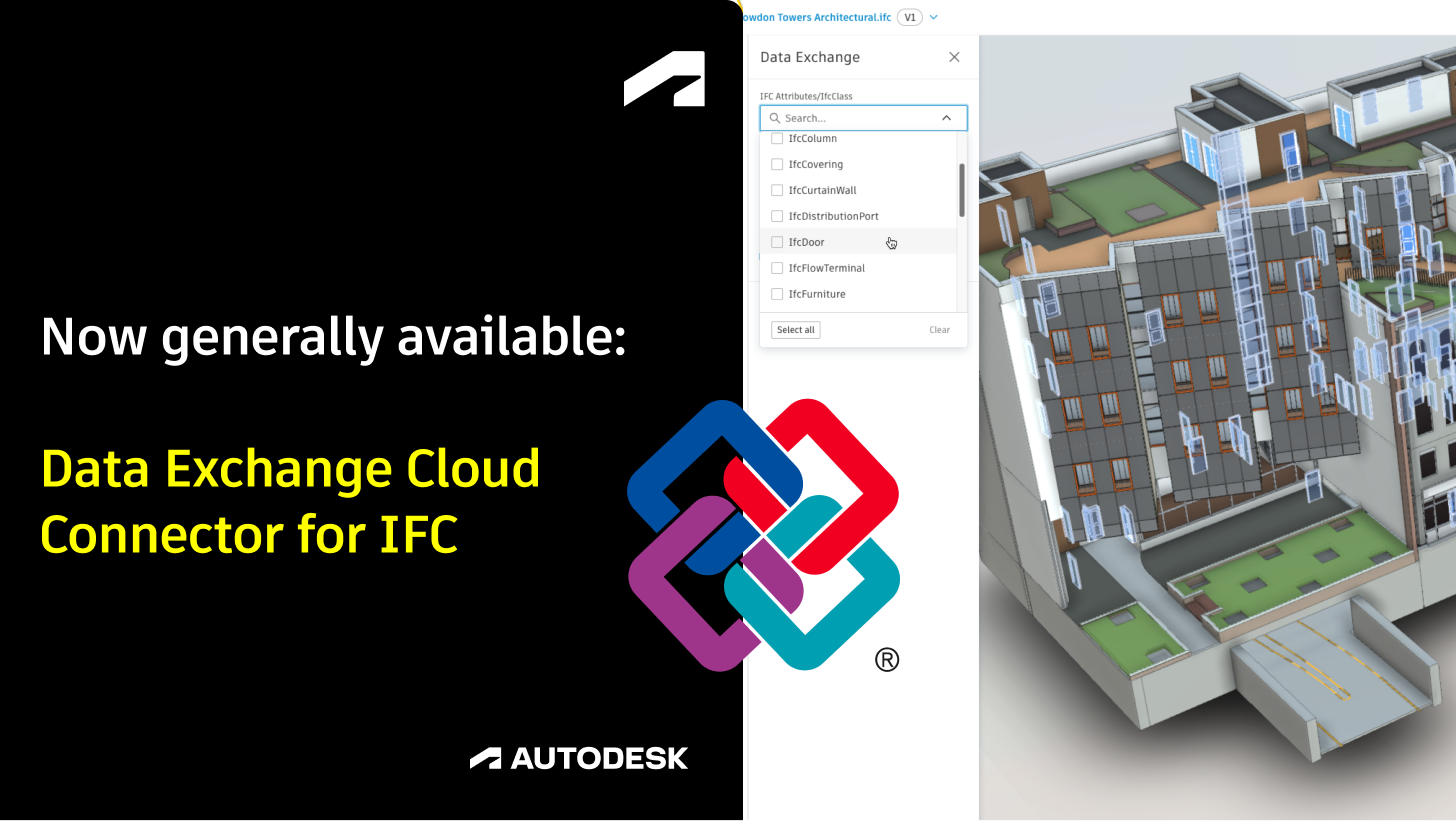
We are excited to announce that the Data Exchange Cloud Connector for IFC has officially reached General Availability (GA) and is now available in all Forma Projects created after July 22nd 2025 across the US, EU and AUS regional hubs. This key milestone expands the Autodesk Data Exchange ecosystem and unlocks new possibilities for openBIM collaboration, enabling users to extract and share granular IFC data subsets across their project workflows.
“IFC data exchange is one of the best things Autodesk have produced in a while!”
Alex Plenty, Head of Digital Construction SKANSKA UK
Autodesk Data Exchange is a cloud-based way to share just the data you need between different design and construction tools - without sending entire files back and forth. Instead of sharing full models, you can create a lightweight exchange that contains only the elements you truly need – and easily update it whenever the original model changes. This makes collaboration faster and more reliable, while keeping everyone connected to the same source of truth.
“Data Exchange for IFC helps us simplify our project setup and streamline IFC version management thanks to auto-updates.”
Sait Tan, BIM Expert and IT Consultant Deutsche Bahn
With this cloud connector, users can convert IFC files (IFC2x3, IFC4, IFC4.3) into Data Exchanges directly through Autodesk Forma Data Management in the Autodesk Forma. This new capability allows project teams to filter down IFC files to specific classes, types, element names, or other properties, creating highly targeted Data Exchanges that stay connected to the original IFC file. When the IFC source file is updated, the corresponding Data Exchange automatically refreshes, maintaining up-to-date data sharing without manual re-exports.
The GA release of this connector builds on the success of our beta program and extends support to collaboration scenarios involving software using our Generally Available Connectors (Revit, Inventor, Tekla Structures, Rhino, and Power BI). Users can now load these filtered Data Exchanges into Autodesk and third-party connectors for coordination, documentation, visualization, and reporting - all without handling massive IFC files or losing crucial data granularity.
“Data Exchange for IFC is the future of interoperability.
Using Data Exchange breaks the boundaries of working within a single software and enables reliable and efficient information sharing, saving dozens of work hours and rework.”
Amir Aroesti, Construction Innovation and BIM Expert Tidhar Group
To learn more about the real-world use cases of customers quoted in this article, please see our Autodesk University 2025 Session Recording.
Key benefits of the Data Exchange Connector for IFC
- Publish only what matters: Instead of consuming entire IFC files, create exchange packages from subsets of the IFC schema.
- Advanced Filters: Flexible filtering and customization of IFC data for precise workflows based on IFC classes, types, or properties.
- Growing Data Exchange Ecosystem: Integration with Autodesk Forma Data Management and multiple Data Exchange connectors, including Revit and Power BI
What’s new
With the general availability release, the Data Exchange Connector for IFC includes many improvements based on your feedback during the Beta phase:
- Include IfcSpace Geometry and Properties in Data Exchanges (visible as transparent objects in the Data Exchange on Forma or when loaded into Revit)
- Improved filtering results for IFC2x3, especially when using deprecated style entities related to IfcDoor / IfcWindow
- Use the IFC File Name as the default name for data exchange (instead of Scene)
- Improved Folder selection when creating a data exchange (by default expanding to the source folder instead of Project Files)
How to get started
The Data Exchange Cloud Connector for IFC is available by default on all Forma Projects created after July 22nd 2025.
Please note that this functionality can’t be enabled on older projects, as it requires the new IFC conversion method which was introduced on Forma in July 2025.
To get started, upload IFC files to Autodesk Forma Data Management and open them in the Viewer. The Data Exchange Icon will be automatically displayed on the left navigation toolbar, offering an overview of the filters:
- IfcClass
- Predefined Type
- IfcName
- Edit Filters allows you to search and include any other properties available in the IFC File (e.g. FireRating)
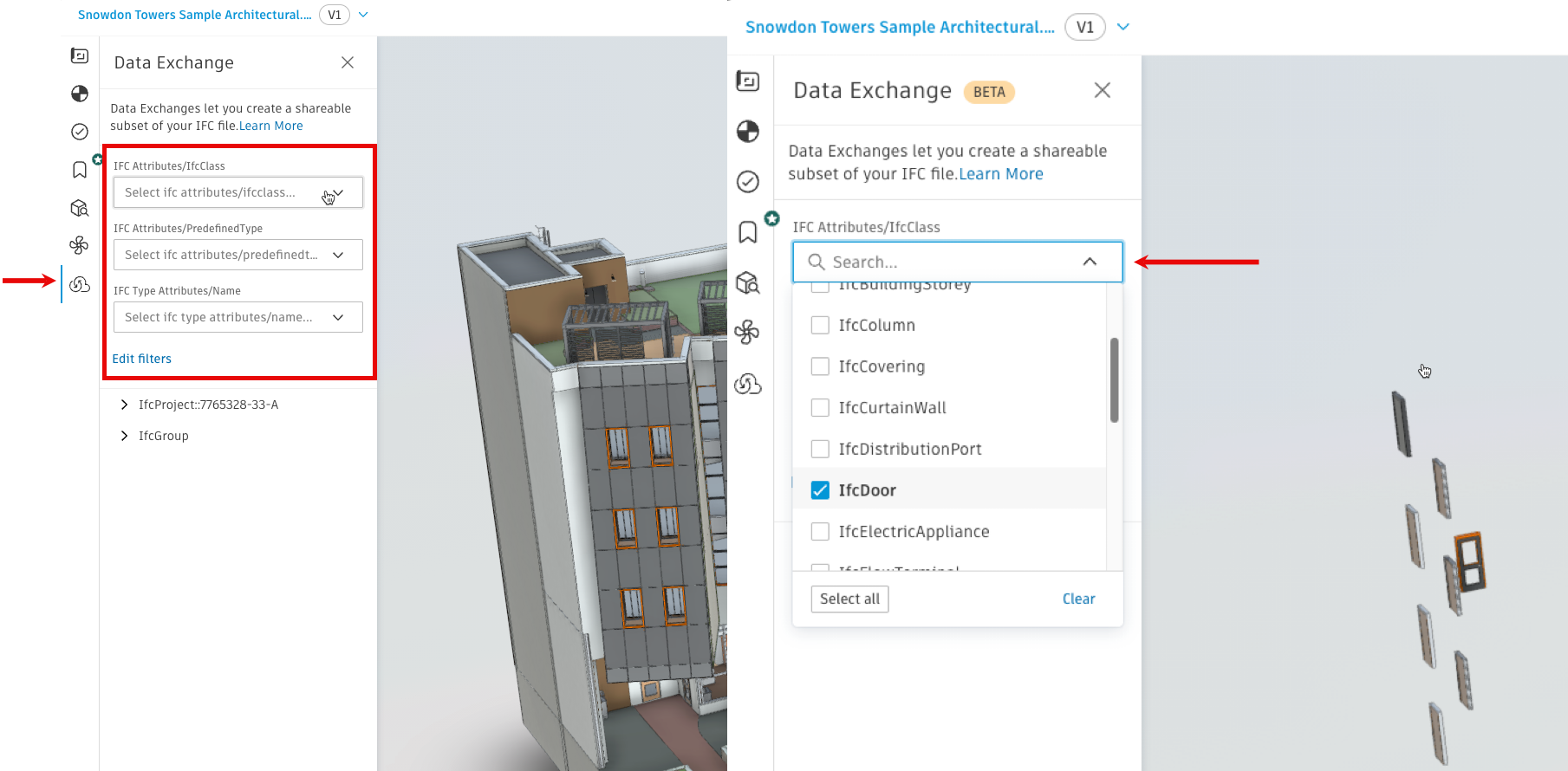
Please note that it is possible to convert the entire Data Exchange to IFC by selecting all IFC Classes, however we recommend exchanging only the data which is really needed to leverage the full advantage of Data Exchanges.
See a full overview of the capabilities and workflows enabled by this connector in the following video:
We invite all users working with IFC in their projects to leverage this GA connector for enhanced data interoperability, more efficient collaboration, and data-centric insights. Get started today by creating Data Exchanges from your IFC files in Autodesk Forma Data Management and experience a new way to unlock the potential of your BIM data.
For more details, tutorials, and support resources, please visit our Autodesk Data Exchange Link Collection and join the community to share feedback and best practices.
Happy exchanging!
IFC is a trademark of buildingSMART International