
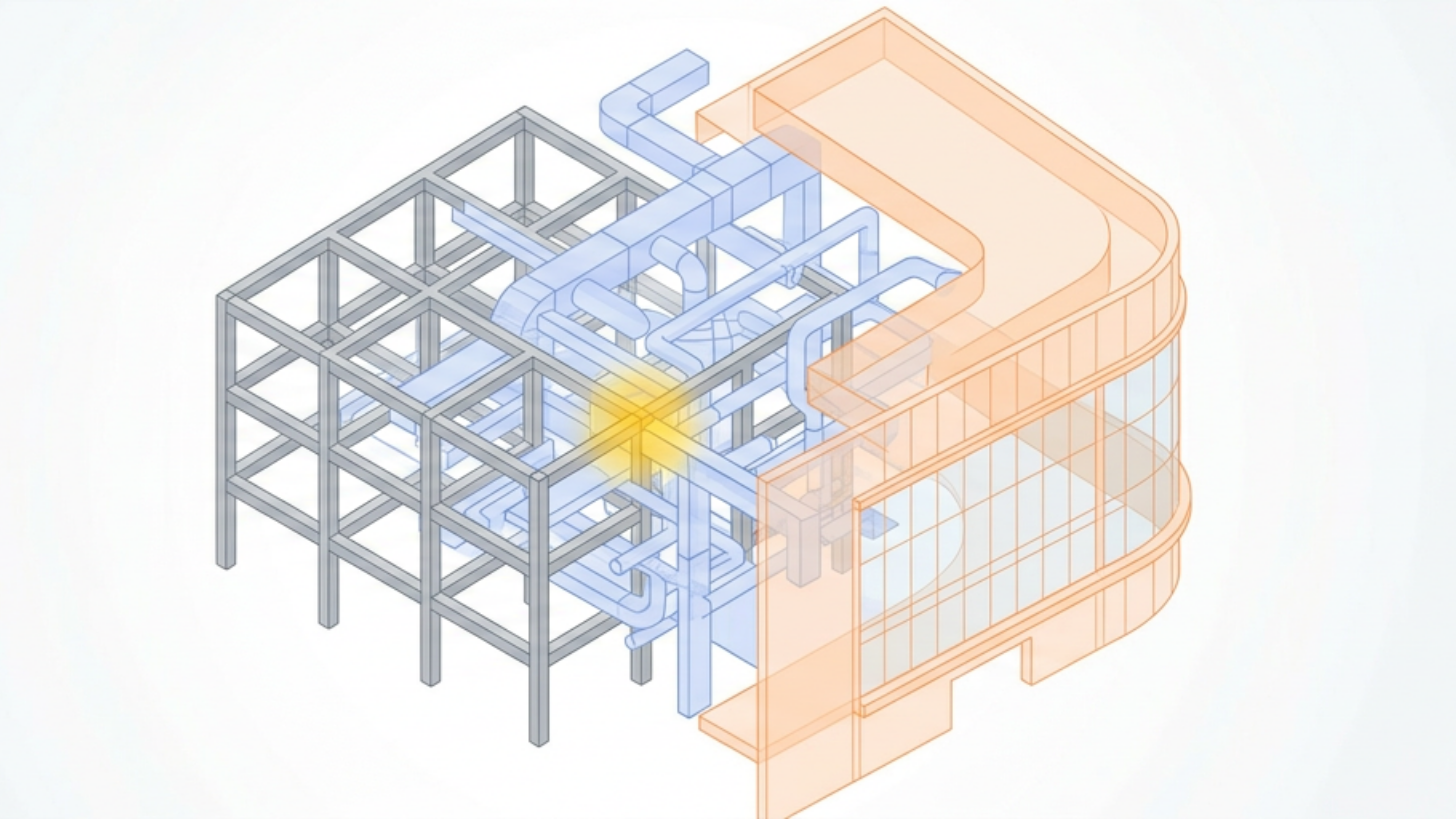
Coordinate Critical Parts of Interdependent Designs
Discover how to bring together selected design information, investigate clashes, and resolve coordination issues across applications—without repeatedly exchanging entire models.
A duct crosses a structural beam. A new piece of equipment blocks maintenance access. A revised road elevation affects a building entrance.
These issues involve different teams, different models, and often different design applications.
But what happens when an important change appears between scheduled coordination reviews?
Autodesk Data Exchange helps teams coordinate critical parts of their designs as work progresses, without waiting for the next full model federation.
Coordinate what matters, when it matters
Traditional BIM coordination often involves collecting and combining entire models from multiple disciplines.
These models can be large, and coordinating them takes time. By the next review, some of the information may already have changed.
With Autodesk Data Exchange, teams can share a part of their models—selected 3D geometry and supported properties relevant to a specific coordination task.
For example, instead of sending an entire structural model, an engineer can share the framing around a critical service opening. The coordination team can review that geometry alongside the mechanical design.
When the source model changes, its exchange can be updated, making the revised information available for another check.
Review the latest steel, not last week's export
Update appears
Steel is revised in Tekla and the exchange updates.
Load the latest
Only the changed steel updates when you load the latest.
Rerun clashes
Your existing Clash Detective tests run on the new model.
Send clashes back without sending the file
Create an exchange from a Navisworks selection or set that contains only the clashing elements. The modeling team loads it and sees exactly what needs to change, without opening the Navisworks file.
From model to coordination in four steps
-
Identify what needs attention. Choose the geometry and properties that affect other disciplines, such as structural openings, service routes, equipment, or utility crossings.
-
Create a focused Data Exchange. There are two ways to do it:
-
From your design application: Install the Data Exchange connector plugin for your specific application—Revit, Navisworks, Rhino, Tekla Structures, Inventor, or another supported application. Share the selected geometry and supported properties from your model.
-
Directly in Forma: Create an exchange from supported Revit, IFC, or Civil 3D files in Autodesk Forma Data Management, without opening the original design application.
-
-
Bring the designs together. Load the exchanges alongside other project models in Navisworks Manage or Autodesk Model Coordination. Review the shared geometry and investigate potential clashes using supported coordination tools.
-
Resolve and review. The responsible team updates its original design and shares the revised exchange. Load the latest information and check whether the issue has been resolved.
For supported cloud connectors, a new version of the same source file in Forma automatically updates its exchange. Navisworks users still need to load or refresh the latest exchange.
What could your team achieve?
Catch critical issues earlier. Check structural openings, service routes, and equipment clearances before the next complete model federation.
Coordinate designs from different applications. Bring focused information from Revit, Rhino, Tekla Structures, Inventor, IFC, and other supported sources into a shared coordination environment.
Share more than a clash screenshot. With the Data Exchange Connector for Navisworks, share affected geometry and surrounding context so designers can understand an issue in 3D.
Explore automatic clash detection. Autodesk Model Coordination supports automatic clash detection for Data Exchanges created with supported Revit and Inventor connectors. Other exchanges can participate in model aggregation, while clash-detection support depends on their source.
Resolve issues before they become rework
Coordination doesn't have to wait until every discipline is ready to publish its complete model.
Start with a critical interface. Share the relevant design information, review it together, and keep the exchange updated as the design evolves.
Better coordination starts with sharing the right information at the right time
Install the Data Exchange connector for Navisworks Manage, or add exchanges to a Model Coordination space in Forma.