
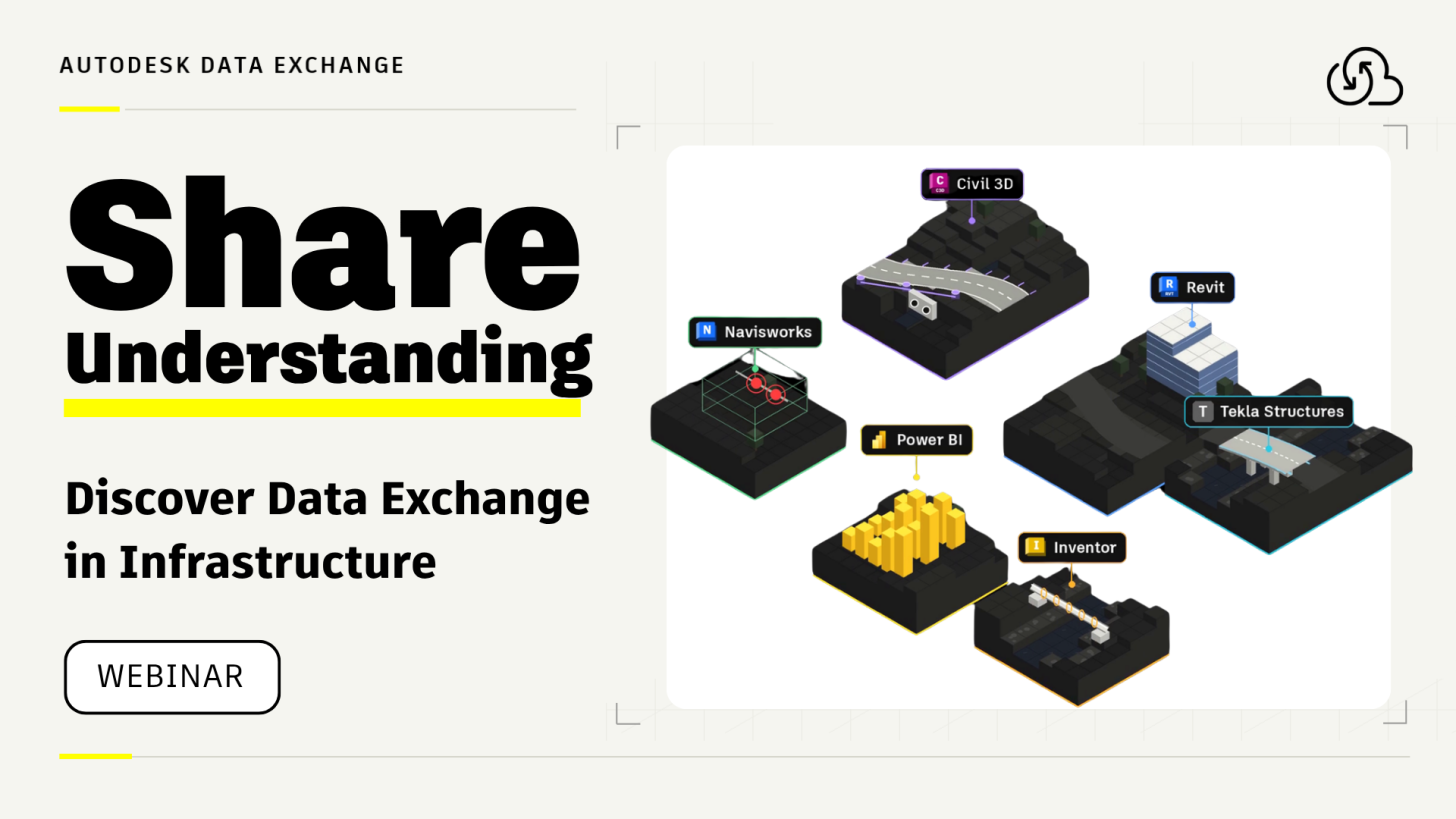
Working on infrastructure projects? Discover how Autodesk Data Exchange helps teams connect Civil 3D, Revit, and other tools while keeping shared design information up to date. Join our upcoming webinar to see how it works.
Infrastructure projects bring together many people, disciplines, and software tools. Civil engineers design roads and utilities in Autodesk Civil 3D. Structural engineers work on bridges and stations in Revit. Other teams use tools such as Tekla Structures, Navisworks, and Power BI.
But what happens when one team needs information from another?
Too often, the answer is to export and share an entire model, even when only a small part is needed.
That can mean large files, extra coordination work, and uncertainty about whether everyone is using the latest design. And when that design changes, the process often starts all over again.
What if every team could access an up-to-date reference to exactly what they need in the tools they already use—without repeating the export process every time?
That's the idea behind Autodesk Data Exchange, and it's exactly what we'll explore in our upcoming webinar.
What is Autodesk Data Exchange?
Autodesk Data Exchange is a cloud-based way to share selected parts of a design—such as road corridors, terrain, utilities, or structural elements—between different applications.
Instead of exporting an entire project model, teams can create a Data Exchange containing only the geometry and properties relevant to a particular task.
Imagine an infrastructure project. A bridge engineer needs the road alignment and terrain around an abutment. A steel detailer needs the geometry where the bridge meets the road. Meanwhile, a project manager wants to explore quantities and construction progress in Power BI.
They're all working on the same project, but each needs something different, in a different tool.
With Autodesk Data Exchange, each team can bring the relevant parts of the design into a connected application, without having to work in the software where the original model was created.
And when the original design changes, the exchange can be updated too. The shared information doesn't have to remain a static snapshot. Exchanges created from files in Autodesk Forma can even update automatically when a new version of the source file is uploaded. Other teams can then load the latest version in their own tools, without going through the export-and-import process again.
This makes it easier to keep references current as a project develops, while giving each team the freedom to work in the tools they know best.
Join our webinar: One Project, Many Tools
Curious to see how these workflows work in practice?
Join our upcoming webinar, “One Project, Many Tools: Discover Autodesk Data Exchange in Infrastructure.”
We'll walk through the basics of Autodesk Data Exchange, explore practical infrastructure use cases, and show how organizations are already applying these workflows to real projects.
What you'll learn:
-
What Autodesk Data Exchange is and how it works.
-
How to share relevant Civil 3D design information with Revit and other applications.
-
How shared design information can be updated as projects evolve.
-
How Data Exchange helps teams coordinate across different tools and disciplines.
-
How to use model information in Power BI for reporting, quantities, and project insights.
-
How organizations such as Kiewit, COWI, and Deutsche Bahn are using Data Exchange.
-
How to get started with your first Data Exchange workflow.
Whether you're a civil engineer, BIM coordinator, structural designer, digital delivery specialist, or simply curious about better ways to connect project information, this session is for you.
No previous experience with Autodesk Data Exchange is required.
Ready to connect your infrastructure workflows?
Join us live!
Wednesday, November 4, 2026 | 4:00 PM CET (10:00 AM EST / 7:00 AM PST)
Join us for One Project, Many Tools: Discover Autodesk Data Exchange in Infrastructure to explore practical interoperability workflows, including Civil 3D and the latest Data Exchange connector updates.
Register now to save your spot!
We look forward to seeing you there!