
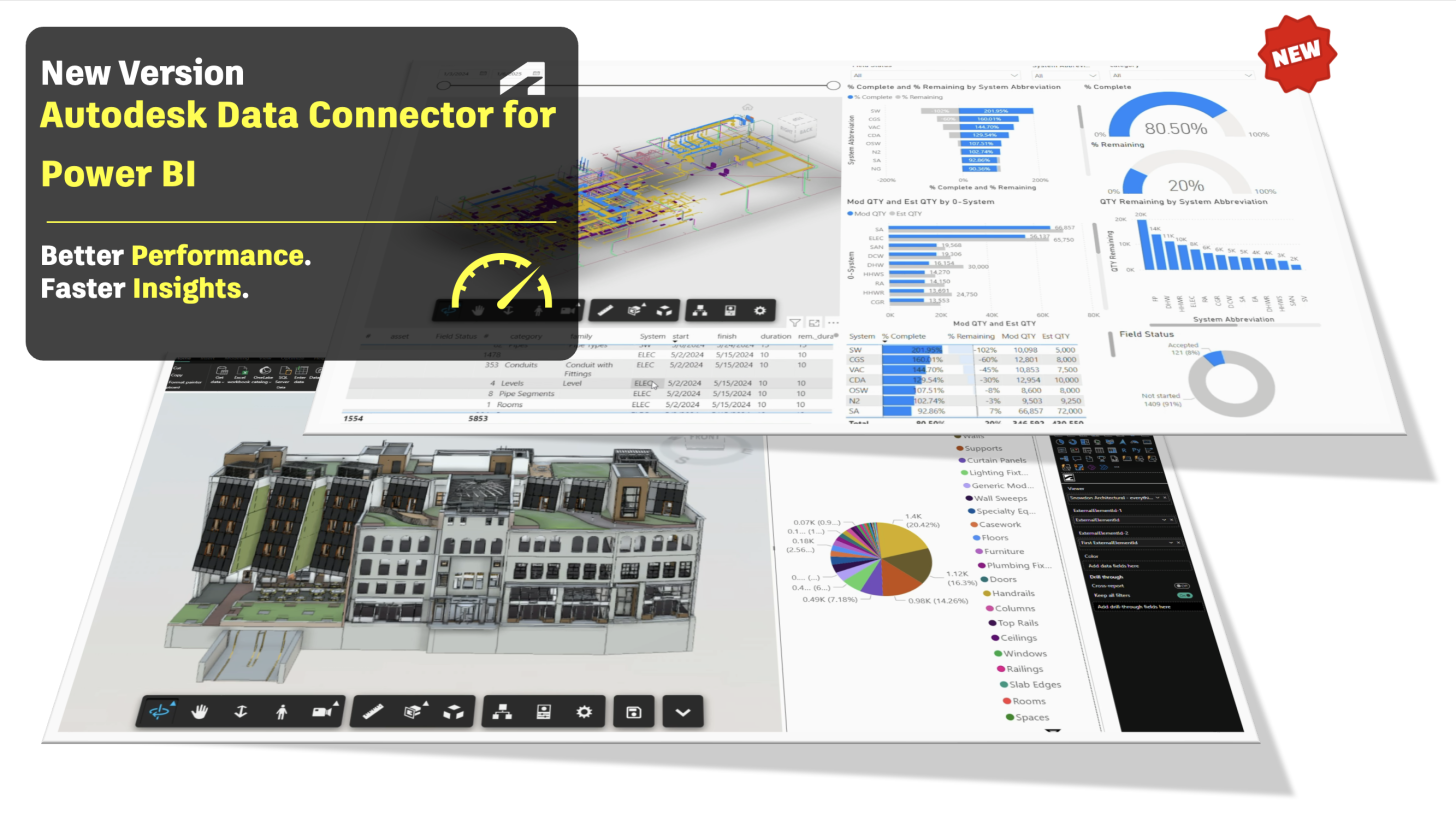
We are excited to announce the release of Autodesk Data Connector for Power BI version 3.0.0, delivering faster model loading, seamless Viewer visual interactions, persistent dashboard experiences, and expanded support for federated models.
This release is designed to help architecture, engineering, construction, and manufacturing teams explore their Autodesk data more efficiently and build richer, more intuitive Power BI reports.
What’s new in version 3.0.0?
-
Improved load times for large models - Complex models with large number of elements load faster and un-interrupted.
-
Seamless Viewer interaction - The Autodesk Viewer visual interacts more seamlessly with Power BI filters, highlighting, and colouring; creating a more connected experience between the report and the 3D model.
-
Viewer settings persist between report pages - Settings applied to the Autodesk Viewer visual persist when users switch between Power BI report pages or dashboards.
-
Filters persist between report pages - Applied filters also persist as users navigate between pages and dashboards.
-
Support for federated models with specified coordinates - Version 3.0.0 adds support for federated models that use specified coordinates. Previous version of the connector supported the ability to align exchanges based on their origins, the latest release expands this capability by supporting federated models whose positioning is defined through specified coordinates. This is especially valuable for multidisciplinary projects in which architectural, structural, mechanical, or other model data must be reviewed together.
-
Regional availability - Connector is supported in all available in Forma regions.
Before you start exploring update your Data Exchange and Viewer visual
To take advantage of the performance improvements and new capabilities introduced in version 3.0.0, complete the following steps:
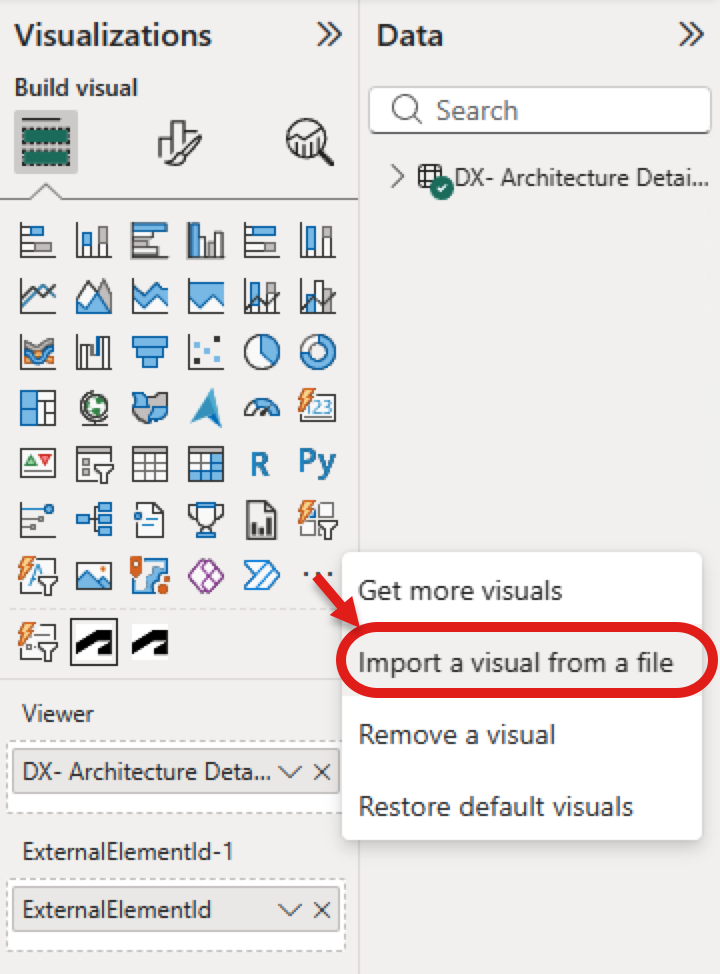
- Update your viewer visual to the latest version - please note that the visual in the Microsoft AppSource will be updated in the next 2 weeks; however the visual is also installed with the connector and can be loaded from the following path: %USERPROFILE%\Documents\Power BI Desktop\Custom Visuals
-
Ideally, update the Data Exchange used by the report to ensure it is processed using the latest connector capabilities.
Existing dashboards that continue to use an older Data Exchange or Viewer visual may not benefit from the full performance improvements.
A faster, more connected reporting experience
Autodesk Data Connector for Power BI 3.0.0 brings together performance, usability, and a more seamless reporting experience. By using the newly introduced features, teams can spend less time in configuring reports and more time uncovering meaningful insights from their model data.
Download the Autodesk Data Connector for Power BI 3.0.0. from App Store and explore the Autodesk Data Connector for Power BI Documentation to get started.
More information and relevant links
👉 Data Exchange | Autodesk Platform Services
👉 Autodesk Data Exchange | Linktree