

Introduction
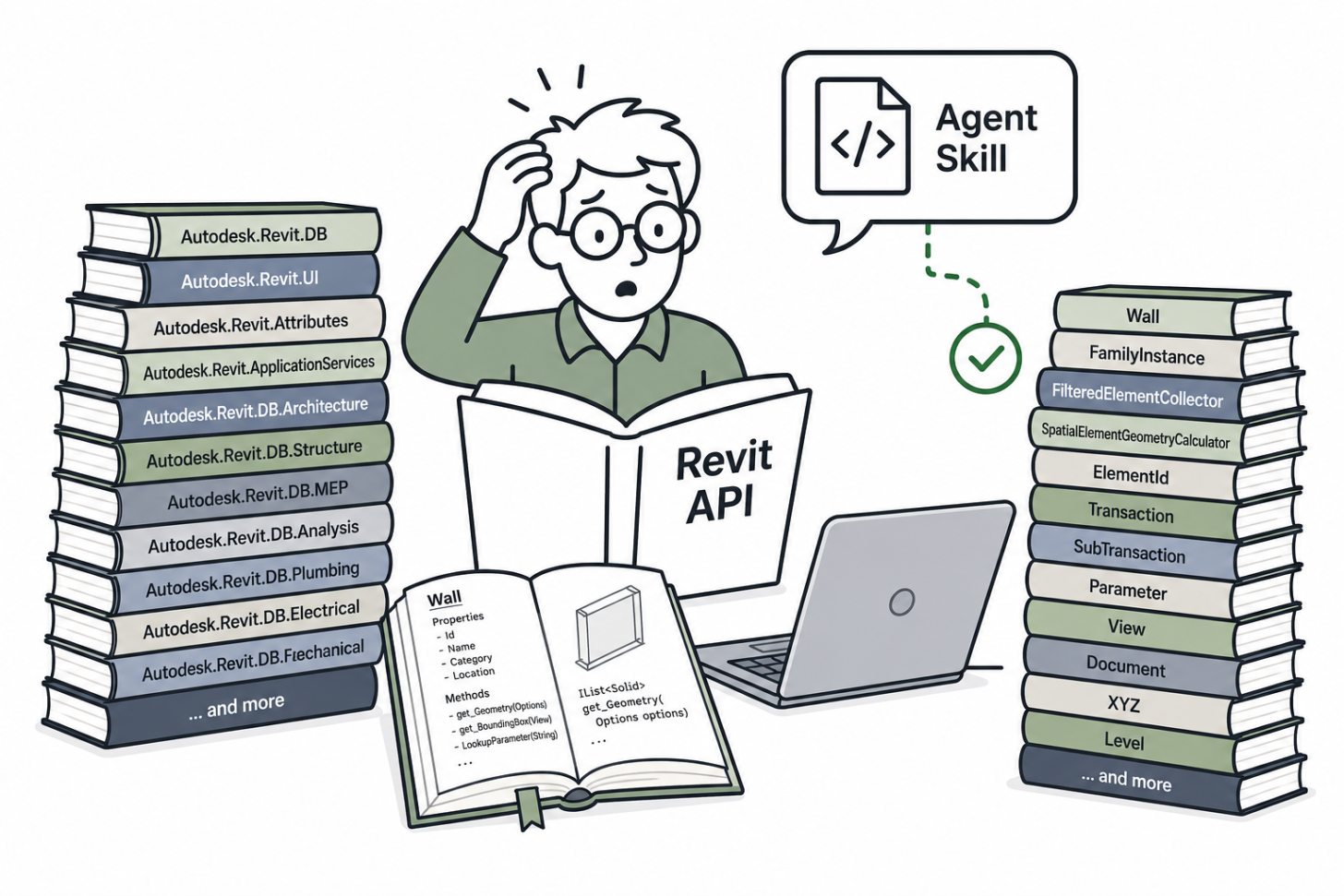
If you have ever watched Cursor or Claude Code guess its way through a Revit add-in, you know the pain. The agent knows what a Wall is. It might even remember FilteredElementCollector. But ask it to use SpatialElementGeometryCalculator or FamilyInstance.GetSubComponentIds and it might make up methods that do not exist. It is not the agent's fault. It is a context problem.
The Revit API has 1000+ of classes spread across dozens of namespaces. Way too much for an llms.txt file.
Your agent needs the full API, and the best way to give it the Revit API context is through an Agent Skill.
To generate this skill you can leverage the project from the dll2llm Github repo.
Give AI a Revit API Agent Skill
dll2llm is a small command line tool that reflects any .NET assembly and turns it into a ready to use Agent Skill. Point it at RevitAPI.dll (and RevitAPIUI.dll if you want the UI layer too) and it generates a skill folder with SKILL.md, INDEX.md, and topic Markdown files organized by namespace. Large namespaces get split alphabetically so nothing overwhelms the context window.
Watch this short walkthrough to see the full flow from pointing dll2llm at a Revit install directory to a working skill folder ready for your agent.
Why a Skill Beats Copy Paste
We wrote about this in Your Agent Just Learned to Code APS.
You chat with an AI in a browser, copy a block of code, paste it into your IDE, realize it is wrong, go back to the chat, copy again. It is tedious and the agent never gets the full picture.
A skill can improve this workflow. Install it once, and your agent carries the entire API in its back pocket without overloading the context window.
And just like showed in One Skill, One Lisp, One Automation, the right context unlocks decades of logic. A Revit API skill gives your agent the same superpower. It can reason across the full .NET surface, not just the parts it half remembers.
Using your new Skill to build a Revit Plugin
Once the skill is installed, your agent now knows the difference between ElementId and Element. It knows when to use Transaction versus SubTransaction. It can navigate the Autodesk.Revit.DB namespace without hallucinating.
This walkthrough shows the skill in action.
Conclusion
The Revit API is too big to leave to guesswork, and too important to copy paste one snippet at a time.
Clone dll2llm, install it, point to your DLL, and generate the skill that will provide the API context to your agents.
Tip: dll2llm's output organizes types by namespace, not by use case. You could also consider running the generated skill through an AI to categorize namespaces/classes/etc. based on use cases, which can make it easier for an agent to find the right type for a given task.
For more on building with AI and Autodesk Platform Services, check out aps.autodesk.com/topics/ai.
And if you're going to AU this year, don't miss my talk about Agent Skills:
CS2138 | Skills to Pay the Bills: Creating Claude Skills for Autodesk Workflows