
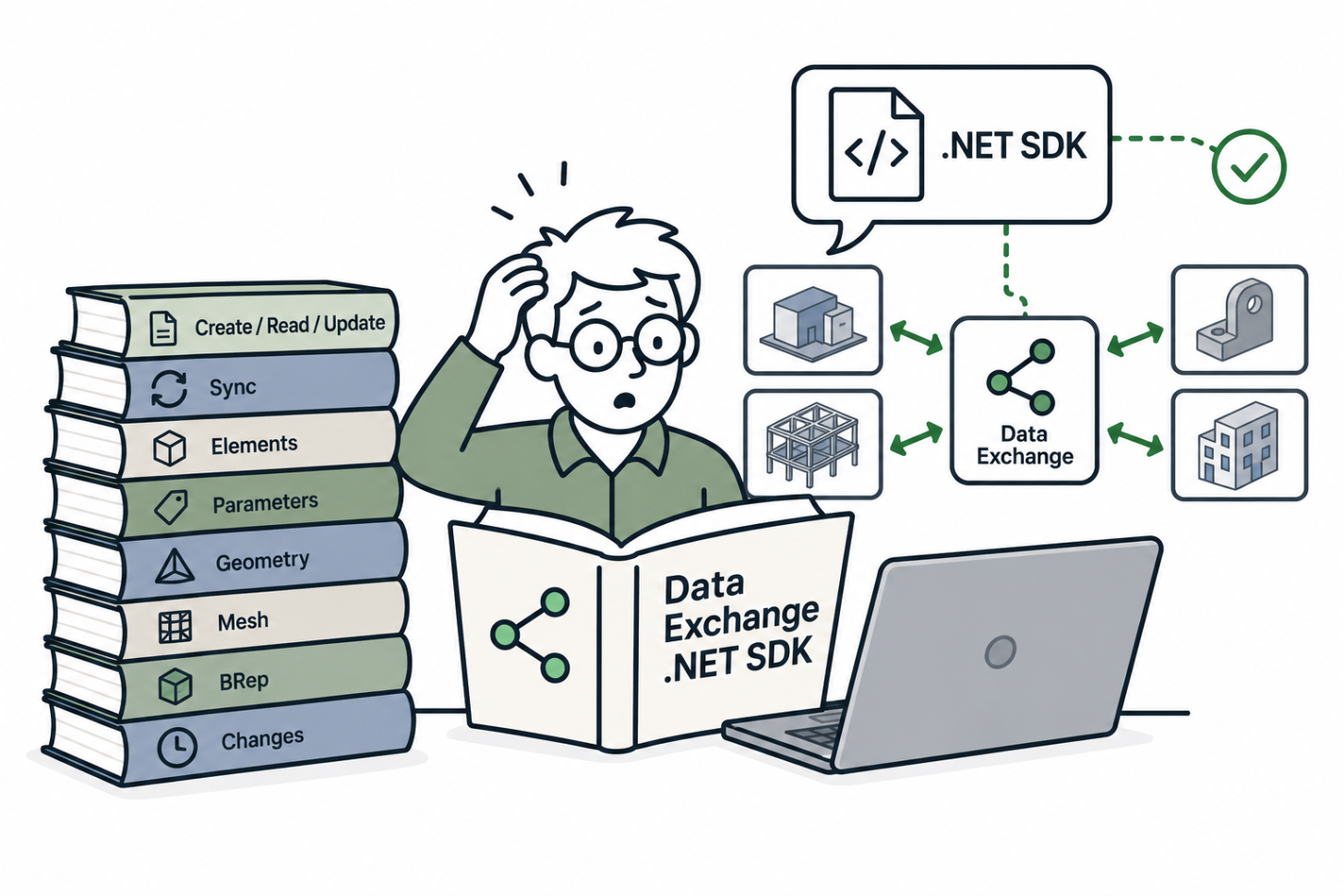
Introduction
Ask an agent to write a Data Exchange connector and it might generate code compatible with the wrong version, or even hallucinate classes and methods that don’t exist.
It’s not the agent’s fault. The Data Exchange .NET SDK moved fast, so the model tends to point to an outdated reference.
In Let AI Write Your Revit Code we used dll2llm to turn RevitAPI.dll into an Agent Skill. In this blog post you’ll see the same tool applied to the Data Exchange SDK, and a connector built with the resulting skill.
Prerequisites
- The Data Exchange .NET SDK.
- dll2llm cloned and built.
- An agent that supports Agent Skills.
How to Generate your Skill
Point dll2llm to the Data Exchange dll.
It generates a skill folder with SKILL.md, INDEX.md and one Markdown file per namespace (Autodesk.DataExchange.DataModels, Autodesk.DataExchange.Core, Autodesk.DataExchange.ContractProvider...).
Install it and your agent reads the current SDK surface instead of the one it remembers.
When a new SDK version comes out, run it again pointing to the new version.
Build a connector with it
With the skill installed, the agent knows how to wrap the exchange, add elements with geometry, and set their parameters.”
The same skill covers the read side, so it works whether you’re publishing exchanges from your app or consuming ones published from Revit or Inventor.
The video below shows the skill in action building one sample connector:
Creating an Exchange from a Viewer custom geometry.
Conclusion
The Data Exchange SDK changes too fast to rely on what the agent remembers. A reflected skill keeps it current with one command.
Tip: dll2llm organizes by namespace, and connector code crosses namespaces all the time. Consider asking an AI to regroup the generated files by task (create exchange, add geometry, read parameters, sync) so the agent finds the right type faster. You can also add the relevant content from the documentation including references.
Give it a try, and let us know what you build with it.