


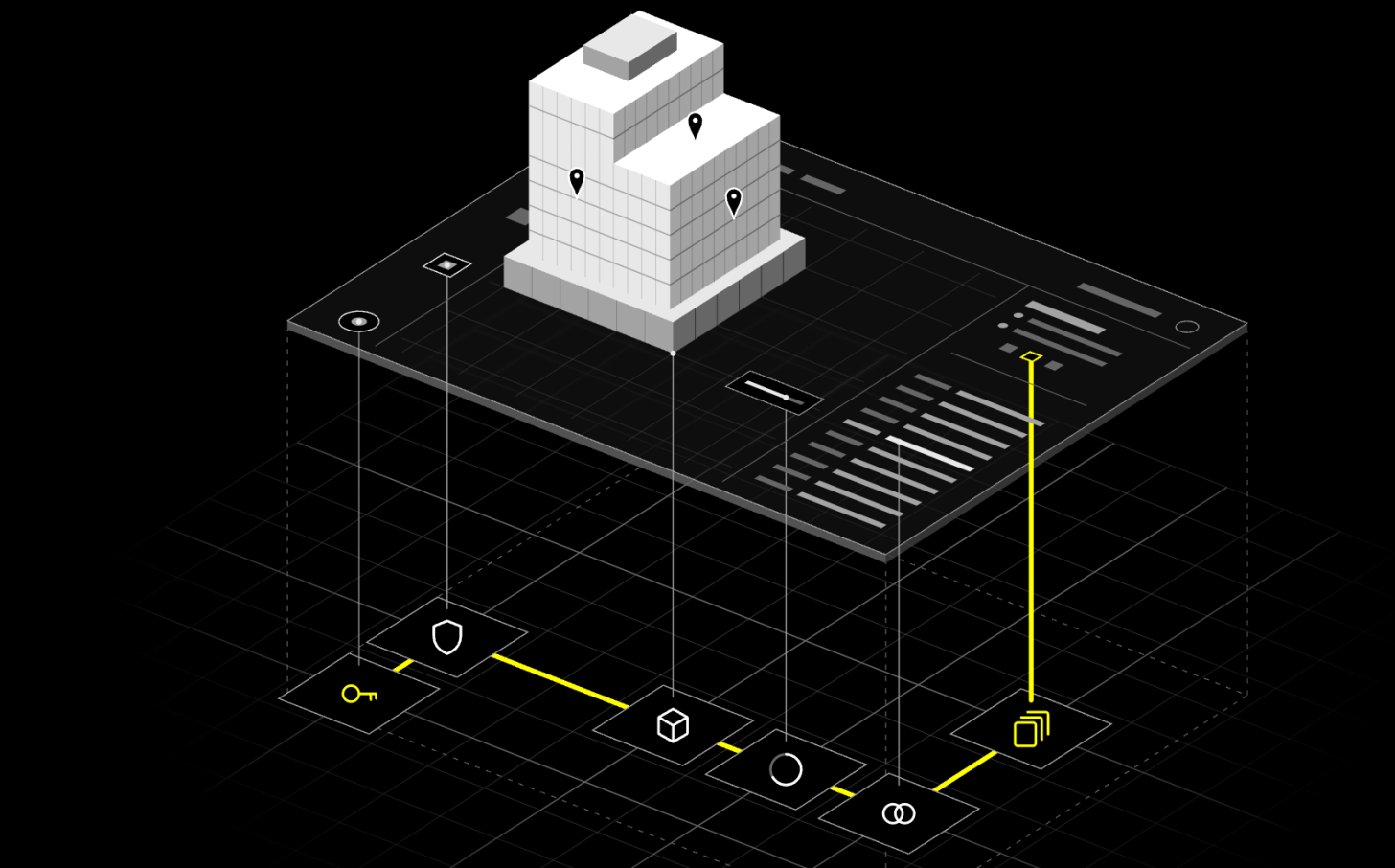
Autodesk AI brings connected intelligence into Design & Make workflows to help teams make better decisions and get work done. But what does this mean for developers? How does Autodesk AI change how they work? Let’s explore. Picture a developer leaving a project meeting with a simple request such as, could we see the 3D model and properties of our asset with the project's open issues in one view, so the team does not have to keep jumping between systems? Now, with Autodesk MCP servers, a developer can open an AI coding tool, describe the outcome, and soon a solution appears, with the model on one side, floating parameters block and the issues beside it. A workflow that once sounded like a small software project now looks almost finished.
As the solution's UI takes shape, a second, less visible build is happening underneath. The AI coding tool is translating a human outcome into a chain of platform decisions such as how the user should authenticate, which permissions the app needs, which Autodesk Platform Services (APS) capabilities and APIs can prepare the model to be displayed in 3D, how model and issue data should be connected, how to provide parameter extraction and model interactivity, when does the asynchronous model translation completes, and whether there are more results to retrieve. The AI coding tool is not just assembling code but is also proposing how the application is designed and how it will use the platform.
That is where the speed of AI-assisted development meets a new responsibility for platforms. If the AI coding tool cannot understand the platform's capabilities, dependencies, constraints, and supported patterns, at the point when it is making platform decisions, the AI coding tool has to infer them from public documentation, samples, and whatever context happens to be available. A prototype may still look right while its foundation could be wrong.
To support this new way of building with AI, we are evolving Autodesk Platform Services to become AI-ready, not by changing what its APIs do, but by making this expertise readily available and understandable to the AI coding tool as it makes the technical solution design decisions.
AI coding tools can turn intent into a convincing first build. The harder challenge is giving them the platform judgment to make the right choices underneath it.
The hard part moved. It did not disappear.
Traditionally, experienced developers have built the knowledge of the platform over time by using and experimenting on the platform without any help from AI assisted coding. They read documentation, compared services, tested calls, and built a mental model before or alongside the code generation effort.
AI coding tools have compressed that sequence. A developer is not required to learn the platform from the ground up, but can now simply begin by describing an outcome, and the AI coding tool proposes both the implementation and the platform approach as it generates the code and builds the solution. The shift is not simply that code arrives faster, but that platform judgment now happens inside the conversation between the developer and the AI coding tool.
When an AI coding tool selects an authentication flow, combines services, or decides an integration pattern, it is not merely writing syntax but actively architecting the solution. This raises a simple question, if an AI coding tool can architect a solution and produce its first build without the developer requiring to know the platform well, then who guides the AI coding tool's platform choices? Maybe the answer lies in making the platform intelligent enough so that it can provide that guidance to AI while the app is being built.
The platform must enter the conversation
For that to happen, developer platforms need to evolve how they share expertise. They have traditionally communicated through two main interfaces, i.e. APIs for software and documentation for people. Documentation can tell that an endpoint exists. The new challenge is helping an AI coding environment understand when to use it, what must happen first, how it works with other capabilities, and what the developer still needs to test. This has now raised a requirement for a third interface, i.e. platform expertise curated in a way that an AI coding tool can use it with context at the moment it is choosing a solution design approach.
That does not mean giving the AI coding tool more pages to read. It means helping the AI coding tool understand which capability fits the outcome, what must happen before the next step, which permissions and constraints apply, how capabilities work together, and what the developer should inspect before trusting the result. This is the difference between knowing that an endpoint exists and understanding how to build correctly on a platform with that endpoint.
An AI-ready platform should also make the AI coding tool’s choices visible. Developers need to see why a service was selected, what assumptions were made, what still needs to be tested, and which sources were consulted, including APS guidance and documentation. The tool proposes, and the developer reviews, tests, and decides. That is how developers stay in control and remain accountable for what ultimately ships.
Bringing APS expertise into the build
At Autodesk, we are evolving APS into an AI-native experience that builds with developers, not only offering tools they can build on. APS Workflow MCP is our first step. It is designed to bring Autodesk-authored APS guidance into supported AI coding environments while an application is being planned, designed and built. Rather than relying only on what the model already knows, the coding environment can retrieve relevant capabilities, prerequisites, access requirements, supported patterns, and constraints when they matter.
It should be able to draw on the platform's own expertise while the application is taking shape. Imagine starting with the outcome you want, then having the AI coding tool use the APS connector to search and bring forward the relevant APS capabilities, understand how they depend on one another, surface the assumptions that matter, and show the choices it is making. APS Workflow MCP is our first step toward putting that expertise into the coding conversation.
APS Workflow MCP is in development, and this is a good time to help shape it: sign up for the private beta.
This is one part of our broader AI-native APS vision focused on shortening the path from idea to outcome without giving up context, control, or trust.
From a convincing prototype to a dependable application
Back in the project meeting, the developer returns with a solution that renders the 3D model, exposes its properties, and shows open issues beside it. The prototype proves that the idea can work. The real test starts when the prototype meets a larger model, incomplete data, different permissions, and the complexity of a live project. Does the application still work? Is it production-grade?
If you are modernizing an existing APS application or have an idea for a new one, join the APS Workflow MCP private beta and put the AI-assisted APS development experience to the test with a real use case. Help us learn what it takes to move from a convincing prototype to a dependable application.