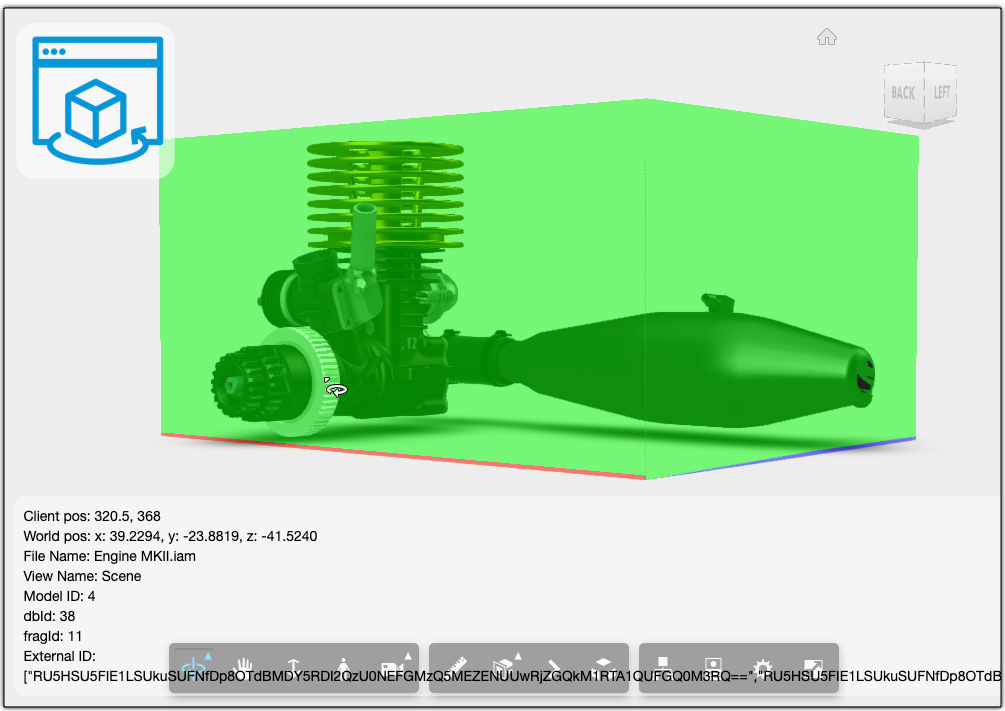
There is a Google Chrome extension available now to help debug your application's Forge Viewer related issues. It's called LMV Developer Tools Kean has just blogged about it and provided a very
Arkance Systems CZ s.r.o.

AEC
Design and Manufacturing
Media and Entertainment
Software Development
LMV Developer Tools

Viewer
Meet a Forge SI: BlackSmithSoft

Forge Systems Integrators were trained by Autodesk experts to provide customers with reliable support resources. These trusted partners have proven track records of helping businesses build software
MOE

AEC
Drag and Drop in Automation API for Inventor sample

I wrote about how to Drag and Drop models into the Viewer, but how could it be done in case of the Automation API for Inventor sample? One thing you'll need to find out is how to access the models

Use custom icons on the Viewer toolbar
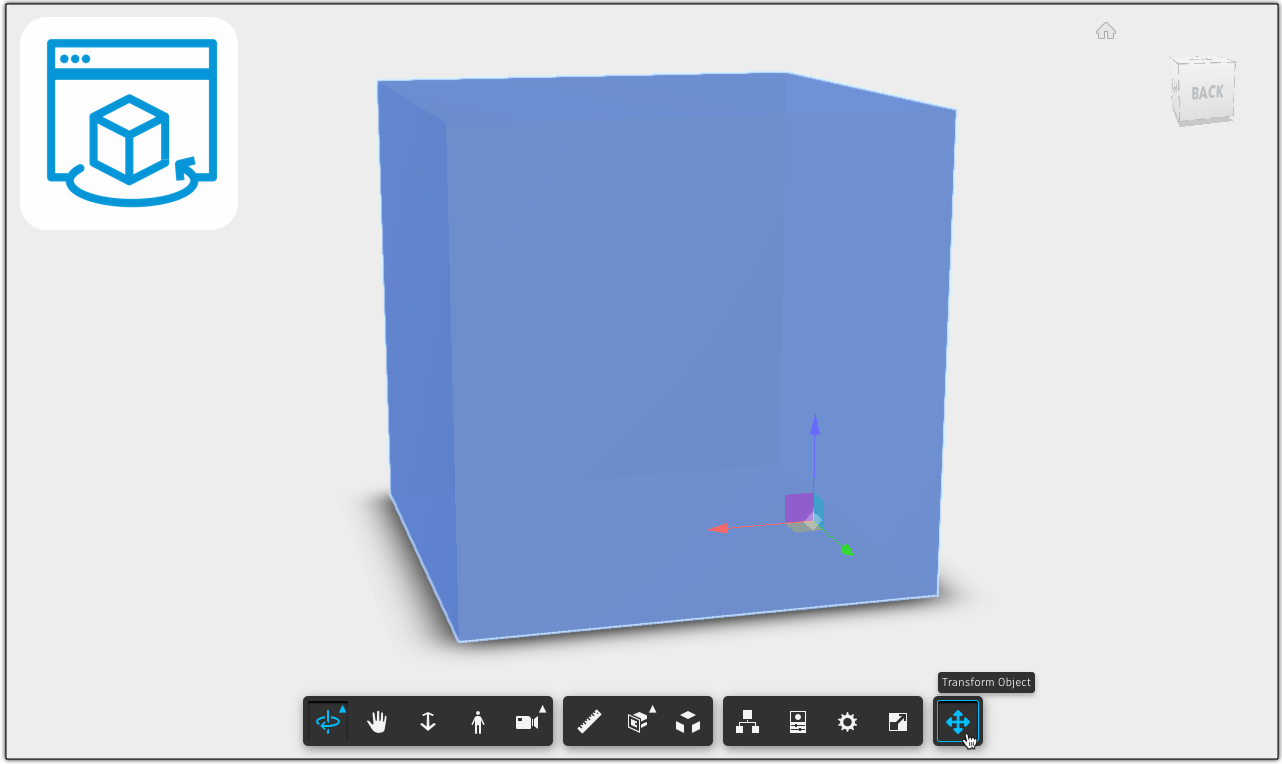
When creating buttons, you can just add an image (png, svg, etc) to it relying on styles in the CSS, as done here as well. One problem is that the blue highlighting when hovering above the button or
Viewer
Forge Community News - February 2021

Want to receive the Forge newsletter? Sign up here to get the latest Forge Community News delivered right to your inbox every month. Here's your February Forge Community News, {{lead.First Name}}
Add Viewer extensions to Automation API for Inventor sample

I have a few articles on the sample application written by our team to help people create their own Configurator 360-like solutions. One question that came up recently was about loading an extension
DevDays Online 2021 recordings

The recordings from the DevDays Online 2021 webinar series are now available! If you weren't able to catch the webinars live, you can watch them at your leisure below. Please note, these webinars were
Forge Success Story Roundup: AEC

The architecture, engineering, and construction (AEC) industry consists of separate players who work together to bring a project to fruition. The Forge platform enables seamless workflows, automated