
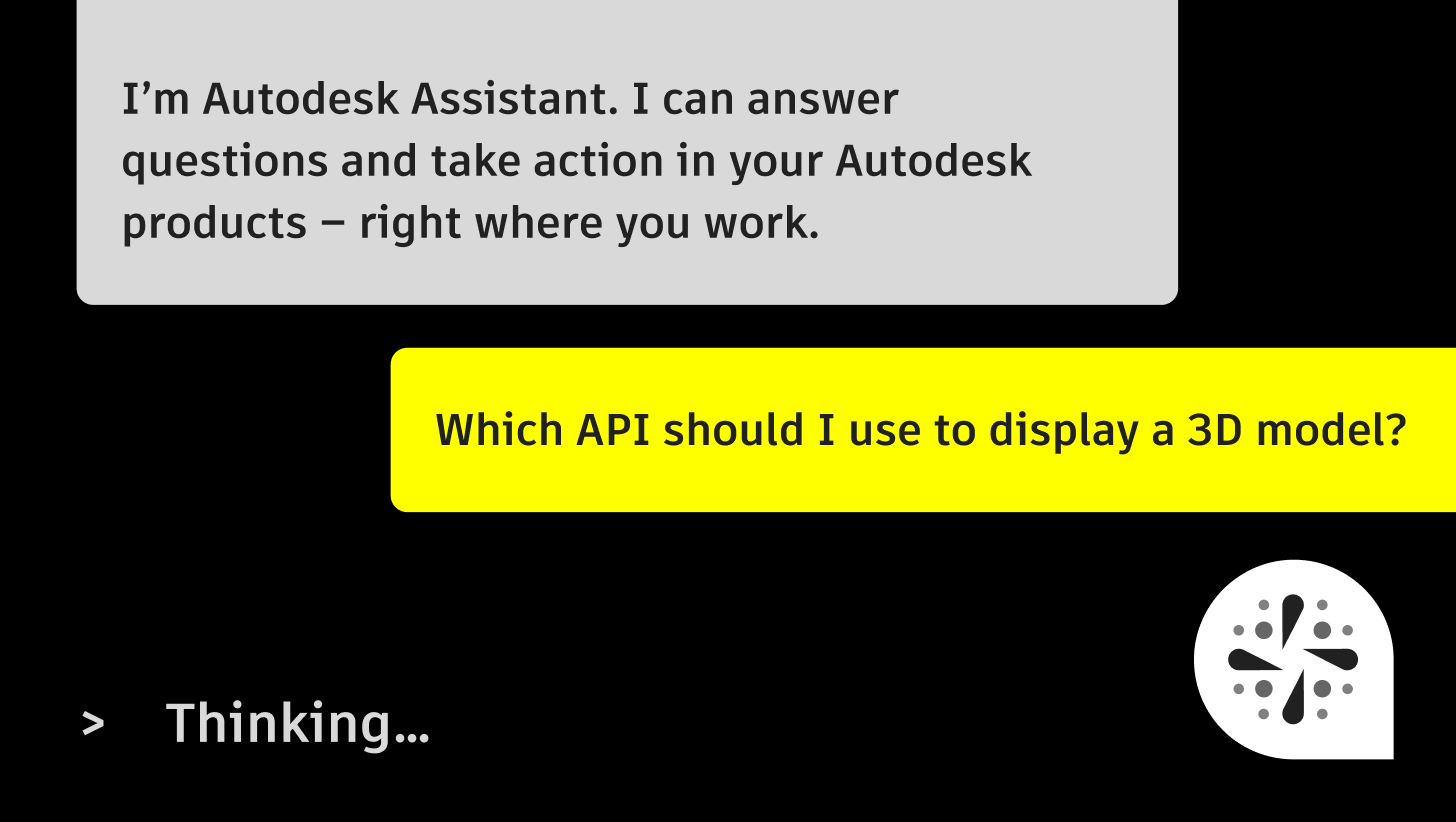
If you’re new to Autodesk Platform Services (APS), the hardest part is often knowing where to start. APS is a set of tools and APIs, the connections that let software share data and tasks. With them, you can view designs, work with model data, automate tasks in Autodesk desktop products, and connect to Autodesk Forma. You don’t need to know all of it before you begin.
Autodesk Assistant on the APS website lets you ask questions in plain language and points you to the APIs and documentation that fit what you’re trying to do. You don’t need to know the right technical term to begin. Start with your goal, and let Assistant help you find the way in.
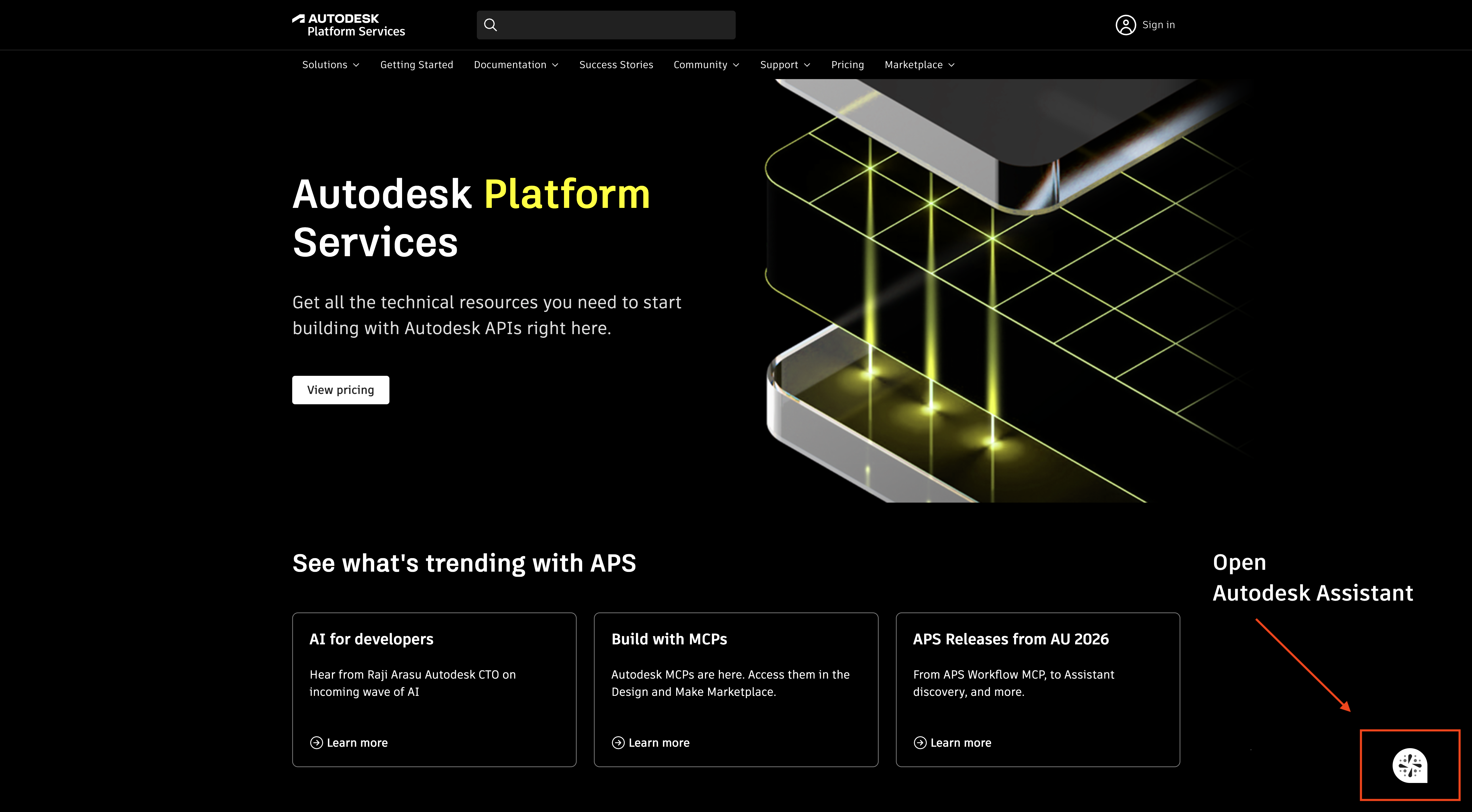
To open Assistant, sign in with your APS account, and then select the Assistant icon in the bottom-right corner of any page on the APS website.
When you’re ready to put APS to work, you’ll also need an APS subscription, even if you start on the free plan.
What can I ask?
Here are the kinds of questions that help you get oriented, with an example for each.
Understand APS
“What is Autodesk Platform Services, and what can I do with it?”
Explore what’s possible
“What can APS do with data from design models?”
“Can I automate tasks in Revit or AutoCAD without opening the desktop app?”
Find the right tool
“What’s the best way to show a 3D model in a web browser?”
Understand concepts
“What’s the difference between two-legged and three-legged authentication?”
“How do hubs, projects, and folders relate to each other?”
Find documentation
“Where can I learn more about the Model Derivative API?”
Plan your first steps
“What should I read first if I want to show data from Forma in a dashboard?”
The winning formula: role, goal, product, ask
The most useful prompts have four parts. Remember them as role, goal, product, ask.
-
Role: Say who you are. Assistant tailors its answers to how you plan to work with APS. If you don’t say, it often asks whether you’re a business user evaluating what’s possible, a builder putting together a workflow without deep coding, or a developer who wants API-level details.
-
Goal: Say what you’re trying to do, in your own words.
-
Product: Name the Autodesk product, file type, or API involved, like Revit, AutoCAD, or Forma. You don’t need to add “APS” to every question, because Assistant already knows you’re asking about APS. The product name is what helps it find the right information.
-
Ask: Say what you want back, like a recommendation, an explanation, or a place to start reading.
Here’s the formula in one prompt:
“I’m a developer. I want to extract metadata from Revit models in a web app. Which API should I look at, and what should I read first?”
-
Role: a developer
-
Goal: extract metadata in a web app
-
Product: Revit models
-
Ask: which API to use, and what to read first
It works the same way if you’re not a developer:
“I’m a BIM manager. I want to pull model data from Revit into a report for my team. What’s possible, and where do I start?”
-
Role: a BIM manager
-
Goal: pull model data into a report
-
Product: Revit models
-
Ask: what’s possible, and where to start
See the formula in action
Here’s how one question gets sharper as you add each part:
Broad: “Tell me about APS.”
There’s no goal or ask, so you’ll get an overview rather than a recommendation.
Better: “What can APS do with model data?”
Adding a goal tells Assistant what kind of data you care about.
Best: “I’m a developer building a web app that needs to read properties from Revit models. Which APIs should I investigate?” Or: “I’m a BIM manager who needs a monthly report from Revit model properties. What can APS do, and where do I start?”
With a role, goal, product, and ask, Assistant can narrow the options to the ones that fit.
Build on an answer
Your first answer is a starting point, not the finish line. Keep the conversation going to get closer to what you need:
-
Answer Assistant’s questions. If it asks about your role or project, a short reply gets you a more tailored answer.
-
Take it up on its offers. Answers often end with a suggestion, like walking through a tutorial step by step or showing the request and response for an API call. Say yes to the ones that fit.
-
Go deeper on one part: “Tell me more about the second option.”
-
Ask about a term you don’t know: “What does three-legged mean?”
-
Compare options: “How is that different from the other option?”
-
Add a detail you left out: “My team also works with AutoCAD files. Does that change your answer?”
-
Ask where to go next: “Which page should I read first?”
Try these prompts
Copy any of these into Assistant, or change the details to match your project and role. Each one includes a role and a goal, so Assistant can start answering right away.
Explore what APS can do
I’m a business user evaluating APS for my team. What is Autodesk Platform Services, and what can we do with it?
Show models in a browser
I’m a developer. Which API should I use to show a 3D model in a web browser?
I’m a project manager. Can my team view 3D models in a web browser without installing software? What would that take?
Work with model data
I’m a developer. I want to extract metadata from Revit models in a web app. Which API should I look at, and what should I read first?
I’m a BIM manager. I want to pull model data from Revit into a report. What’s possible, and where do I start?
Automate design work
I’m a developer. Can I automate tasks in Revit or AutoCAD without opening the desktop app? Where do I start?
I manage design standards for my firm. Can we automate repeat tasks in Revit or AutoCAD, and who would need to set that up?
Connect to Forma projects
I’m a developer. How can my app read and create proposals in a Forma project?
I’m a business analyst. What data from Forma projects could we show in a dashboard, and what should I read first?
Get set up
I’m new to APS and not a developer. What do I need to get started, including account and subscription setup?
I’m a developer and new to APS. What are the first steps to get an app working, including account and subscription setup?
What’s the difference between two-legged and three-legged authentication, and when do I need each one?
Like any AI tool, Assistant can make mistakes. When you find an answer that fits, check the details in the documentation before you act on them.
Try it today
Pick the prompt closest to your project, add your own details, and see where Assistant points you.
Sign in with your APS account, and then select the Assistant icon in the bottom-right corner of any page on the APS website to ask your first question.
For a broader introduction to APS, read the Getting started with APS booklet.