
A few months ago, we introduced the Content Catalog API Public Beta, giving developers programmatic access to browse Content Catalog, retrieve content metadata, and download design assets.
Today, we’re expanding what you can do with the API.
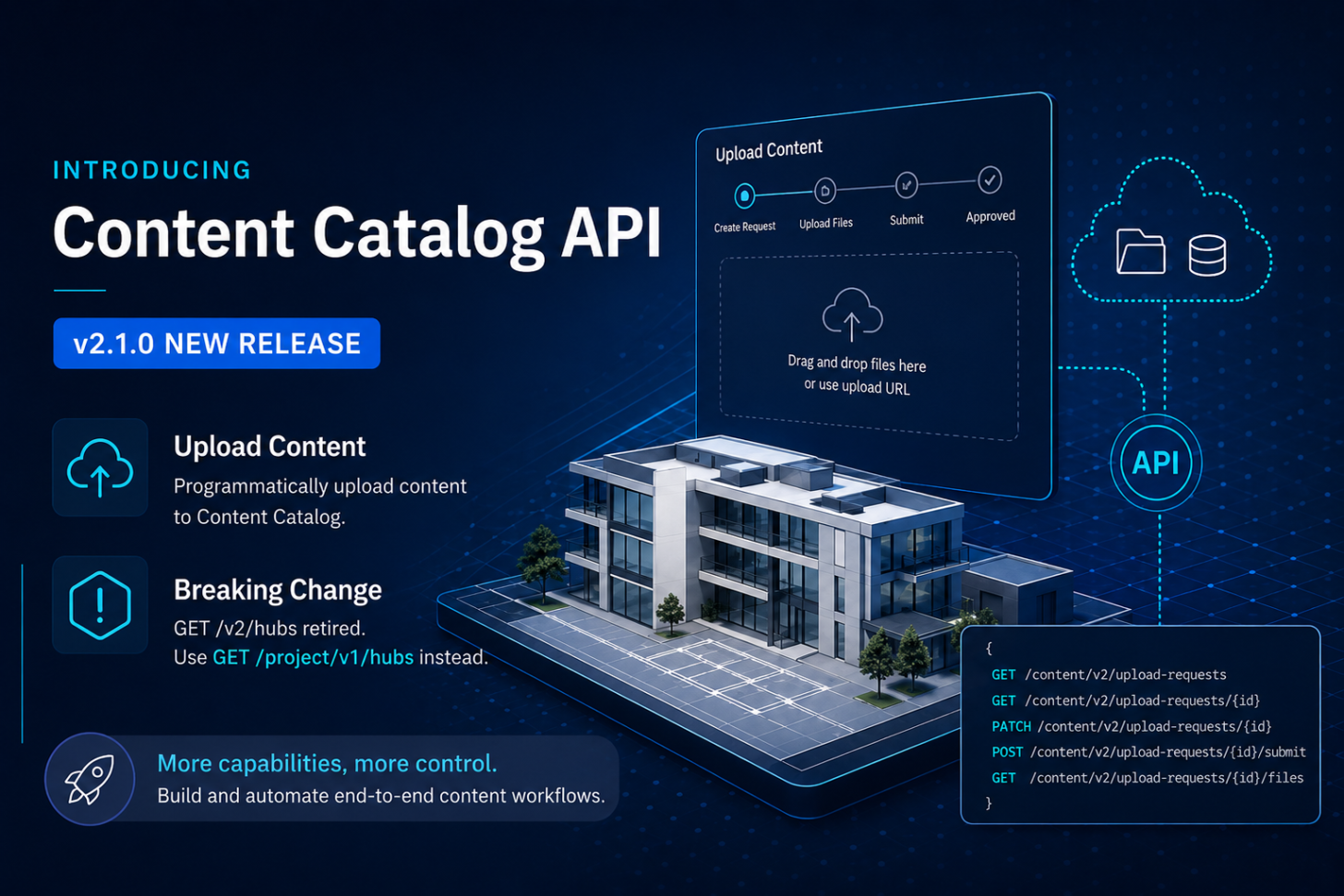
With the release of Content Catalog API v2.1.0, you can now upload content to Content Catalog programmatically. This makes it possible to automate not only how content is consumed, but also how it gets into the catalog in the first place.
Upload content through the API
Until now, the public beta primarily supported read and download workflows. If you wanted to bring new content into Content Catalog, that part of the workflow still had to happen outside the API.
v2.1.0 adds the Content Upload Request APIs to address that.
An upload request acts as a staging area for new content before it becomes part of the catalog. Through the API, an application can create an upload request with information such as the file name, target collections, tags, and revision information, upload the associated files, and then move the request through the Content Catalog approval workflow.
At a high level, the workflow looks like this:
-
Create an upload request with the content metadata and target collection.
-
Get an upload URL for the file or related artifacts.
-
Upload the files using the provided URL.
-
Move the request through the approval workflow.
-
Once approved, the uploaded files are processed and become Content Catalog content.
The API also supports working with pending upload requests, including retrieving and updating them, as well as approving, declining, or canceling requests based on the caller's permissions.
For a complete walkthrough, see the new Upload Content tutorial.
Why this matters
Uploading through the API opens up workflows that were difficult to automate before.
For example, you can build a pipeline that takes content produced or validated by an internal system and sends it directly to Content Catalog for review. A content management tool can prepare files, assign the appropriate collections and metadata, and create upload requests without requiring someone to repeat those steps manually.
It also enables integrations between Content Catalog and existing content creation or management systems. Instead of treating the catalog only as a destination developers can search and download from, applications can now participate in keeping that catalog current.
Together with the existing discovery and download capabilities, you can start building more complete content workflows:
Create or prepare content → Upload → Review and approve → Discover → Download and use
This is an important step toward making Content Catalog a platform that applications can integrate with throughout the content lifecycle.
More capabilities in v2.1.0
Upload Content is the main addition in this release, but v2.1.0 also expands the API surface for managing Content Catalog resources, including additional content management and administration capabilities.
See the Content Catalog API changelog for the full list of changes included in the August 14, 2026 release.
Breaking change: List Hubs endpoint retired
There is one important breaking change in v2.1.0 that existing integrations should be aware of.
The following Content Catalog API endpoint has been retired:
GET /v2/hubs
If your application uses this endpoint to list hubs accessible to the authenticated user, update it to use the APS Project API instead:
GET /project/v1/hubs
Applications that still depend on GET /v2/hubs should migrate to the Project API endpoint before adopting this release.
Getting started
If you already started working with the Content Catalog API during the public beta, review the breaking change above and update any hub-discovery logic that still uses GET /v2/hubs.
You can then start adding the new v2.1.0 capabilities to your integration.
Here are a few useful resources:
The Content Catalog API is still in Public Beta, and we’d like to hear how you’re using it—especially the new upload workflow. If you’re building content pipelines, integrations, or content management tools around the API, please join the feedback portal for Content Catalog API and share your feedback with the product team.
.
There’s more to come as we continue expanding programmatic access to Content Catalog.