

Introduction
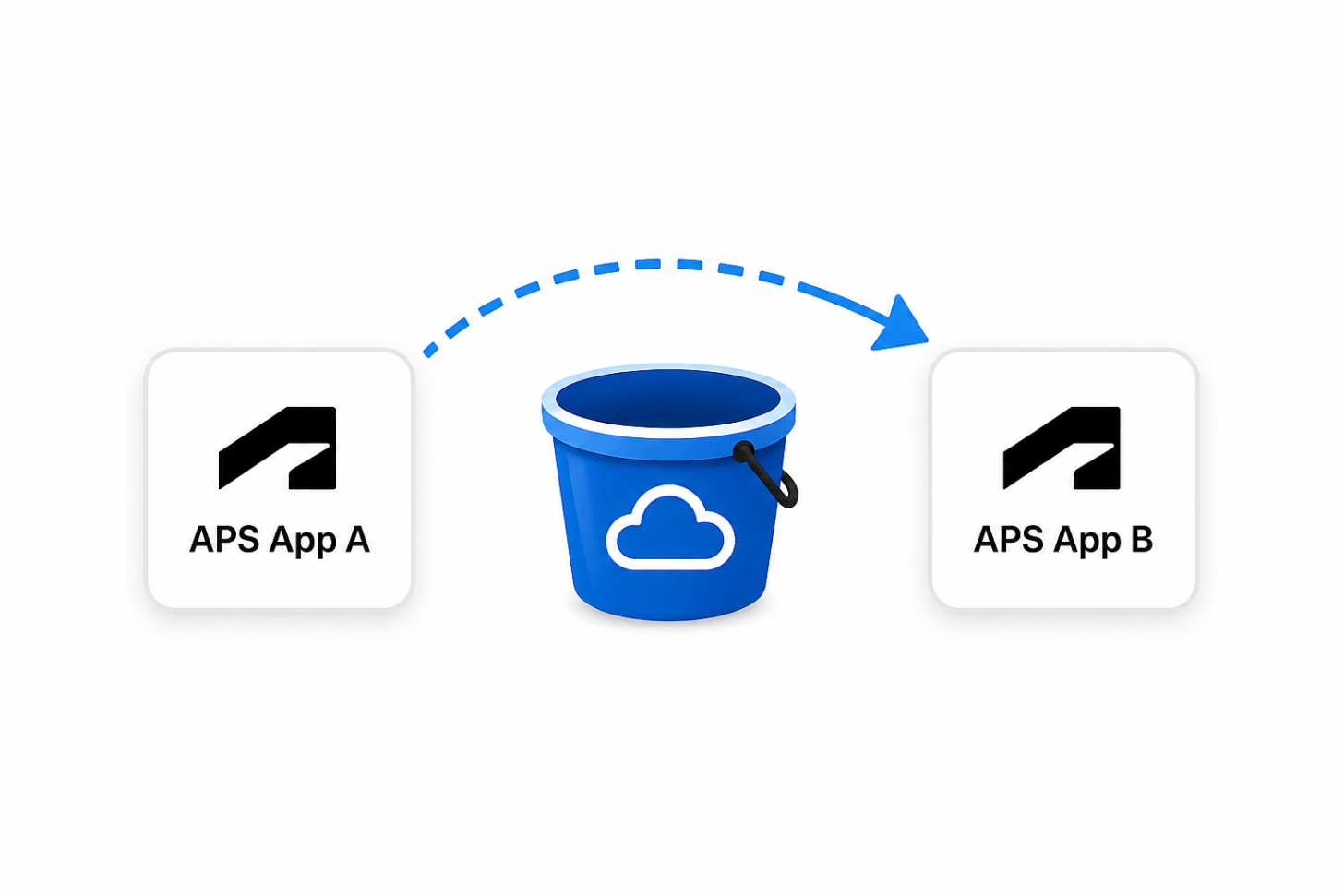
Whenever there are changes in your company, project handover or any other management requirement, you might need to change the ownership of your buckets.
For that, you can now take advantage of the Transfer Bucket Ownership endpoint.
The process
To perform this transfer, there are two processes involved:
- The current owner initiates the transfer.
- The target application accepts the transfer.
In between the steps 1 and 2 the bucket is in a transitional state in which both the current owner and the target application have full ownership privileges and can perform the same bucket operations.
This process can be canceled using the value cancel in the operation and it is also reversible (the ownership can be transferred back to the first owner).
At the end of the process you can use the GET Bucket Details endpoint to confirm who has access to it.
Refer to the documentation with all the details here.
You can find one example workflow going through this process in the video below: