
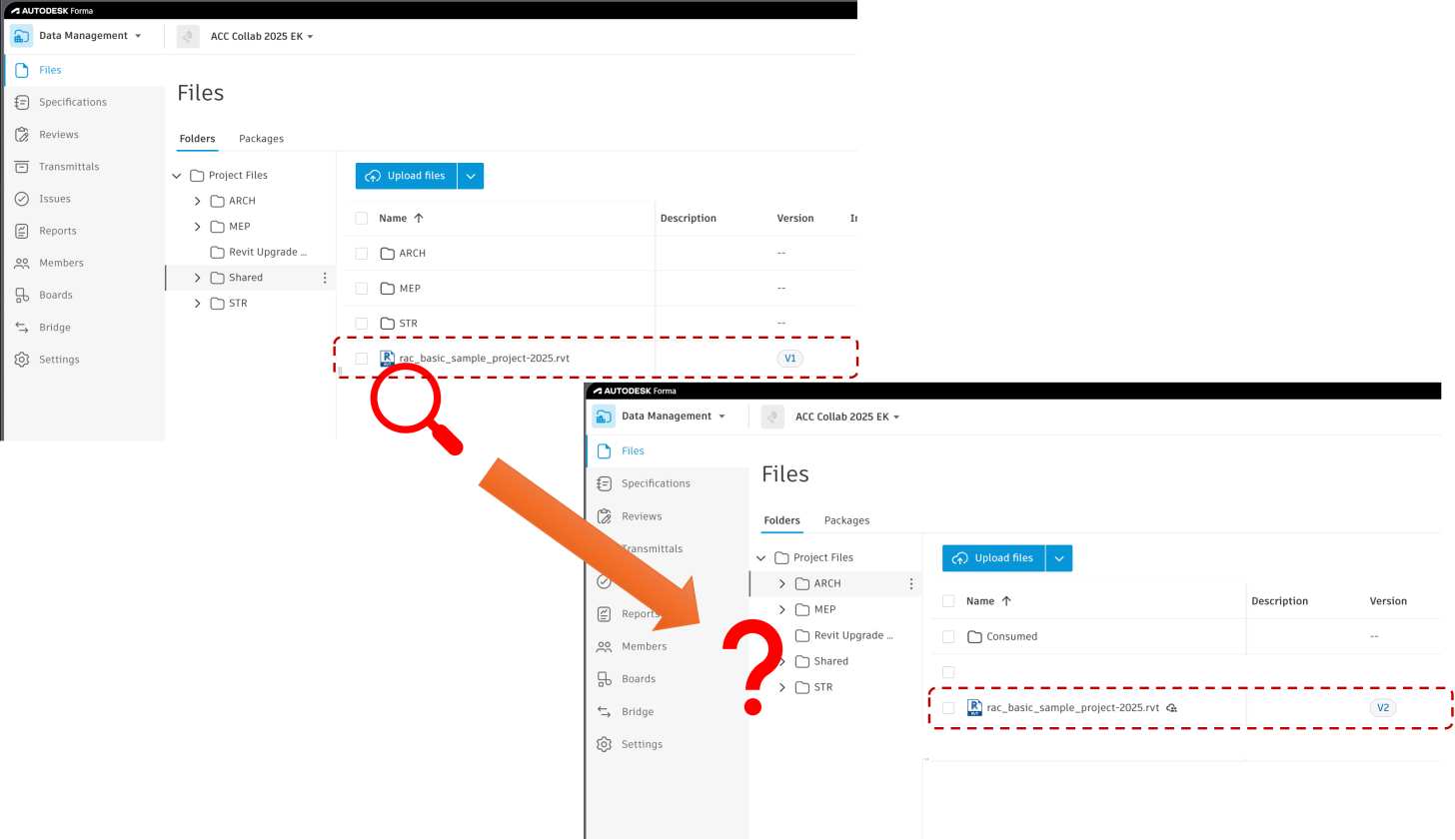
Have you ever copied a Revit cloud model in Forma (formerly ACC) and needed to trace back its original source programmatically? Now, we've got you covered!
Scenario
You have a Revit cloud model stored in Forma. Your team used the Copy feature on Forma Data Management to duplicate the published Revit Cloud Model from the working folder (e.g., ARCH/WIP) to another folder (e.g., Shared). Now you want to identify the original source model of that copy — all through the APS Data Management API.
Solution
The key is the GET projects/:project_id/versions/:version_id/relationships/refs endpoint. Call it with the copied model's version URN (URL-encoded), then look for a ref entry where `meta.extension.type` equals `"derived:autodesk.bim360:CopyFile"`.
curl --location 'https://developer.api.autodesk.com/data/v1/projects/{project_id}/versions/{encoded_version_id}/relationships/refs' \
--header 'Authorization: Bearer {token}' \
--header 'Content-Type: application/vnd.api+json'
Note: The `version_id` in the URL must be URL-encoded. For example, `urn:adsk.wipprod:fs.file:vf.xxx?version=1` becomes `urn%3Aadsk.wipprod%3Afs.file%3Avf.xxx%3Fversion%3D1`.
Here is an example response:
{
    "data": [
        {
            "type": "versions",
            "id": "urn:adsk.wipprod:fs.file:vf.iA3QsSBKRHGc5J3mJajVxw?version=3",
            "meta": {
                "refType": "derived",
                "fromId": "urn:adsk.wipprod:fs.file:vf.iA3QsSBKRHGc5J3mJajVxw?version=3", //!<<< Source model version URN
                "fromType": "versions",
                "toId": "urn:adsk.wipprod:fs.file:vf.OEmreSP4S9qtM5f4wUO0nw?version=1",   //!<<< Copied model version URN
                "toType": "versions",
                "direction": "to",
                "extension": {
                    "type": "derived:autodesk.bim360:CopyFile", //!<<< Filter by this type
                    "version": "1.0",
                    "schema": {
                        "href": "https://developer.api.autodesk.com/schema/v1/versions/derived:autodesk.bim360:CopyFile-1.0"
                    },
                    "data": {}
                }
            }
        }
    ]
}
Once you find the entry with `meta.extension.type = "derived:autodesk.bim360:CopyFile"`, the `meta.fromId` is the version URN of the original source model, and `meta.toId` is the version URN of the copied model.
Notes
- Although the `extension.type` contains `bim360` in the namespace, this behavior applies to Forma (formerly ACC) — it is a historical naming from the API layer.
- The `direction: "to"` field indicates the copy relationship flows `from` the source model (`fromId`) `to` the copied model (`toId`).
- If the `data` array in the response is empty, there are two possible reasons:
- The version URN you passed in is incorrect.
- The model was not created via the Copy feature, so no such relationship exists.
If you have any questions or feedback, please don't hesitate to contact us through our APS support channel.