
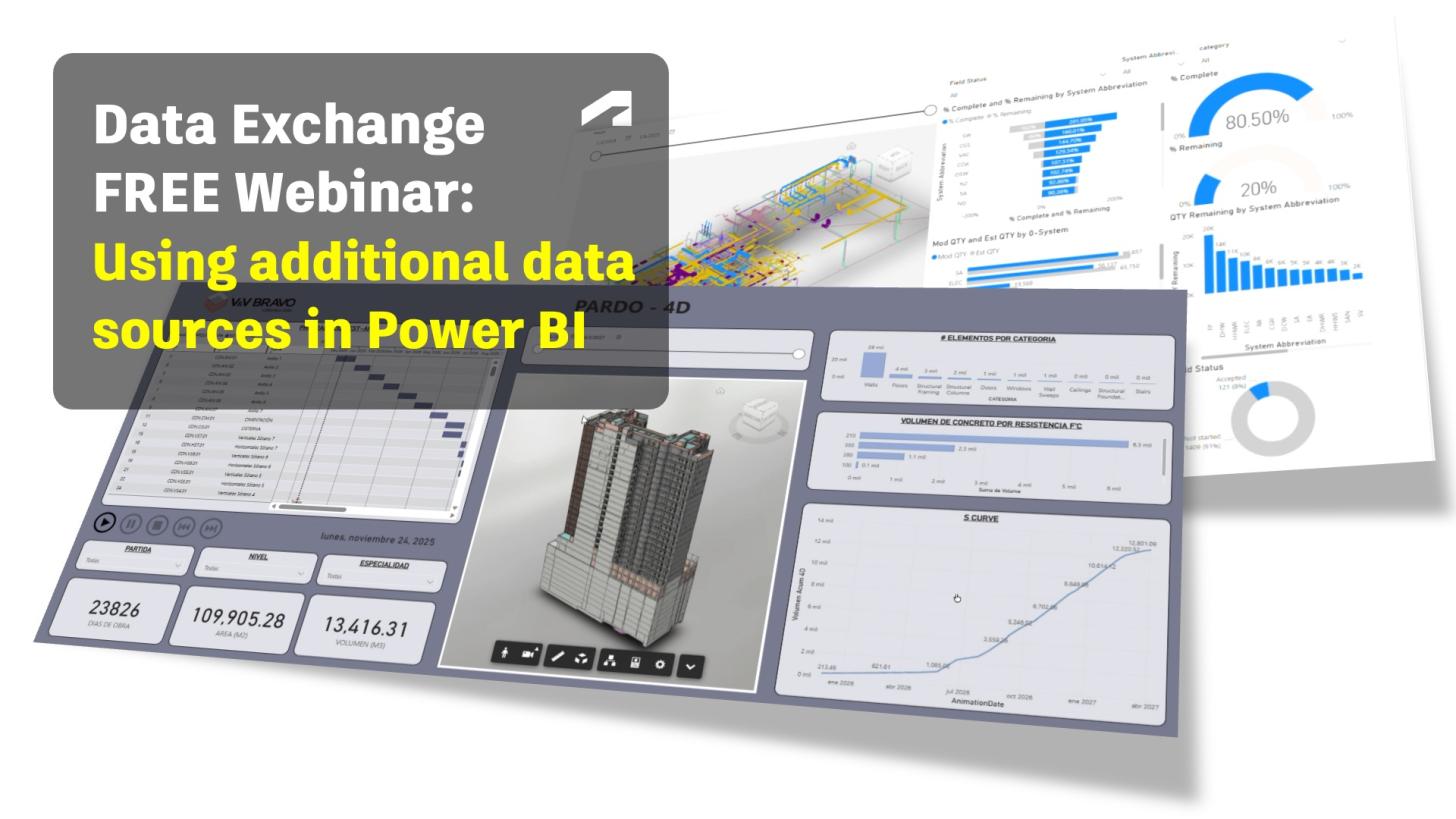
Wondering why you should join our next webinar on March 25?
Business intelligence solutions like Power BI are gaining rapid traction in the AEC industry - and Autodesk Data Exchange provides a seamless entry point for teams looking to get started quickly.
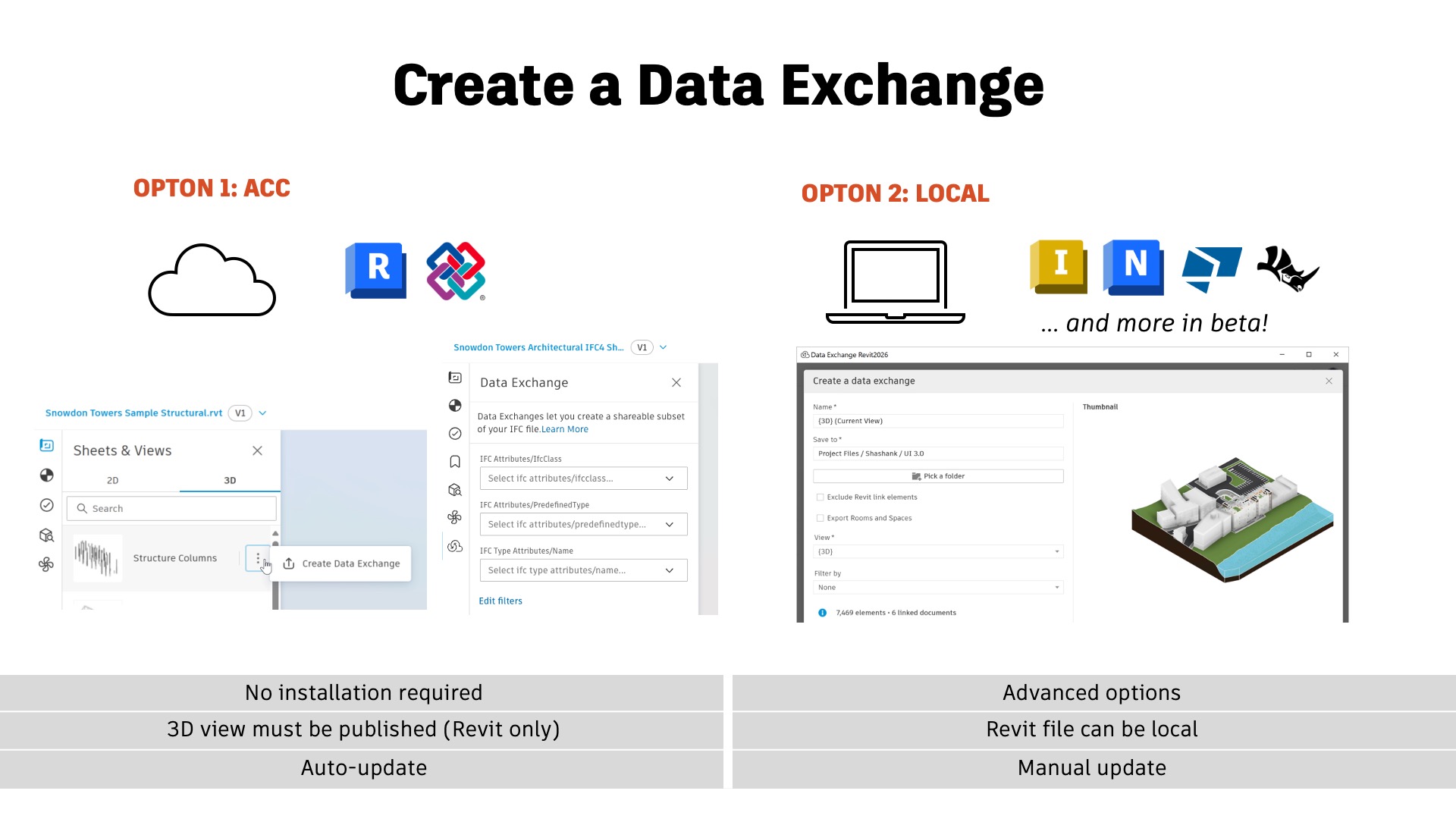
Data Exchange enables the easy extraction of relevant data subsets from a variety of BIM formats, including Revit, IFC, Tekla Structures, Rhino, and even manufacturing tools like Inventor. This extracted data - covering both geometry and properties - is securely stored on the Autodesk platform, making it readily accessible for downstream use.
Creating Data Exchanges is straightforward. They can be generated via cloud connectors (currently available for Revit and IFC) or directly from desktop applications. Once created, these exchanges support a range of workflows - from referencing in documentation and coordination to advanced data analysis in Power BI.
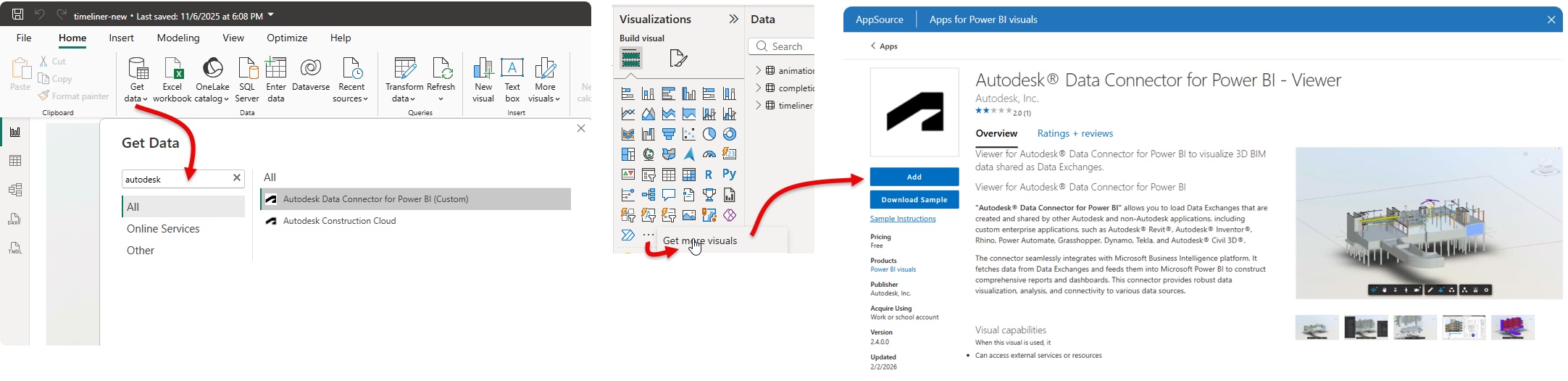
With our Power BI Connector, Data Exchanges can be seamlessly loaded into Power BI Desktop. In addition, the Autodesk Viewer - available as a custom visual via Microsoft AppSource - enables interactive 3D model visualization directly within Power BI dashboards. This allows users to explore model data in context alongside other datasets, making BIM information more accessible to all stakeholders, regardless of their technical expertise. Once published, these dashboards can be easily shared and viewed in any web browser.
The real power of Power BI, however, lies in its ability to integrate external data sources. Whether it’s cost data, scheduling information, asset status, or other project data outside the BIM model, Power BI allows you to bring everything together in one place. By establishing a clear mapping logic - typically through Element IDs - you can link this external data back to your model and visualize it alongside your Data Exchange. The result: rich, interactive dashboards that provide deeper insights and support better decision-making across teams.
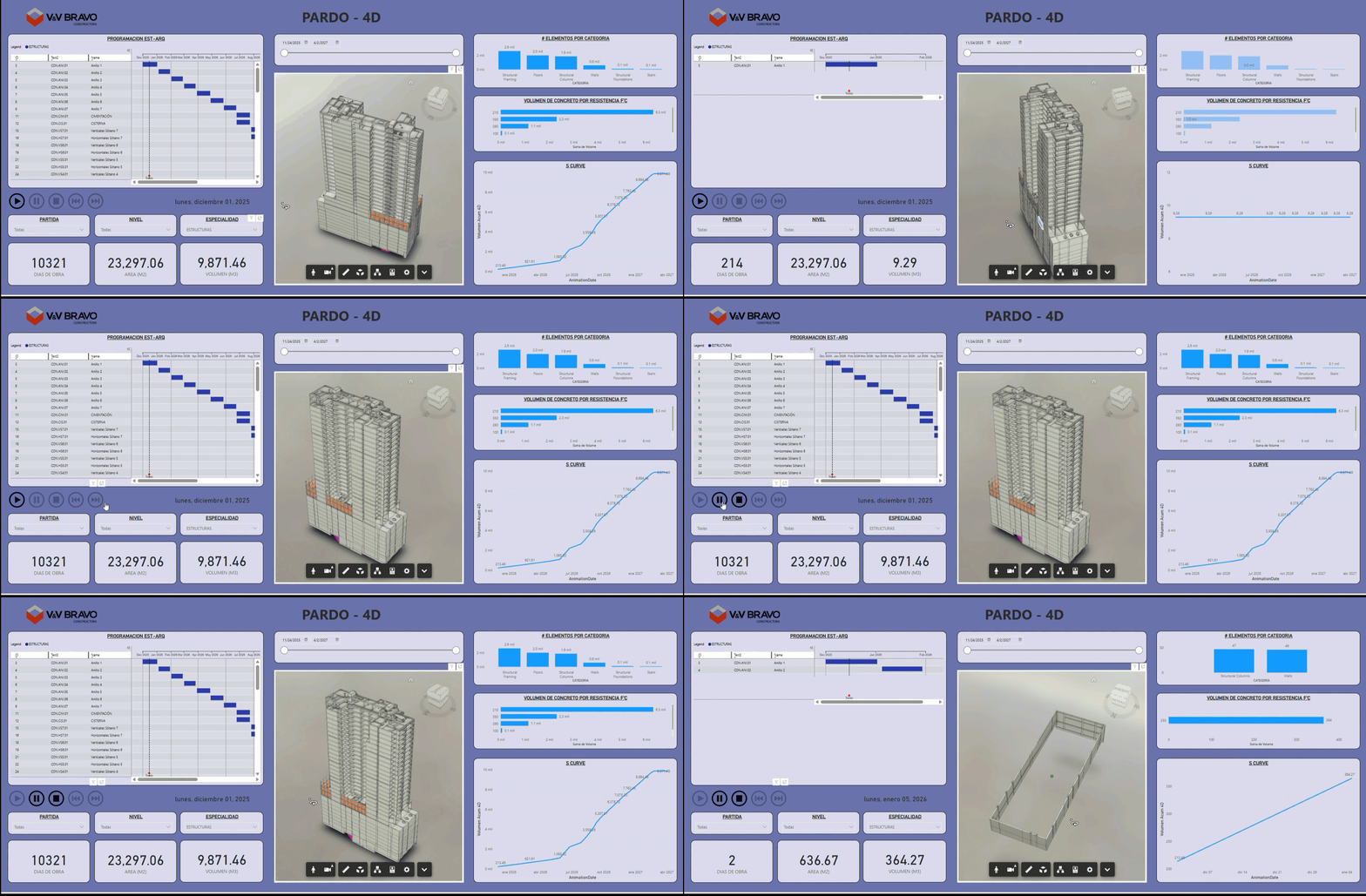
Dashboard courtesy of V&V Bravo - Juan Diego Aranda Yaulimango
Join us on March 25 for a free webinar to explore these advanced use cases and learn how to leverage Data Exchange and Power BI to connect external data sources - and take your dashboards to the next level.