


A scalable workflow for batch-migrating Revit Cloud Worksharing models
Migrating Revit Cloud Worksharing (RCW) models from BIM 360 to Autodesk Forma has traditionally been one of the most complex and time-consuming tasks for large organizations. Enterprise customers often manage dozens or hundreds of RCW-enabled projects. Historically, all RCWs had to be migrated manually inside the Revit desktop product—model by model. This workflow is:
- Slow
- Error-prone
- Difficult to coordinate across distributed teams
- Not scalable for enterprise-level operations
Inspired by Moses from Woolpert during our Nov Denver accelerator, I spent some time to build a code sample that demonstrates how to batch-migrate RCW models automatically, without requiring Revit Desktop or deep Revit expertise.
Live Demo - https://rcw-migrator.autodesk.io
Overview of the Sample
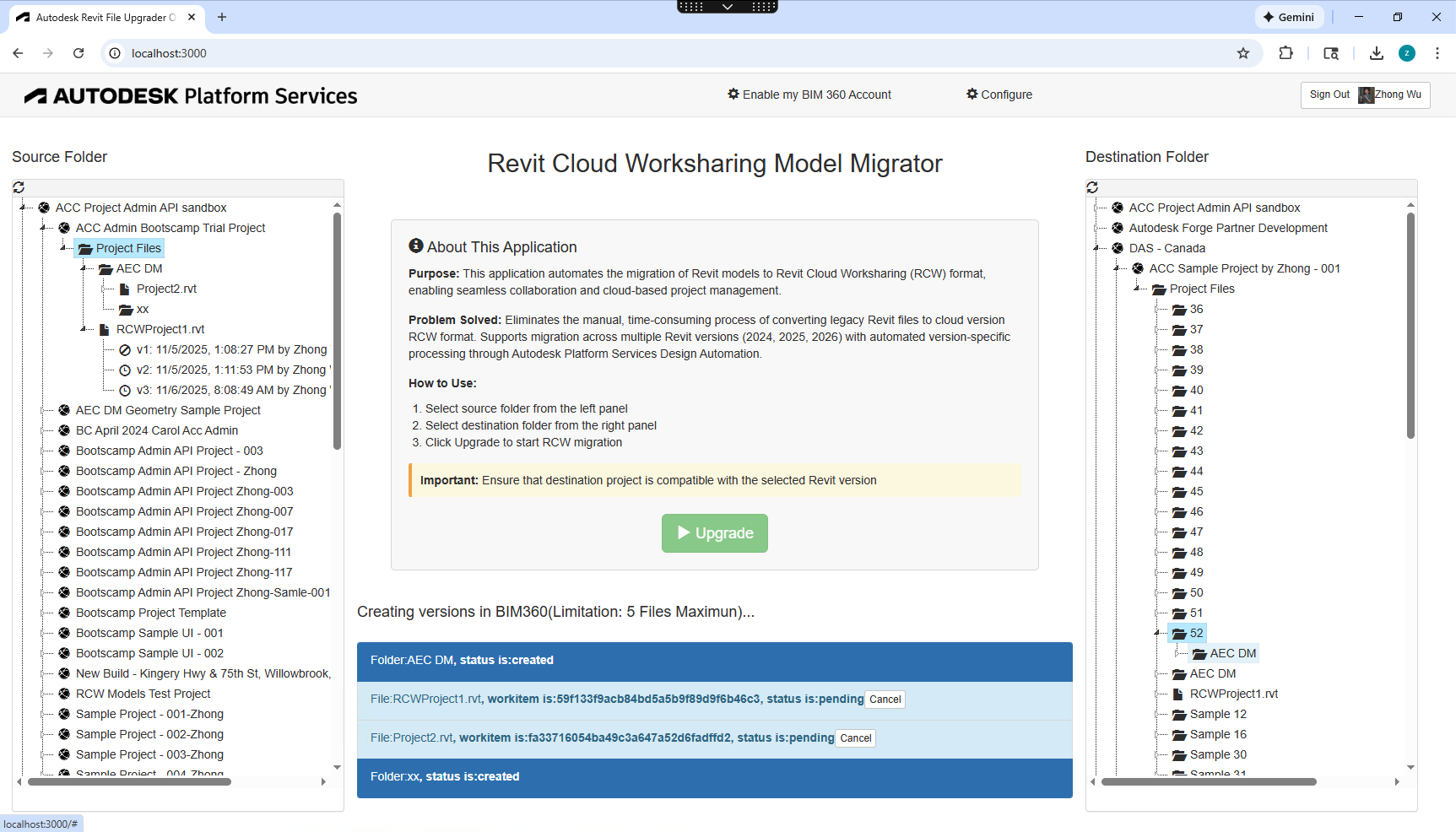
The sample leverages the Autodesk Platform Services (APS) Revit Automation API to:
-
Download existing RCW models from BIM 360
-
Open them inside Revit Automation (as detached models with worksets preserved)
-
Re-publish them as new RCWs into an Forma Docs folder using Revit API Document.SaveAsCloudModel().
The workflow consists of two main components:
1. Revit Plugin (AppBundle)
This plugin runs inside Revit Automation and performs the core migration step:
-
Do not open RCW directly inside Revit Automation, only a local model can be saved as a new RCW.
-
Instead, download the RCW and open it like a standard detached model, refer to Worksharing model support by Revit Automation
-
Revit automatically treats it as Detach and Preserve Worksets
-
Finally, call Document.SaveAsCloudModel(), this republishes the RCW to the selected Forma Docs folder, refer to Automation API Supports Revit Cloud Model
2. A Lightweight Web App for Configuration + Batch Execution
The web interface allows non-technical users to run migrations easily.
Key capabilities
-
Create AppBundle & Activity for Revit 2025, or 2026
-
Delete and re-create Activities as needed
-
Select source/destination folders from BIM 360 & Forma
-
Launch batch migrations with a single click
-
Track each job in real time through Socket.IO
Architecture
-
Backend: Node.js
-
Frontend: based on the APS Hub/Browser tutorial
-
Realtime updates: socket.io
-
Revit automation tasks run in parallel in APS
How the Sample Works
Setup & Configuration
-
Click Configure
-
Create or update the AppBundle & Activity
-
Choose Revit version: 2025 / 2026
-
(Optional) Delete older activities
-
Save configuration
Migrating RCWs
-
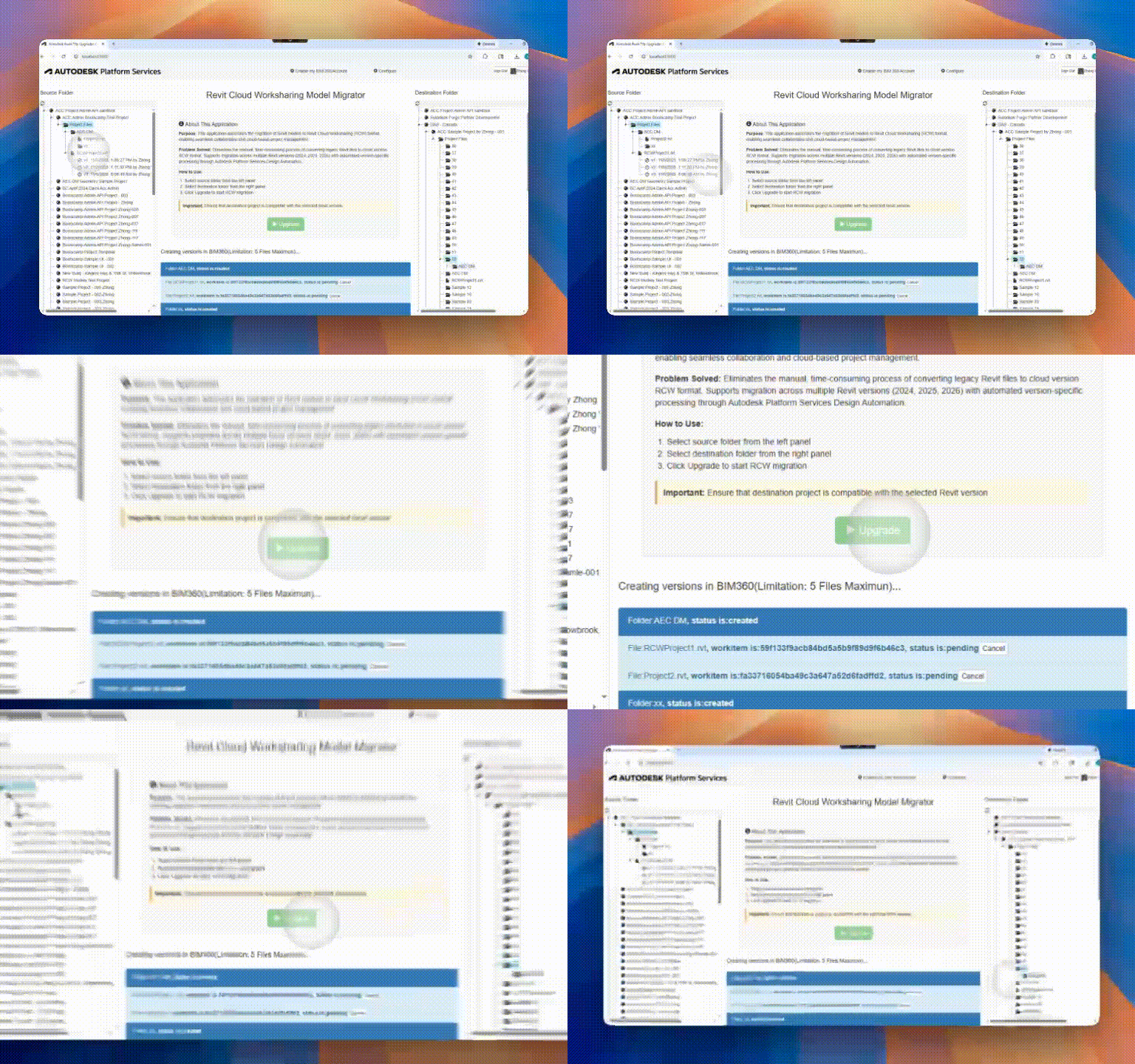
Select source BIM 360 folder on the left
-
Select destination Forma folder on the right
-
Click Upgrade to begin migration
-
Each RCW launches an independent Revit Automation job
-
Status updates are streamed live to the UI
Why This Matters — Key Advantages
-
No Revit Desktop Needed - Anyone can migrate RCWs—no Revit installation or knowledge required.
-
Batch Processing - Move dozens or hundreds of RCWs in a single operation.
-
Parallel Execution - APS Revit Automation can run multiple workitems simultaneously.
-
Full Progress Tracking - All job statuses are updated and visible via the web interface.
-
Consistent, Repeatable Workflow - Eliminates human error and manual setup steps.
Areas for Future Improvement
We plan to extend support for additional Revit workflows:
-
Linked Models - Automatically process host + linked models and preserve relationships.
-
Revit ZIP Packages - Support migration scenarios that require importing/exporting ZIP-based Revit cloud packages.
Conclusion
This sample provides a practical, scalable, automated solution for organizations needing to migrate large volumes of RCW models from BIM 360 to Forma.
By combining APS Revit Automation, a custom AppBundle, and a lightweight Node.js web interface, teams can finally streamline a workflow that historically caused significant operational overhead.
If you have any questions, please contact APS support.