
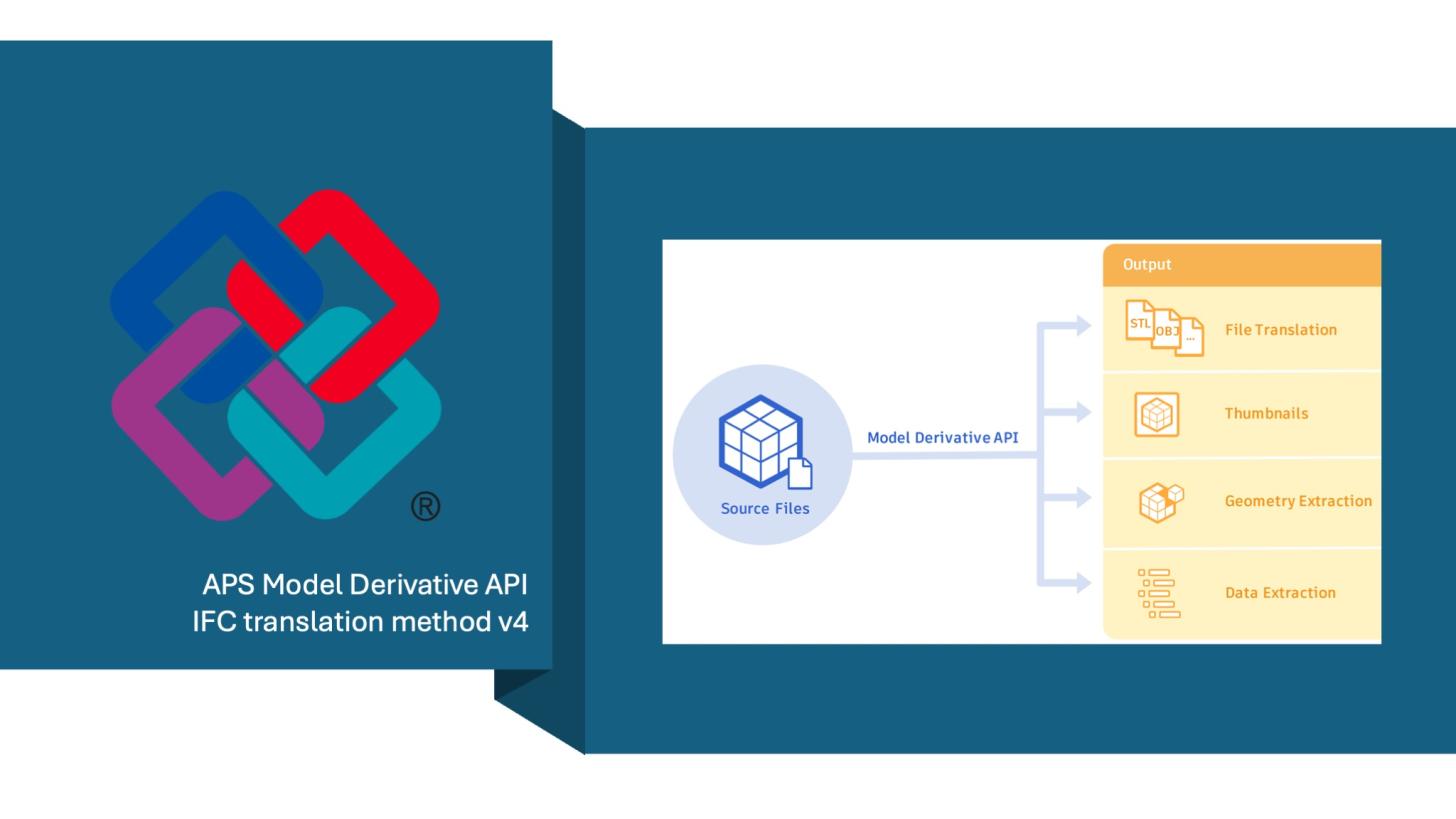
To translate IFC source files to the viewable formats a.k.a. SVF/SVF2, the Model Derivative API provides four conversion methods as an advanced option for POST jobs: legacy, modern, v3, and v4.
Previously, we discussed legacy, modern, and v3 in a blog post titled "FAQ and Tips for IFC Translation with the Model Derivative API". This blog post will focus on the IFC conversion method v4. This blog post explains about the IFC conversion method v4, with special emphasis on the comparison between v3 and v4. Autodesk Forma Data Management recently switched the default ifc conversion method from v3 to v4 for newly created projects. If your application depends on the result of ifc to svf/svf4 conversions, we hope this post will help while migrating your application. You can also find a PDF version of the whitepaper with further details from this link📄.
(We will use the “IFC v4” as an abbreviation, and a similar one, “IFC v3”, for the IFC conversion method v3, which are NOT the IFC schema versions, such as IFC2x3, IFC4, or IFC4x3.)
IFC v4 is the latest IFC to SVF/SVF2 conversion method. To continue embracing Open BIM and help our customers reduce the complexities of working with IFC files using Autodesk technologies, we continually evolve, enhance, and improve our IFC conversion method. Additionally, to reduce the complexities of maintaining the IFC conversion methods across Autodesk products and services, we streamlined the architecture into a unified approach in IFC v4.
Unlike previous versions of conversion methods, IFC v4 doesn't rely on or use technologies from Navisworks or Revit. The processed results will be closer to the source IFC file.
Currently, IFC v4 is available on the APS Model Derivative API and is the recommended IFC conversion method. In this blog post, we will outline the key changes, updates, and enhancements in IFC v4. For more details on updates, comparison with IFC v3, and migration guides, please refer to the "Model Derivative API Whitepaper – IFC to SVF2 Translation Method v4📄".
High-level comparison between the IFC conversion method v3 and v4
Similar to the blog post titled "FAQ and Tips for IFC Translation with the Model Derivative API," we shared a comparison of existing IFC conversion methods. The table below shows a high-level comparison between IFC v3 and v4, which includes the primary technologies used in each IFC conversion method, where Autodesk uses the conversion method, supported IFC scheme versions, and some key information that our customers frequently ask for.
| Comparison/Co-nversion Method | v3 | v4 |
| Context | Revit-based IFC conversion method that utilizes Revit techniques integrated with Navisworks. | Streamlined unified architecture without using the techniques of Navisworks and Revit. |
| Which service uses it as the default? | Desktop: Navisworks 2023-2024 Cloud: Model Derivative Saas: New projects in BIM 360 Document Management and Autodesk Forma Data Management created before July 22nd. |
Desktop: Navisworks 2025 and later. Cloud: Model Derivative Saas: New projects in BIM 360 Document Management and Autodesk Forma Data Management created after July 22nd. |
| File process speed | Quicker than Modern for large IFC models based on internal tests. | Its performance is as good as v3, but it would be faster than v3 in some cases, according to internal tests. |
| IFC Schema support | IF2x3, limited IFC4, and partial IFC 4.3 | IF2x3, IFC4 and official IFC4.3 support |
| IFC GUID Field Name | IfcGUID | GlobalId |
| Default length & property units | Native IFC file units | Native IFC file units |
| Large Coordinates | No, it requires using the Large Coordinates Removal tool to patch the source IFC file. | Improved handling that delivers better results than v3. There is no need to use the removal tool. |
| Status | Under Maintenance Mode. No further updates or improvements for it. | Recommended Choice |
Key changes, updates, and enhancements
Model Hierarchy
- Node Naming Changes
IFC v4 now includes the IFC type before the node name in the model instance tree. - Node Location Reorganization
IFC v4 has changed the node locations for IfcOpeningElement, IfcDistributionPort, among others. Additionally, IFC v4 will attempt to create virtual nodes for folding/merging objects in the instance tree whenever possible. For example: IfcFlowFitting and IfcFlowSegment.
Object Properties
- IFC Object Primary Property Set Renamed
IFC v4 uses "IFC Attributes" and "IFC Type Attributes" as the primary property set names for object and type properties, rather than "Elements" in IFC v3, which is based on Revit's concept and may cause confusion when item types aren't derived from IfcElement. - Descriptive property naming directly from the source IFC file
IFC v4 uses descriptive property naming directly from the IFC source file to improve clarity and prevent confusion. As a result, there are no more Revit and Naviworsk-related properties, such as Hidden, Required, Icon, IfcExportElementTypeAs, etc. - Ifc GUID renamed
Following IFC standards, IFC v4 uses "GlobalId" as the property name for an IFC entity's globally unique identifier for objects derived from IfcRoot, rather than "IfcGuid" in IFC v3, which originates from Revit's concept. - SVF/SVF2 Object External ID format changed
To maintain consistency of the external ID in SVF and SVF2, IFC v4 utilizes the IFC GUID (IFC GlobalId) for rooted objects, and it uses a combination of the parent's IFC GUID, along with other attributes such as names and local strings, for non-rooted objects, as opposed to how IFC v3 uses meaningless and inconsistent values between SVF and SVF2. Additionally, the external ID values in IFC v4 will be encoded as Base64 strings. - Enhanced IFC Relationships support
IFC v4 has enhanced IFC relationships processing, which supports IfcRelConnectsPorts, IfcRelConnectsPortToElement, IfcRelAssociatesClassification, and other relationships. Please refer to the "whitepaper📄" for the complete list.
Geometry Handling
- Officially supports IFC4x3
IFC v4 provides comprehensive coverage of the latest IFC specifications for IFC4x3 (IFC4.3), including IFC Alignments (e.g., IfcAlignment), IfcBridge, and others, which is the official IFC4x3 standard in Autodesk technologies. - Better Large Coordinate Handling
We can forget about the Large Coordinates Removal Tool now! IFC v4 has improved the algorithm for better and more stable handling of models with large coordinate values. - IfcSpace Geometry Handling
Following the IFC v3 design, IFC v4 shows IfcSpace geometry as hidden. However, IFC v4 also lists related objects under IfcSpace on the model instance tree, but these objects are not hidden. - IfcGrid support
IFC v4 supports processing IfcGrid geometries that are visible in the model instance tree. - Geometry default color changed
IFC v4 uses the default color from APS Viewer for IFC objects that don't have a material assigned in the source IFC file. So, the color for those objects between IFC v3 and v4 will differ. - IFC v3 failure case coverage
Some previously reported failure cases in IFC v3 can now be processed successfully in IFC v4, increasing the success rate of IFC model translation using the Model Derivative API.
Model Derivative Manifest
- IFC conversion method identifier changed
The IFC conversion method identifier is now "4" in the Model Derivative manifest, which was "3" for IFC v3. - Viewable node name changed
In IFC v4, the 3D view is consistently named "Scene" rather than the source IFC filename, as was the case in IFC v3. - Conditional AecModelData.json generation
IFC v4 will only generate AecModelData.json if IfcBuilding, IfcGrid, and IfcBuildingStorey are present. - No more nwModelToWorldTransfrom
As this "nwModelToWorldTransfrom" is a concept that only exists in Navisworks technologies, and IFC v4 always places models in model coordinates (model space), IFC v4 doesn't support generating this transform matrix.
If you need to transform IFC models translated with IFC v4 into world coordinates (world spaces), please contact us and share your use cases. We will help you pass your use cases to our engineering team for evaluation.
IFC v4 Migration Guides and Tips
Based on the above and considering the content length of a blog post, we will provide the migration guides and tips for using APS Viewer SDK and Model Derivative API in the Model Derivative API Whitepaper, which covers typical workflows of using the viewer and Model Derivative API, as well as the Forma/BIM360 workflow using IFC v4.
A highlight for APS developers who work with IFC files/models stored in BIM 360 Document Management and Autodesk Forma Data Management is that the IFC v4 conversion method will be available by default only for projects created after July 22nd. For existing/old projects, they will continue using IFC v3 by default.
For more details on updates, comparison with IFC v3, and migration guides & tips, please refer to the "Model Derivative API Whitepaper – IFC to SVF2 Translation Method v4📄".
If you have any questions or feedback, please don't hesitate to contact us through our APS support channel.