Design guidelines
Extensions inside Forma panels need to adhere to design guidelines to ensure the look and feel of Forma. For extensions in floating panels, the design guidelines are still recommended but not required. To help you on the way when designing extensions, we have created a kit of our most important Design principles, Foundations, and Extension guidelines.
Design principles
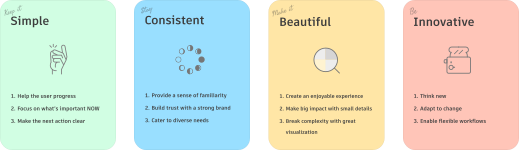
In order to provide the best possible experience for our users, the user interface (UI) of an extension should be consistent with the rest of the Forma UI. In order to achieve this, we recommend familiarising with our design principles. In short, we strive to make the UI simple, consistent, beautiful and innovative.
Foundations
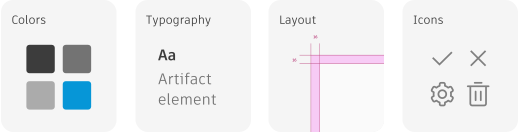
To achieve the full Autodesk Forma look and feel, take a look at the summary of our design foundations. This provides a summary of the most important basics to follow: color usage, typography recommendations, grids and margins, icons and more.
Extension guides
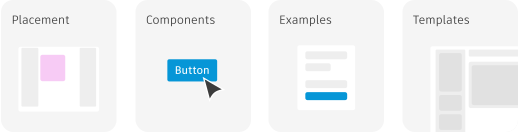
To learn how extensions integrate seamlessly with Forma, explore our extension guides. These guides provide comprehensive UI guidelines and showcase frequently used components. Along with component structuring examples and templates, we suggest reviewing the styling section of the Shadow study extension for practical implementation details.
In order to get an extension published to marketplace, it will first be reviewed by our internal design team.