
When people have a product question today, they increasingly start with AI. But the answers AI provides are only useful if they can be trusted.
Not long ago, getting an answer often meant bouncing between tools: asking ChatGPT a question, searching the web, opening Autodesk Help to verify the information, then returning to the conversation. Every step introduced another opportunity for information to become incomplete, out of date, or open to interpretation.
The Autodesk Product Help MCP changes that.
Earlier this year, we introduced the Autodesk Product Help MCP Server—a secure, read-only service that gives AI assistants access to Autodesk's official public-facing product documentation which stems across more than 110 products, including AutoCAD®, Fusion®, Revit®, Inventor®, Maya®, Civil 3D®, and many more.
Today, we're making that experience even easier by bringing the Autodesk Product Help MCP to ChatGPT as a plugin.
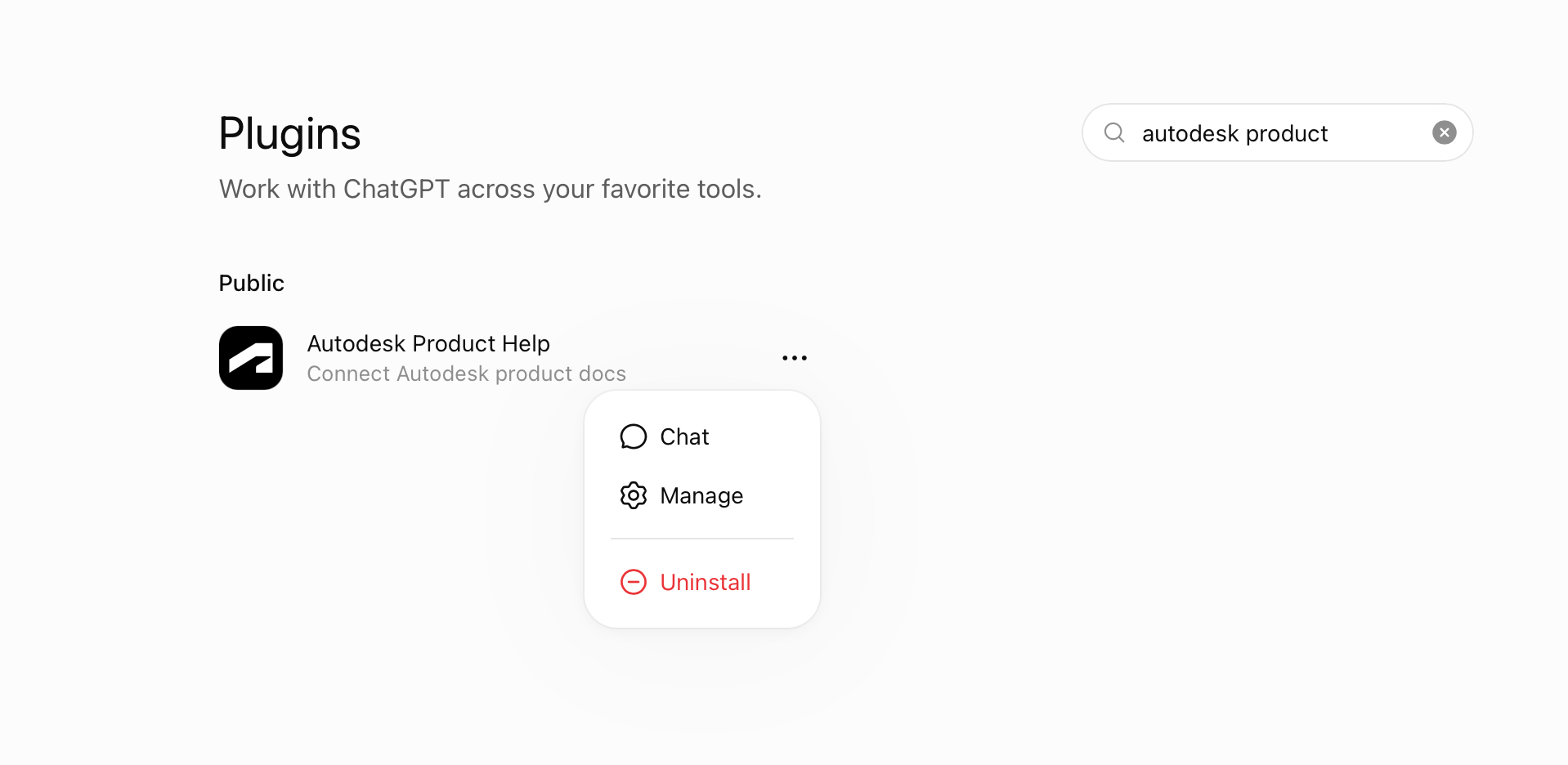
Instead of treating Autodesk help and support documentation as something you have to search for separately, the Autodesk Product Help plugin in ChatGPT can now access Autodesk's official documentation as part of the conversation. That means answers are grounded in the same trusted product guidance our customers already rely on.
The Autodesk Product Help plugin is built to be widely used and secure.
-
An Autodesk account is NOT needed to use this plugin, so you never have to connect or give the plugin or ChatGPT access to your Autodesk user account.
-
The plugin accesses public facing information only and does not access model data or user data.
-
The Autodesk Product Help plugin is read only, so data can not be written back to Autodesk, your software, or your account.
As AI becomes part of everyday work, we're focused on making Autodesk knowledge available wherever our customers choose to work. Our goal is to help move work forward by making trusted product information easier to access wherever our customers are.
Once the Autodesk Product Help plugin in ChatGPT is enabled, you can ask ChatGPT questions like:
· How do I create a mirrored instance of a component in Fusion?
· What's the difference between AutoCAD and AutoCAD LT?
· How do I install an Inventor trial?
· Civil 3D isn't launching after installation. What should I check?
· How do I set up Autodesk Flex?
· What operating systems does Maya support?
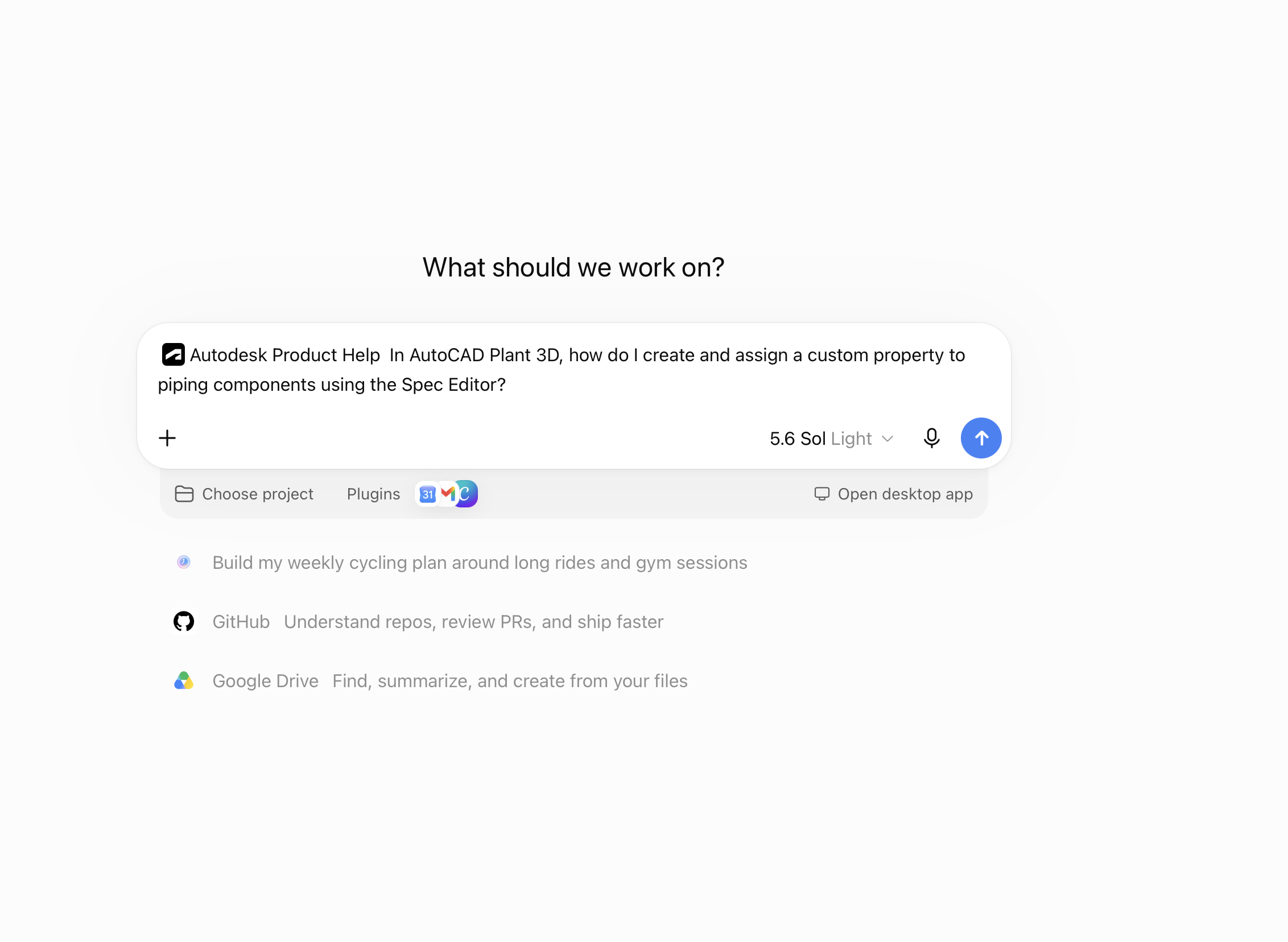
Whether you're learning a new product, troubleshooting an issue, or exploring a workflow, the Autodesk Product Help plugin will point ChatGPT to source responses directly from Autodesk official documentation first.
The Autodesk Product Help plugin is available at no additional cost and is the first Autodesk plugin available in ChatGPT. We plan to continue making Autodesk's knowledge and workflows accessible across the AI ecosystem.
You can find Autodesk Product Help plugin today in the ChatGPT Plugin Directory or connect directly here.