
The old Visual Studio Template has been updated in order to support .NET 8 app bundles that are required in the case of the 2026 Inventor engine - in the case of the 2025 engine you still have the option of using a .NET Framework 4.8
You can find info on the usage of the previous template here.
Inside Visual Studio just select Extensions -> Manage Extensions... then look for "Inventor Automation API template" on the Browse tab, and install it.
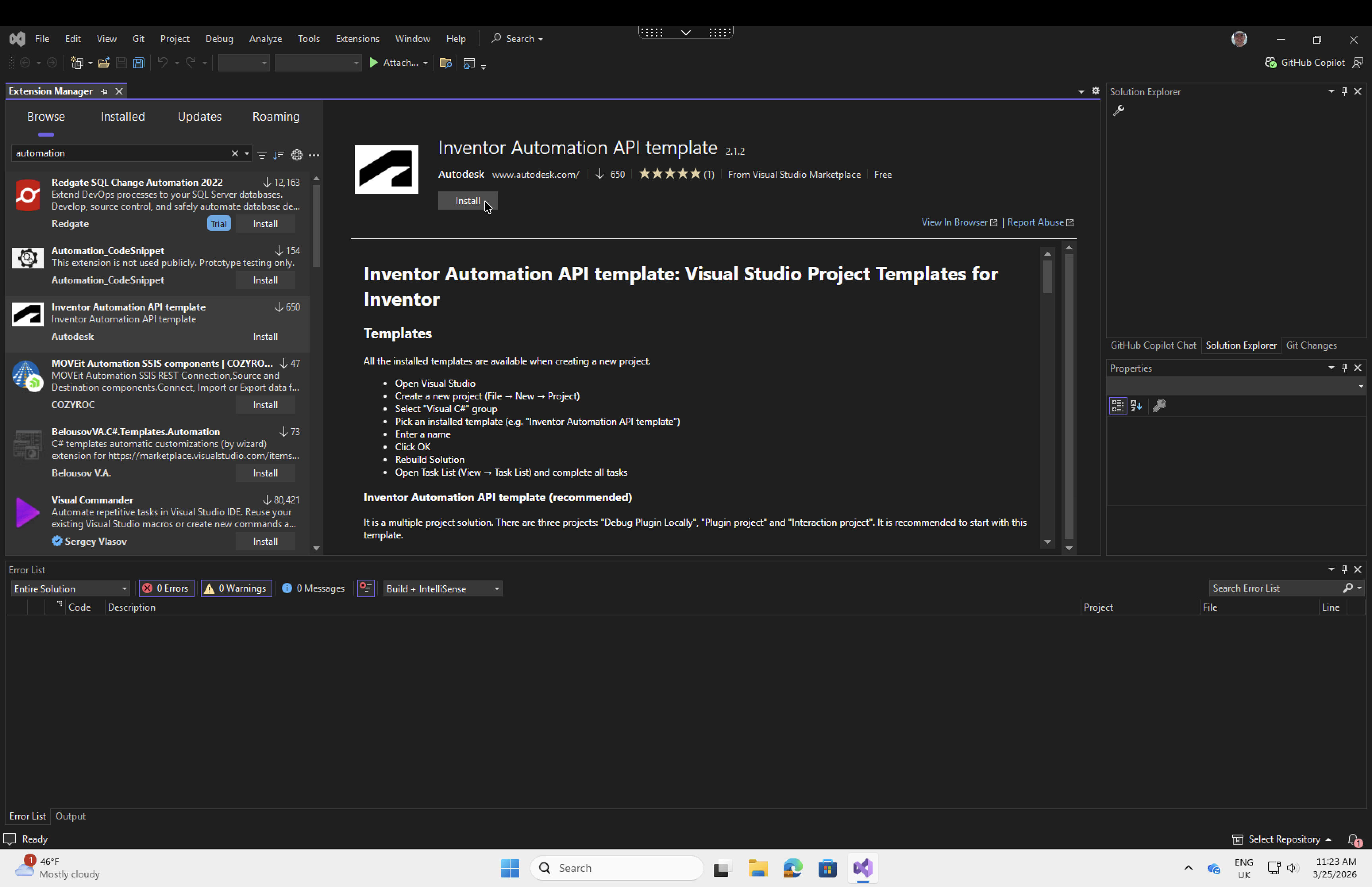
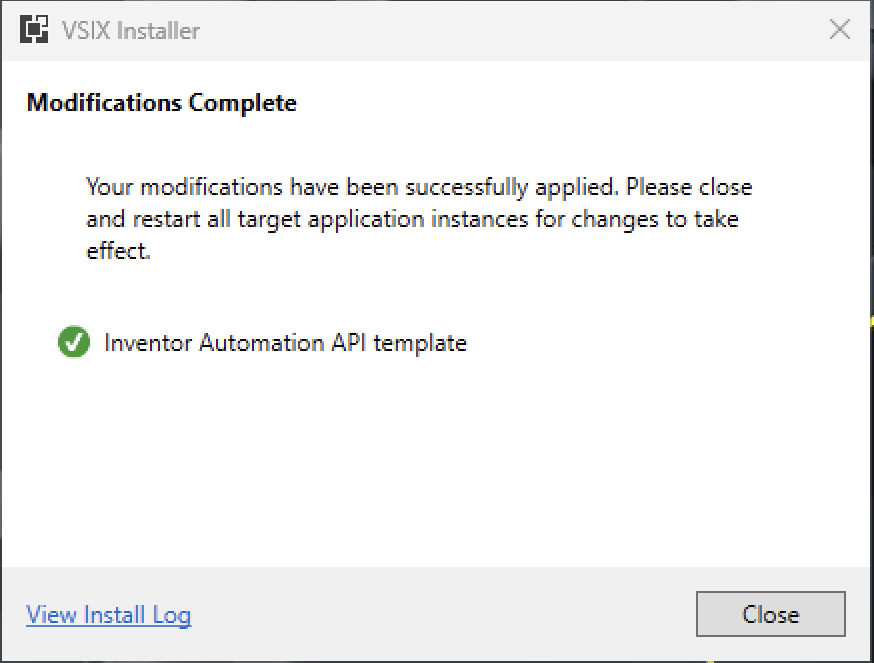
Note: after clicking install you probably have to close Visual Studio in order for the VSIX installer to start.
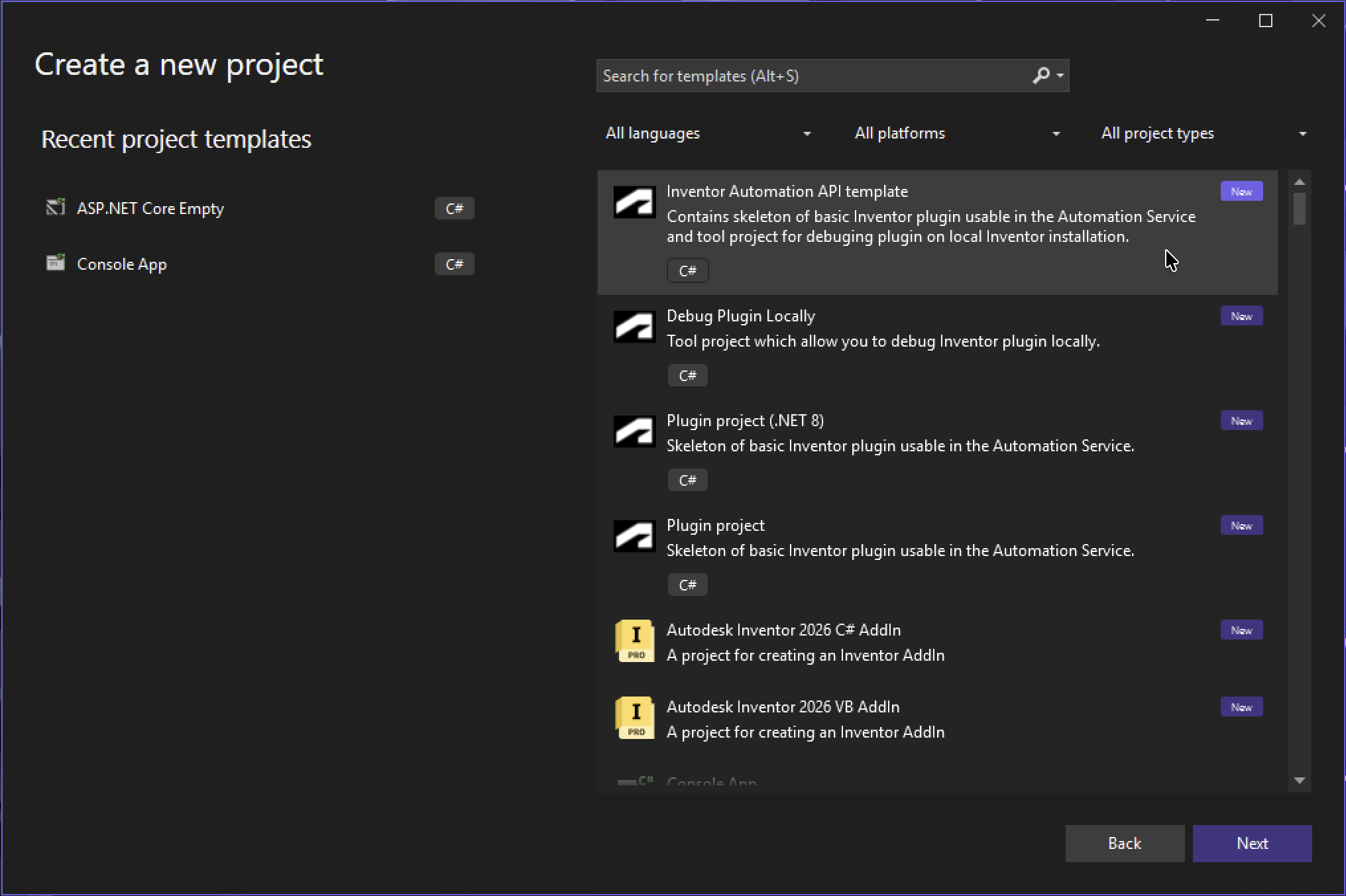
Now when you create a new project you can select "Inventor Automation API template"
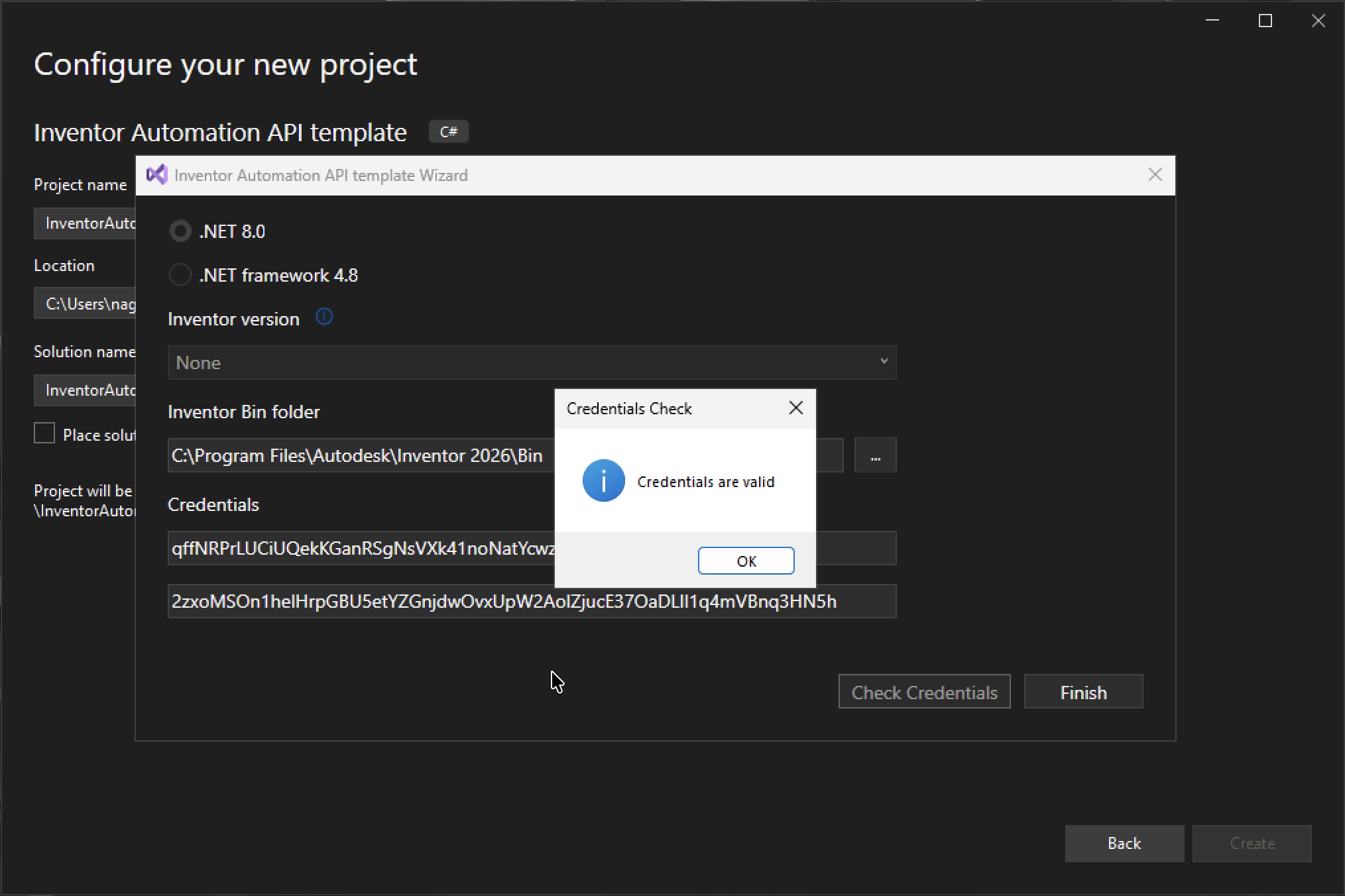
This new template makes it easier to set both the `bin` path of Inventor and the APS app credentials you want to use.
In order to support previous Inventor versions you can still use .NET Framework 4.8
It also lets you test your APS credentials.
Even the old template generated an extra "Interaction" project that the other blog post did not mention.
This simplifies how you can create/update the app bundle (inc uploading the compiled code) and the activity, and run the work item.
You just have to adjust the code in the `Publisher.Custom.cs` file to use the names, input/ouput arguments, etc. that you want.
You can find further information here.