
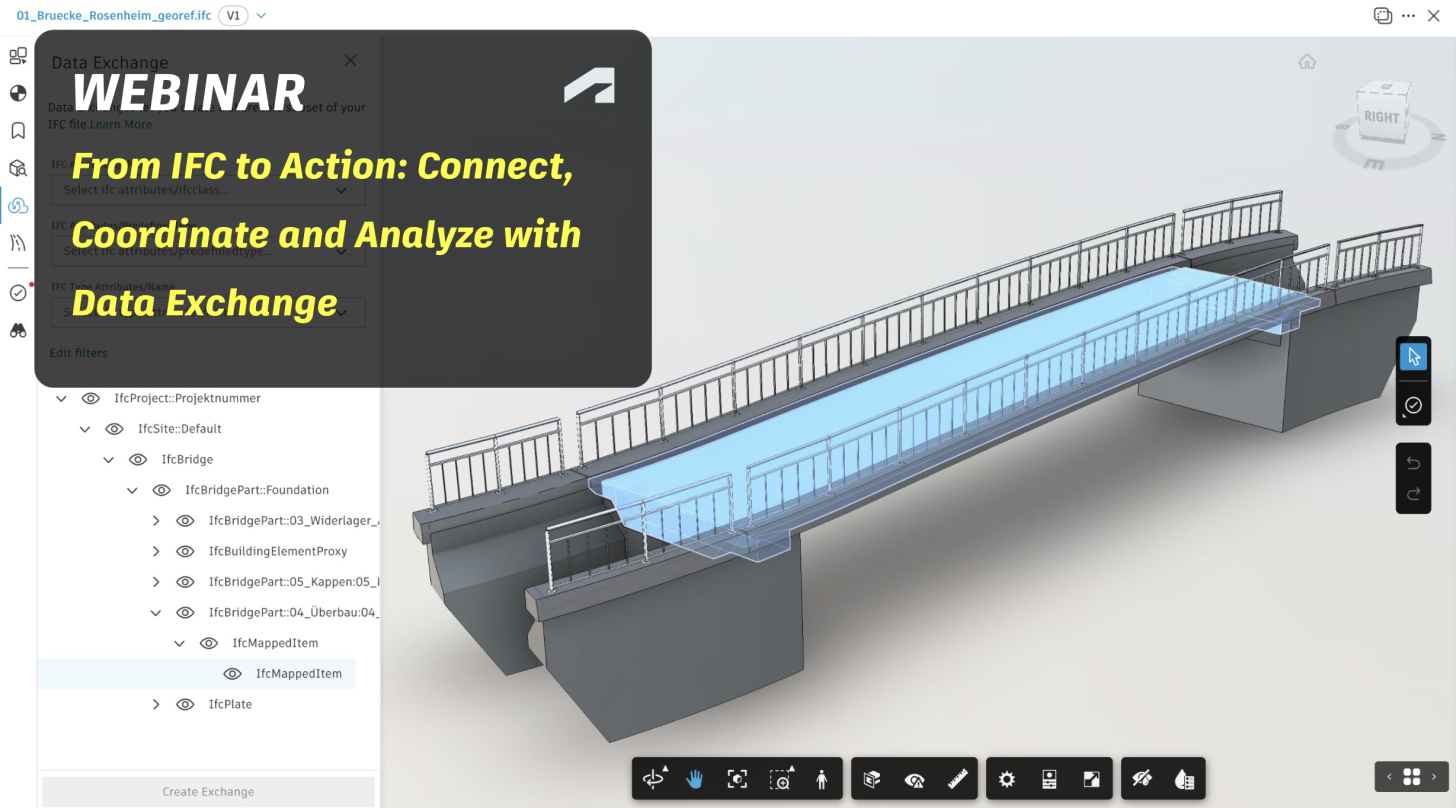
IFC files help teams share building and infrastructure information across disciplines, even when working with different design tools. But a whole model often contains far more data than a particular task requires.
The Data Exchange Cloud Connector for IFC lets teams create focused Data Exchanges from IFC files stored in Autodesk Forma, selecting only the elements and properties needed for their workflows.
Join us on November 18 for a Data Exchange webinar to see how IFC data can move beyond traditional file exchange and support design coordination, analysis, and reporting.
In this webinar, we'll demonstrate how to:
- Create a Data Exchange directly from an IFC file using the Cloud Connector.
- Apply filters to select relevant elements and properties.
- Load the resulting Data Exchange into Revit using the Revit Connector and explore model information in Power BI using the Power BI Connector.
What does this mean for real-world projects?
Imagine receiving IFC models from consultants, collaborators, or subcontractors. Once uploaded to Forma, these files can become the source for focused Data Exchanges that can be loaded into Navisworks for coordination and clash detection. As designs evolve, teams can update their exchanges to help keep coordination aligned with the latest shared model information, especially when reviewing critical design changes.
And the possibilities don't stop there. Data Exchange supports a growing ecosystem of connected applications, while its APIs and SDK enable integrations with additional tools, including those that don't yet have a dedicated connector.
Whether you work with IFC models every day or are just getting started with Data Exchange, this session will show you how to make shared model information more accessible, relevant, and useful across different workflows.
We're looking forward to seeing you there!
Register now
Data Exchange Team