
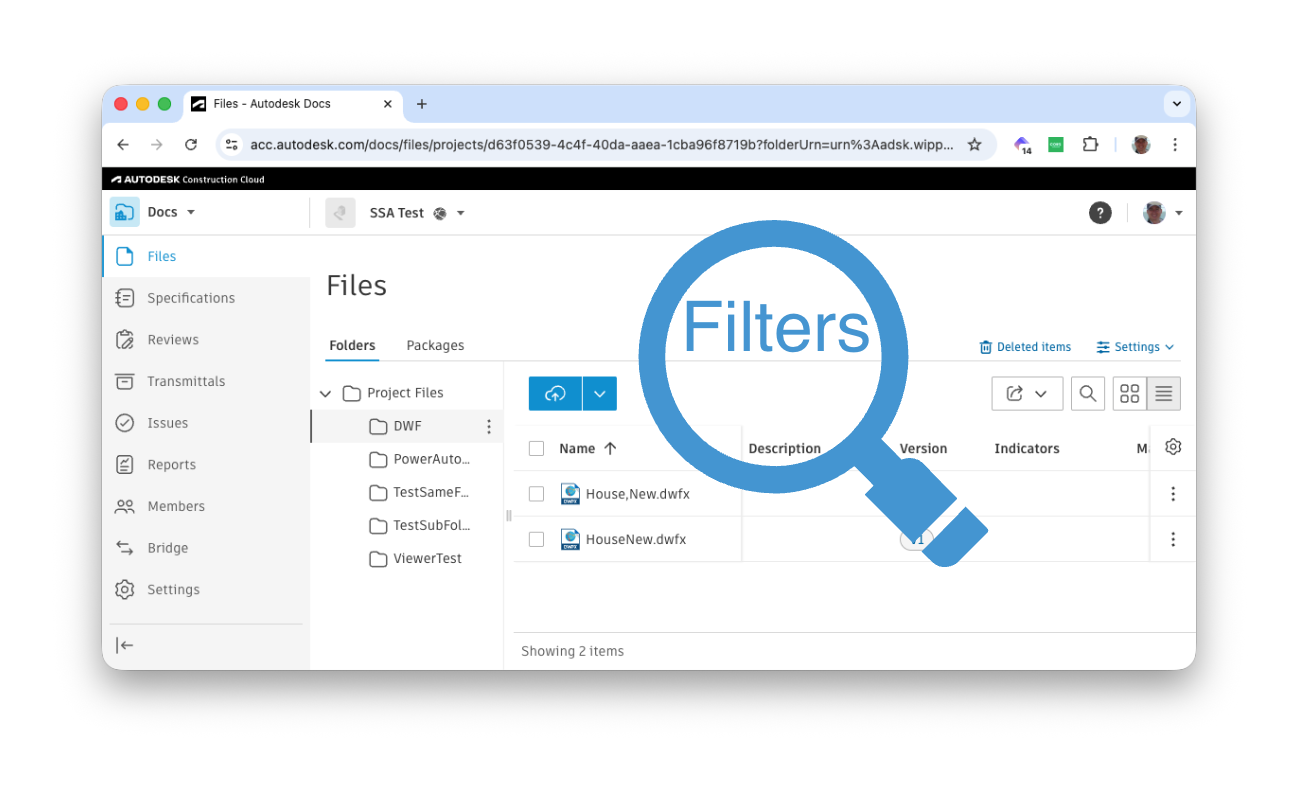
Unfortunately, comma (',') is a special character when using filters, and you cannot escape it either by using e.g. %2C instead.
https://aps.autodesk.com/en/docs/data/v2/developers_guide/filtering/#multiple-filters
If you want to search for a file named "House,New.dwfx" using `filter[attributes.displayName]=House,New.dwfx`, it will be interpreted as the file name should be exactly "House" OR exactly "New.dwfx", and so will return no results in the case of my folder - see top image.
At first glance, splitting the string by the comma and using `filter[attributes.displayName]-contains=House&filter[attributes.displayName]-contains=New.dwfx` could be the solution, but using the same filter type multiple times with different values is the same as using a single filter with different values separated with a comma, which produces an OR between the values instead of an AND.
(if using multiple different filter types then the request "only returns results that satisfy all conditions" - quoted from the docs)
In other words, `filter[attributes.displayName]-contains=House&filter[attributes.displayName]-contains=New.dwfx` is exactly the same as `filter[attributes.displayName]-contains=House,New.dwfx`, which will retrieve anything that contains "House" OR "New.dwfx"
The best thing might be to use `filter[attributes.displayName]-starts=House&filter[attributes.displayName]-ends=New.dwfx` and then programmatically select the correct result from the returned items.