
Disclosure: parts of this post were produced with the assistance of AI tools, then reviewed and edited by the author.
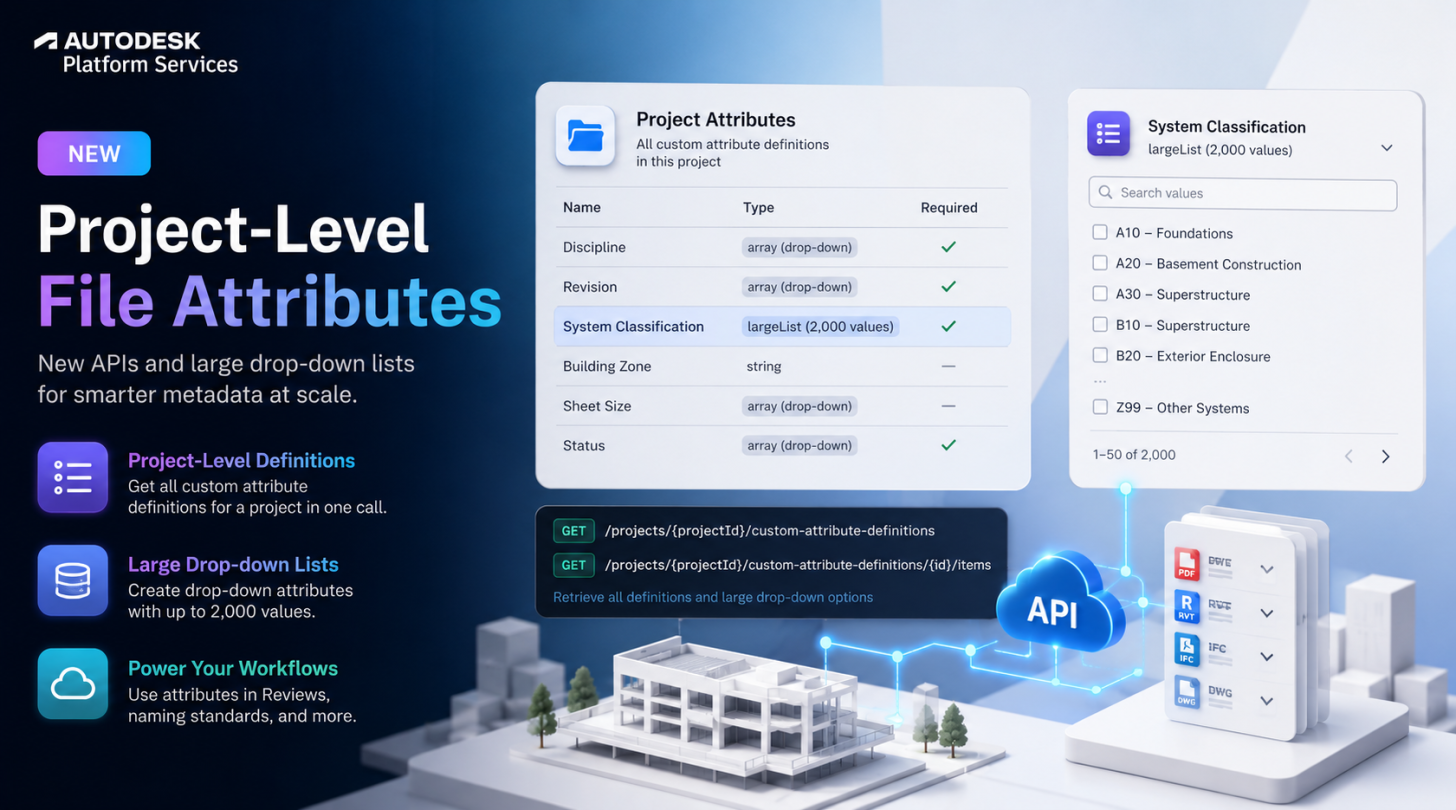
Custom attributes on files in Autodesk Forma projects just got two updates: a new GET custom-attribute-definitions endpoint that retrieves all custom attribute definitions for a project, and support for large drop-down list custom attributes with up to 2,000 values.
With this update, you can now:
- Retrieve all custom attribute definitions for a project, without specifying the folder id, in one call with the new GET custom-attribute-definitions endpoint. Previously, you could only retrieve custom attribute definitions associated with a folder. This also makes it easier to create approval workflows with POST workflows that have Update Attributes enabled — since the May update, those workflows specify which file custom attributes get updated on completion, so you need the definitions to reference them.
- Create large drop-down list custom attributes (up to 2,000 values) directly from the Files UI.
- Identify large drop-down definitions in the API response via a new
largeListvalue in thetypefield. - Retrieve the selectable options for a
largeListdefinition with the new GET custom-attribute-definitions/:customAttributeDefinitionId/items endpoint.
Why a separate endpoint for large drop-down options?
Regular drop-down custom attributes (type: "array") still return their options inline, in arrayOptions, from the same GET custom-attribute-definitions call. But a large drop-down can hold up to 2,000 values — too many to inline — so it gets its own paginated endpoint instead:
- Call GET projects/{projectId}/custom-attribute-definitions and check
typeon each definition. - If
typeisarray, read the options fromarrayOptionsas before. - If
typeislargeList, call GET projects/{projectId}/custom-attribute-definitions/{customAttributeDefinitionId}/items to page through the options, which also supports searching and sorting.
⚠️ If your app parses custom attribute definitions, update it to handle the new largeList type — unrecognized values could otherwise fall through your type-switch logic. Also note the public API is currently read-only for large drop-downs: there’s no create/update support yet for largeList definitions or their options, so they still need to be managed from the Files UI.
About the Custom Attributes API
Custom attributes let you add project-specific metadata fields to files in Autodesk Forma — things like revision codes, discipline, or system classification — which you can then read, filter, and use to drive downstream workflows (like Reviews approval workflows and naming standards). You can find information about the File Custom Attributes feature in the product help.
New Endpoints
- GET projects/{projectId}/custom-attribute-definitions: Retrieves all custom attribute definitions for a Forma project.
- GET projects/{projectId}/custom-attribute-definitions/{customAttributeDefinitionId}/items: Retrieves the selectable options for a
largeListcustom attribute definition.
Both endpoints require the data:read OAuth scope and are not compatible with BIM 360 projects.
Documentation
- Files v1 Changelog — see the 2026-07-20 (v1.5.0) and 2026-07-21 (v1.6.0) entries for full release notes
- GET custom-attribute-definitions reference
- GET custom-attribute-definitions/:id/items reference
Code Samples on GitHub
If you have any questions or feedback, please contact us through the APS support channel.