

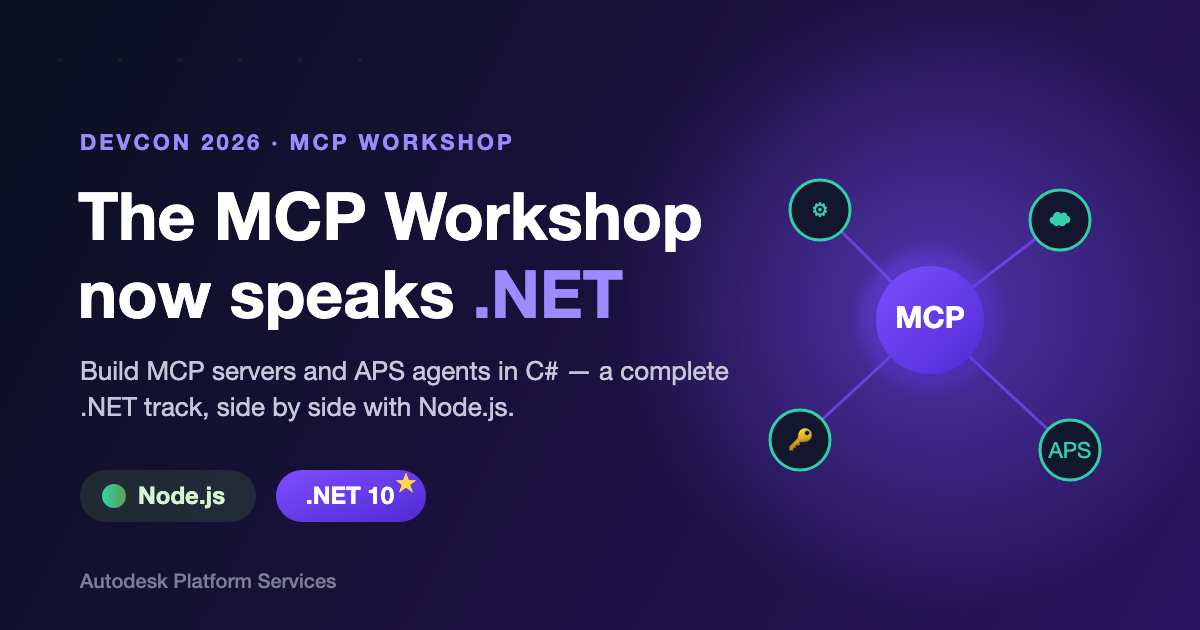
The hands-on Model Context Protocol (MCP) workshop from DevCon 2026 now ships with a complete C# / .NET track, sitting side by side with the original Node.js content. If you build on .NET, you can now work through the entire workshop end-to-end without leaving your language of choice — the code, the tooling, and the docs are all there.
What is the MCP Workshop?
The workshop is a guided, seven-step journey that takes you from a bare MCP server all the way to a production-ready agent grounded in real Autodesk Platform Services (APS) APIs:
- Build an MCP server and connect it to VS Code and GitHub Copilot.
- Extend it with external tools — a filesystem tool and a live weather API.
- Connect to the Autodesk Platform Services (APS) API using 2-legged OAuth to list and create OSS buckets.
- Add 3-legged OAuth so your agent can call APS APIs on behalf of a signed-in user.
- Build your own MCP client and wire in an LLM to create a fully autonomous agent.
Until now, every step was written for Node.js. With this release, every step is also written for .NET.
What's in the .NET Track?
The .NET track is purely additive — nothing in the existing Node.js experience changed. What's new:
- Language-tabbed docs. Every chapter now has switchable Node.js and .NET code tabs, so you can follow whichever runtime you prefer with a single click.
- Seven .NET code snapshots. A complete `-dotnet` code state for each stage of the workshop, from the first `add` and `greet` tools to the full APS-connected agent — so you can jump in at any step.
- Modern .NET foundations. The server is built on ASP.NET Core and the official `ModelContextProtocol.AspNetCore` SDK, targeting .NET 10, with tools declared through clean `McpServerTool` attributes.
- Full APS integration in C#. 2-legged and 3-legged OAuth, OSS bucket operations, a custom MCP client, and an interactive agent with an AEC-focused system prompt — all in idiomatic C#.
Where to Find It
The complete source code is available on GitHub: autodesk-platform-services/mcp-devcon2026
Whether you're a longtime .NET developer or just curious how MCP fits into the C# world, there's never been a better time to build your first agent on Autodesk Platform Services.