
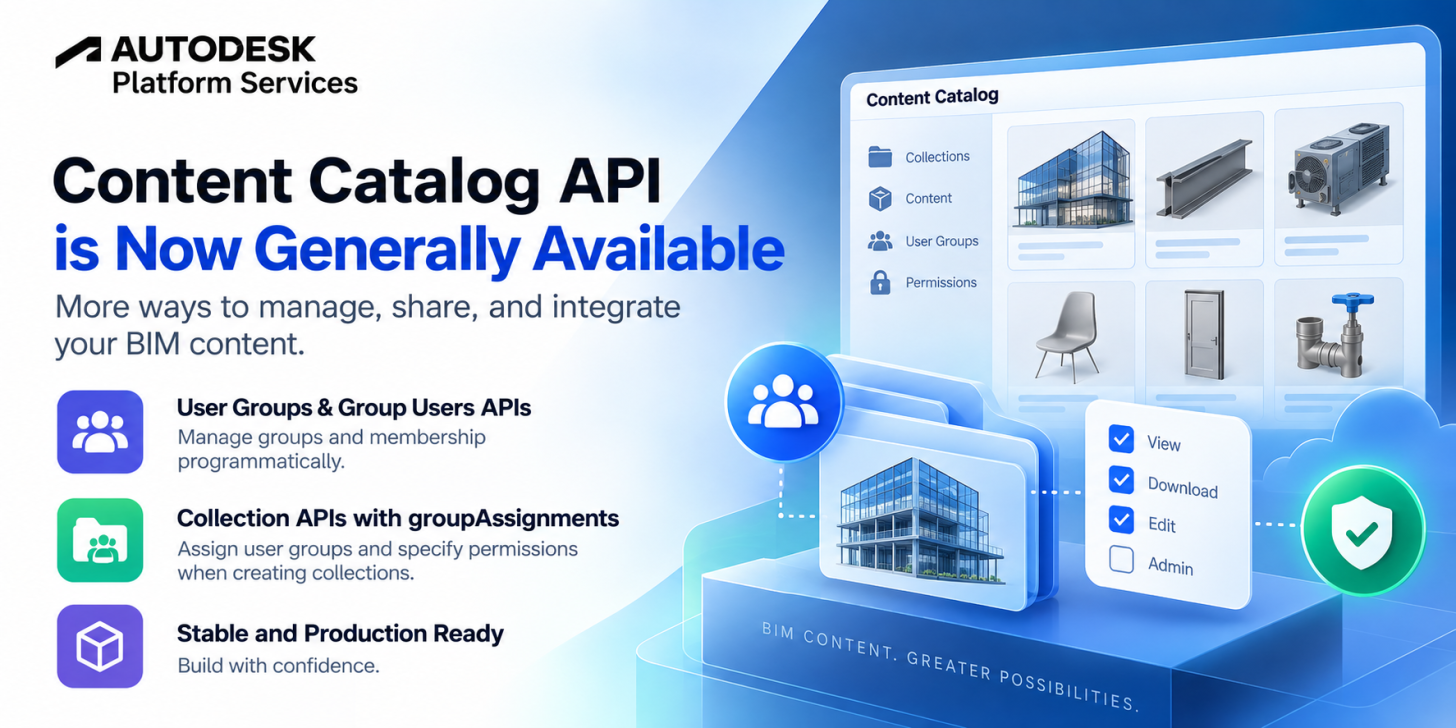
We’re excited to announce that the Autodesk Content Catalog API is now Generally Available (GA) on Autodesk Platform Services (APS), effective September 14, 2026.
Since introducing the Content Catalog API in Public Beta earlier this year, we’ve continued expanding it from an API focused on discovering and downloading BIM content into a broader platform for integrating with Content Catalog throughout the content lifecycle.
During the Public Beta, we added capabilities for uploading and managing content, working with collections, and administering users and groups. With the latest enhancements to group management and collection permissions, the Content Catalog API is now moving out of beta and into General Availability.
Manage user groups and group membership through the API
As one of the final enhancements before GA, the September 4 release expanded the administration capabilities of the Content Catalog API with User Groups and Group Users APIs.
User groups provide a way to organize users and manage access collectively instead of assigning permissions to individual users one at a time. The Group Users APIs represent the membership relationship between users and groups, enabling applications to programmatically manage the group-based permission model.
With these APIs, applications can work with groups and their membership programmatically—for example, listing group users and adding members to a group.
This is particularly useful for integrations that synchronize Content Catalog access with an organization's existing user-management or content-governance workflows.
For the complete list of changes introduced in this release, see the Content Catalog API changelog — September 4, 2026.
Assign group permissions when creating collections
Along with the new group-management capabilities, the Collection APIs have been enhanced to support group-based permissions.
When creating a collection, developers can now use groupAssignments to associate user groups with the collection and specify the permissions those groups should have.
For example, an application creating collections on behalf of an organization can assign the appropriate user groups and access levels as part of the same workflow, rather than requiring those permissions to be configured separately afterward.
This makes it easier to automate scenarios such as:
-
Creating collections for specific teams or disciplines
-
Provisioning access as part of an automated content-management workflow
-
Applying consistent permission structures across collections
-
Integrating Content Catalog permissions with existing organizational groups
groupAssignments is optional when creating a collection, so existing workflows that do not need group-based permissions can continue creating collections without specifying it.
See the Create Collection API reference for the request schema and supported permission options.
From Public Beta to General Availability
The Content Catalog API began its Public Beta with a simple goal: make the BIM content managed in Content Catalog accessible to developers.
The initial release enabled applications to browse available content, retrieve metadata, and download design assets.
Since then, the API has grown substantially. In August, Content Catalog API v2.1.0 added programmatic content upload, enabling applications to create upload requests, upload files, and participate in the Content Catalog review and approval workflow.
With the addition of collection management, user and group administration, and group-based collection permissions, developers can now build integrations that participate in much more of the Content Catalog lifecycle:
Create and organize → Upload → Review and approve → Manage access → Discover → Download and use
Moving to General Availability marks an important milestone for these capabilities and for developers building production integrations around Content Catalog.
What can you build?
The expanded API surface opens up a range of end-to-end workflows.
You can build internal content portals that give teams access to approved BIM assets, automate the movement of validated content into Content Catalog, synchronize organizational groups with catalog access, provision collections and their permissions programmatically, or integrate Content Catalog with existing content-management and design systems.
Instead of treating Content Catalog only as a destination from which applications retrieve content, developers can now integrate with the processes used to manage, govern, distribute, and consume that content.
Get started
If you have already been building with the Content Catalog API during Public Beta, you can continue using the API as it moves into General Availability.
If you’re new to Content Catalog API, now is a great time to start exploring what you can build.
Useful resources include:
We’re excited to see how developers use the Content Catalog API to connect Content Catalog with their applications, automation pipelines, and content-management workflows.