
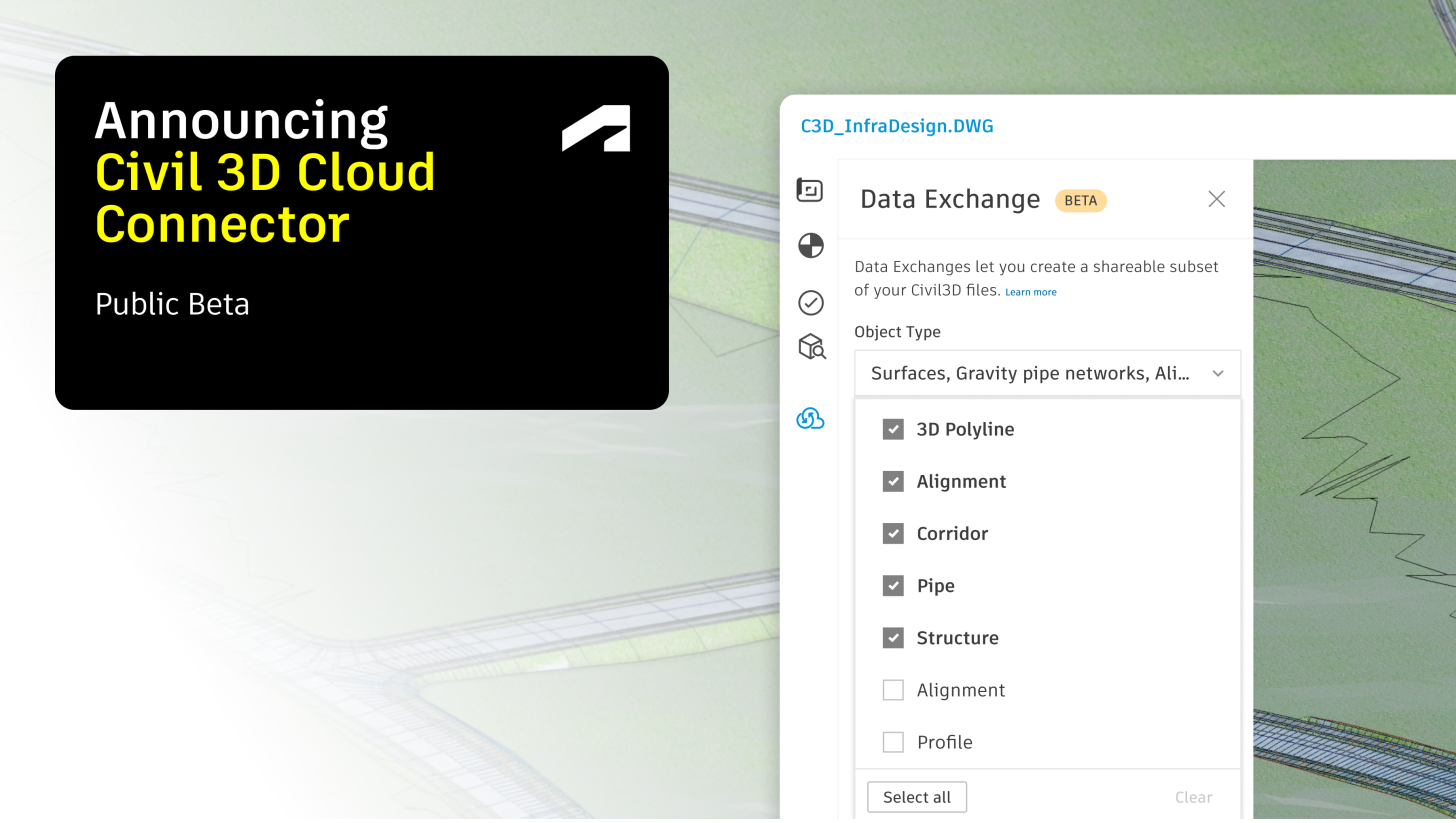
Great news for Data Exchange enthusiasts and Civil 3D and Revit® designers! Over the last year and during AU 2025 we saw great interest in the Data Exchange connector for Civil 3D from team working on Infrastructure projects. So, we are bringing this capability directly into your Forma files, same as our Revit and IFC connector. With this connector you can directly create exchanges from your Civil 3D files hosted on Forma. No need to have Civil 3D installed to share a subset of Civil 3D data. This brings Civil3D into the Data Exchange ecosystem through cloud base, subset driven workflow like existing IFC and Revit workflow on Forma.
We are happy to announce this capability is now available in public beta and will be readily available in your forma projects.
See the connector in action
Check out this quick demo of how the connector works and how Civil 3D data can be easily loaded into Revit projects for coordination and drawing creation.
Technical Highlights
Align Geolocated projects between Civil 3D and Revit:
- The Civil 3D Cloud Connector maintains real-world coordinates, enabling data transfer into geolocated Revit files.
- Check out the Details Step by Step guide and video Tutorial to see how to setup your Revit files when working with geolocated projects.
Key Requirements wile working with Geolocated projects:
- When working on geolocated projects, ensure both Revit and Civil 3D files are properly geolocated and aligned before initiating a data exchange.
- Once the files share the same coordinates, data exchange preserves this alignment, allowing you to position the Civil 3D model in Revit files accurately using the origin-to-origin placement method.
- To ensure geolocation functions correctly, the survey point of the project must be set to coordinates 0, 0, 0 when placing the exchange.
- In cases where Revit project is geolocated and survey point is not aligned with the Revit Origin (0,0,0) please refer our detailed documentation on setting up geolocated Revit project using shared coordinated for Loading Data exchange
Custom Property Export
- With the Civil 3D Cloud Connector you can transfer the properties under custom Property Sets(PSETs) as well as from the project browser, providing you with detailed data on the property of the object.
Corridor Solid Export - Out of the Box
- Exporting corridor data has historically required a separate, multi-step workflow: users needed to extract corridor solids manually before they could be included in a data exchange.
- That extra step is not required with Data Exchange. The Civil 3D Cloud Connector now exports corridor solids automatically as part of the standard Data Exchange creation workflow. When you create a Data Exchange from ACC using the cloud connector, corridor solids are included, without any additional configuration or manual extraction.
What is Supported in Public Beta
Supported object types:
We are supporting specific data types currently in Public Beta. This list of supported elements will grow as we move forward based on your feedback.
Currently supported Civil 3D elements:
- Corridors
- Pipe Networks and Pressure Networks
- TIN Surfaces
- Grid Surfaces
- Alignments
- Profiles
The Civil 3D Cloud Connector supports Civil 3D version from 2024 to 2026 (2027 support will be coming soon).
Try out the connector today!
For more information and FAQs, please visit our Civil 3D Cloud Connector help documentation.
Check out the Data Exchange connector for Civil 3D files in your Forma projects today!! And let us know what you think.
Stay tuned for more updates and check out our Link Collection for other interesting workflows related to Data Exchange.