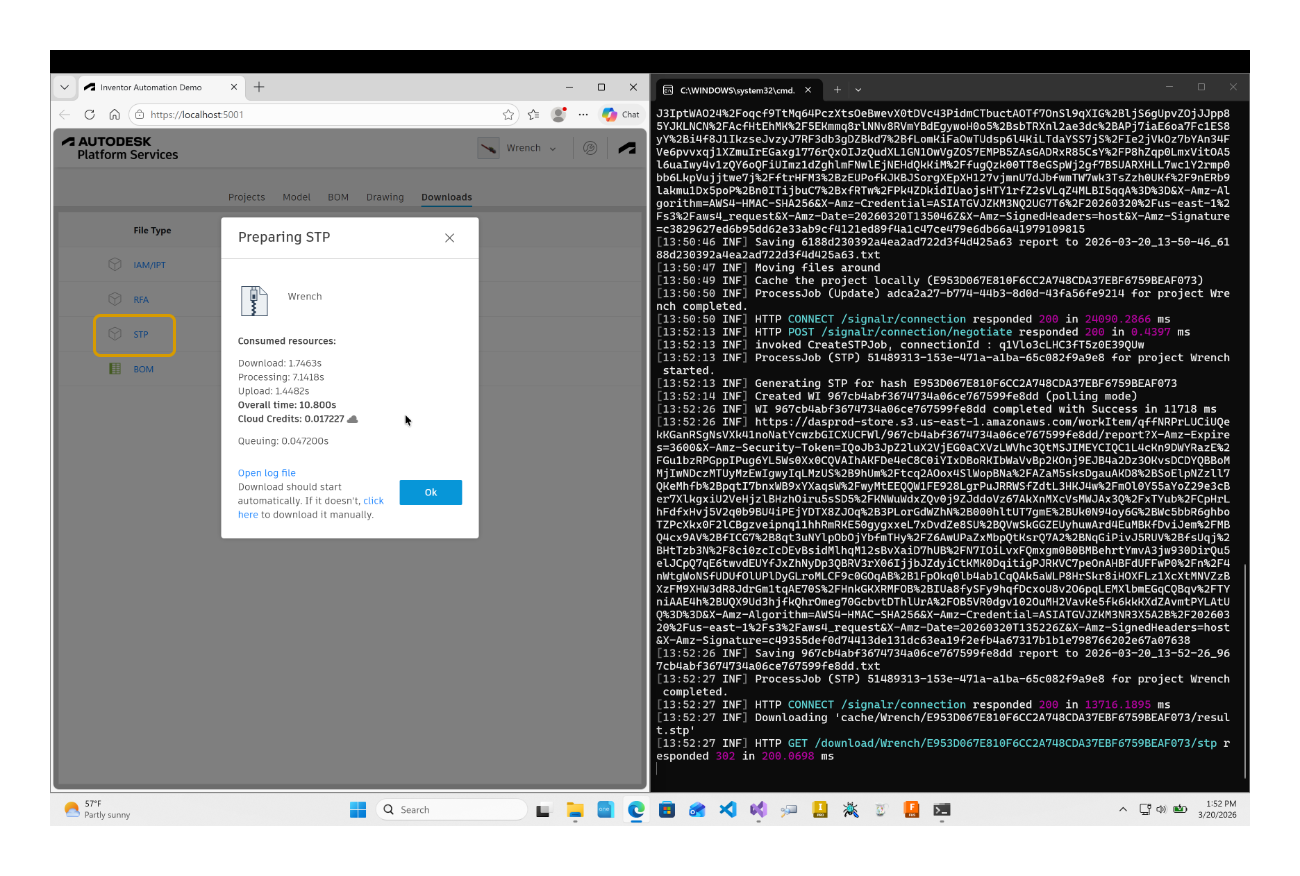
On the Downloads tab of the https://inventor-config-demo.autodesk.io/ sample, currently you can only export the model to RFA (Revit Family) file format.
What if you wanted to let users download the model in other file formats as well, e.g. STEP?
The easiest is if you use the RFAExportRCEPlugin as starting point and check all the things that are being done in the sample app to offer that format in the UI, kick off the job, download result, etc
That's what I did in the `step` branch and you can compare it to the main branch in order to see everything that was needed to implement it:
https://github.com/autodesk-platform-services/aps-configurator-inventor/compare/master%E2%80%A6step
You can also get it in a diff file format if you prefer:
https://github.com/autodesk-platform-services/aps-configurator-inventor/compare/master%E2%80%A6step.diff
Just to make sure the diff info won't get lost because of something like a github repo reorganization, you can also find the diff file here:
https://github.com/adamenagy/Container/blob/master/StepExportDiff.diff
As you can see from the diff, a lot of things are needed in order to make things work just like with the RFA exporter, but it's doable - see screenshot of the finished solution at the top.
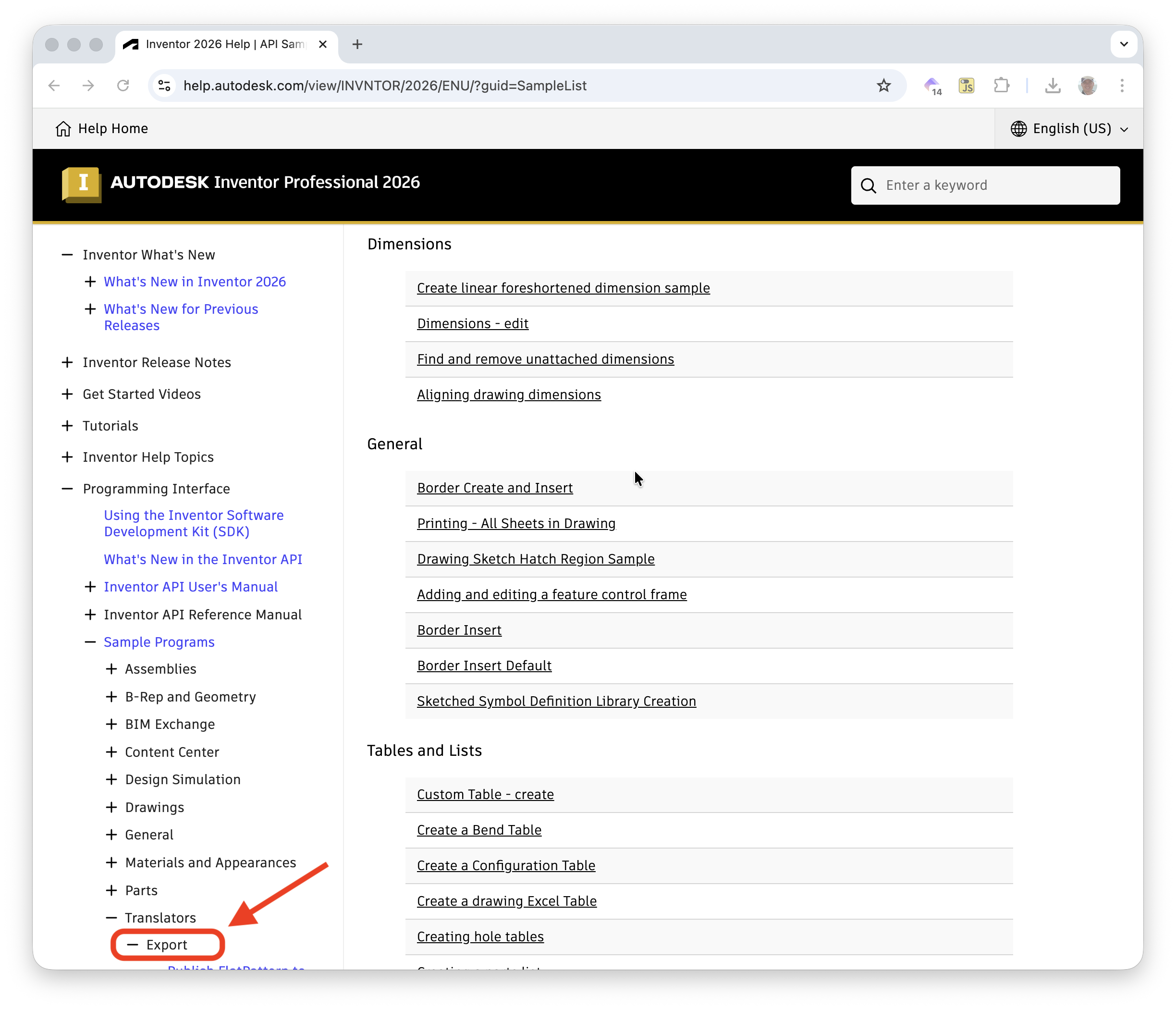
Concerning the code of the app bundle, you can find samples for different export formats in the Inventor API docs:
https://help.autodesk.com/view/INVNTOR/2026/ENU/?guid=SampleList