Version 8 preview
This page documents a preview of the Viewer SDK v8. APIs and content can still change before the final release.
Loading glTF 2.0 Models
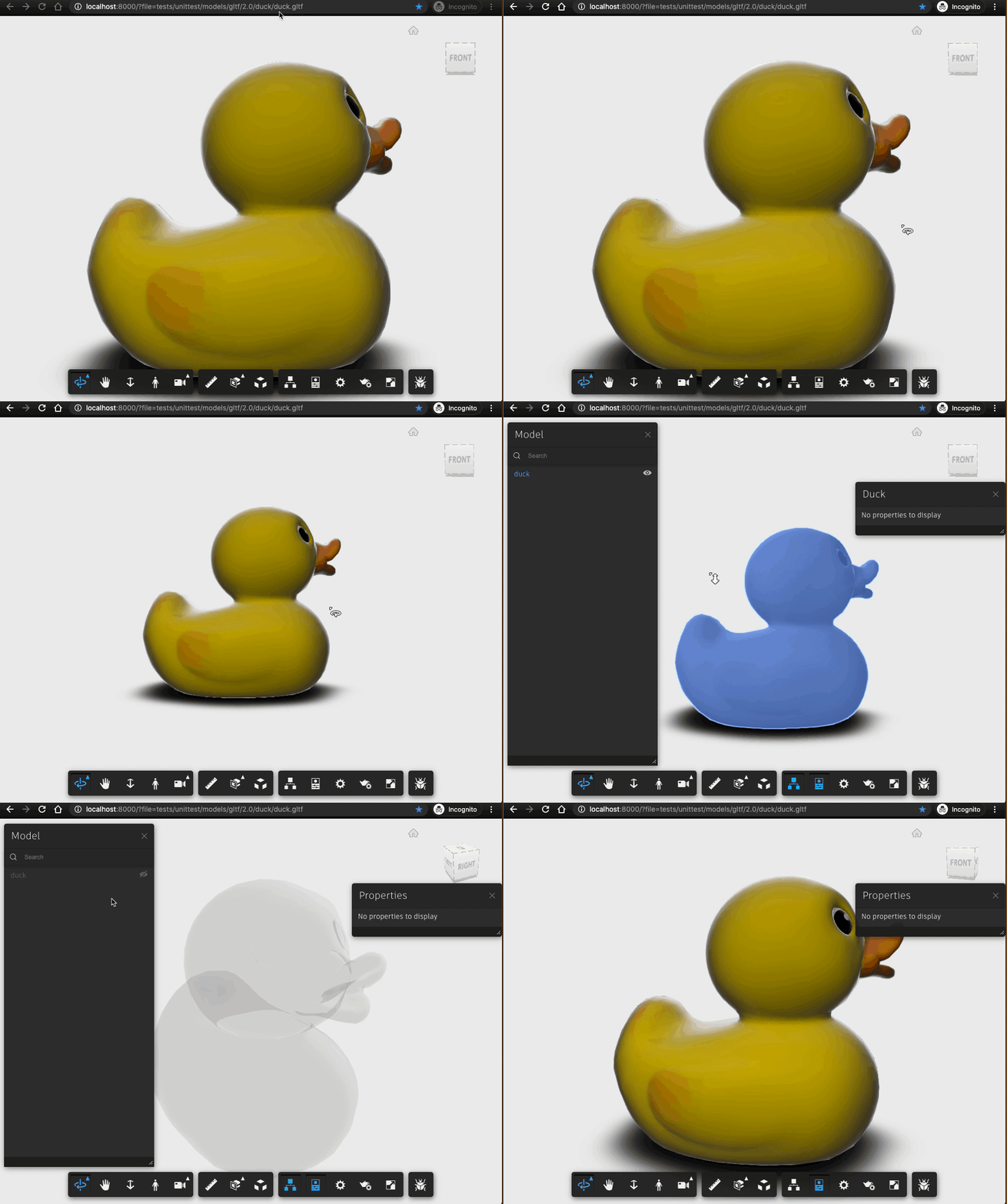
The glTF 2.0 Loader extension provides the ability to load glTF 2.0 models in the viewer.
The extension id is: Autodesk.glTFExtension
Initialization
Using the glTF 2.0 Loader, you can load local glTF models in Viewer SDK. Initialize the page using function Autodesk.Viewing.Initializer().
var viewer;
var options = {
    env: 'AutodeskProduction2',
    api: 'streamingV2',  // for models uploaded to EMEA change this option to 'streamingV2_EU'
    documentId: 'tests/unittest/models/glTF/duck.gltf'
    getAccessToken: function(onTokenReady) {
        var token = 'YOUR_ACCESS_TOKEN';
        var timeInSeconds = 3600; // Use value provided by APS Authentication (OAuth) API
        onTokenReady(token, timeInSeconds);
    }
};

await Autodesk.Viewing.Initializer(options);

var htmlDiv = document.getElementById('viewer');
viewer = new Autodesk.Viewing.GuiViewer3D(htmlDiv);
var startedCode = viewer.start();
if (startedCode > 0) {
    console.error('Failed to create a Viewer: WebGL not supported.');
}
Show More
Usage
The glTF 2.0 Loader supports these features:
- glTF2.0 loading, including geometry and basic material.
- Basic navigation, including Orbit, Zoom and Pan tool.
- Basic selection, including mapping dbID to glTF nodes.
- Show node name on property panel and model browser.
- Supports only free measurement mode.
The glTF 2.0 Loader does not support these features: * Property database. * Measurement tool.
To activate free measurement mode:
var measuretool = NOP_VIEWER.getExtension('Autodesk.Measure');
measuretool.setFreeMeasureMode(true);
Example using glTF 2.0 Loader: