Get Projects
In this tutorial, you will learn how to retrieve all the projects within a hub.
By the end of this tutorial, you will be able to:
- Retrieve all projects within a hub.
- Retrieve project information like the project ID and name.
You will use the following Query in this tutorial:
| Type | Operation | Description |
|---|---|---|
| Query | projects | Retrieves all projects within a hub. |
Step 1 - Request all Projects within a hub
The following steps demonstrate how you can run the projects query to retrieve all the Projects within a hub.
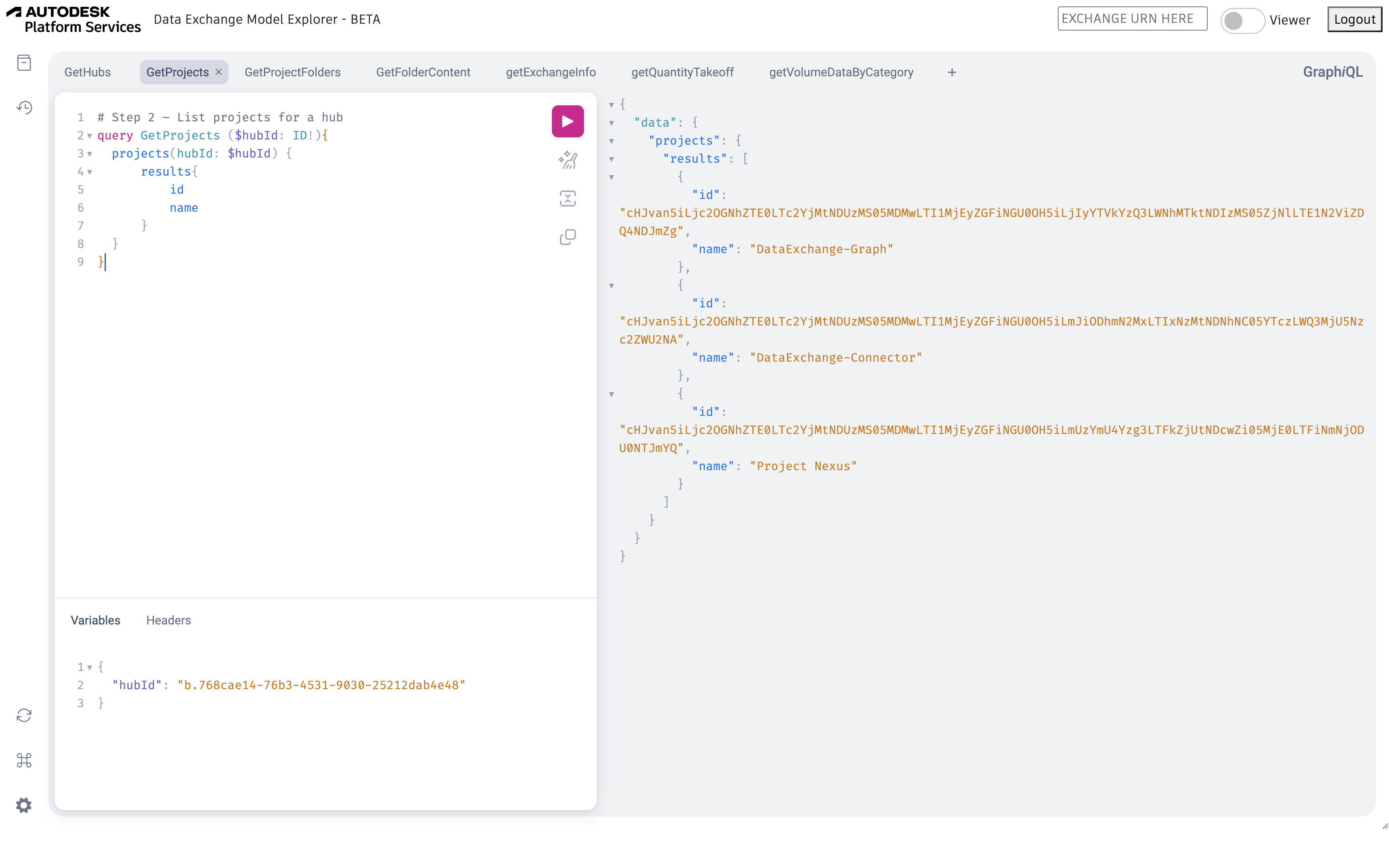
- Enter the following query in the Query Pane of the Data Exchange Explorer.
Query
query GetProjects ($hubId: ID!) {
    projects(hubId: $hubId) {
        results {
            id
            name
        }
    }
}
Show More - In the Query Variables pane, enter the value of the
hubId. To know how to obtain thehubId, refer to Get Hubs.Query Variables
{ "hubId": "b.768cae14-76b3-4531-9030-25212dab4e48" } - Click Play. A list of projects available within a hub is displayed in the response.
Response
{
    "data": {
        "projects": {
            "results": [
                {
                    "id": "cHJvan5iLjc2OGNhZTE0LTc2YjMtNDUzMS05MDMwLTI1MjEyZGFiNGU0OH5iLjIyYTVkYzQ3LWNhMTktNDIzMS05ZjNlLTE1N2ViZDQ4NDJmZg",
                    "name": "DataExchange-Graph"
                },
                {
                    "id": "cHJvan5iLjc2OGNhZTE0LTc2YjMtNDUzMS05MDMwLTI1MjEyZGFiNGU0OH5iLjViYWI0YWUzLTRjM2QtNDMxYi05NWQzLWViMjJlOGU1MDg5NA",
                    "name": "Data Exchanges"
                }
            ]
        }
    }
}
Show MoreThe project ID is essential for querying the list of
topFoldersand their respective subfolders within a specific project.
Once the query runs successfully, your explorer should resemble the following image.