Task 6 - Open Result in Fusion
Once the WorkItem has completed executing the Activity, the Automation Service uploads the resulting file to Fusion Teams. You can use the Fusion desktop client on you local machine to check the result of the WorkItem.
Open Result in Fusion
- Start an instance of Fusion
- Open the Fusion Teams Panel and locate the
Fusion Automation Serviceproject 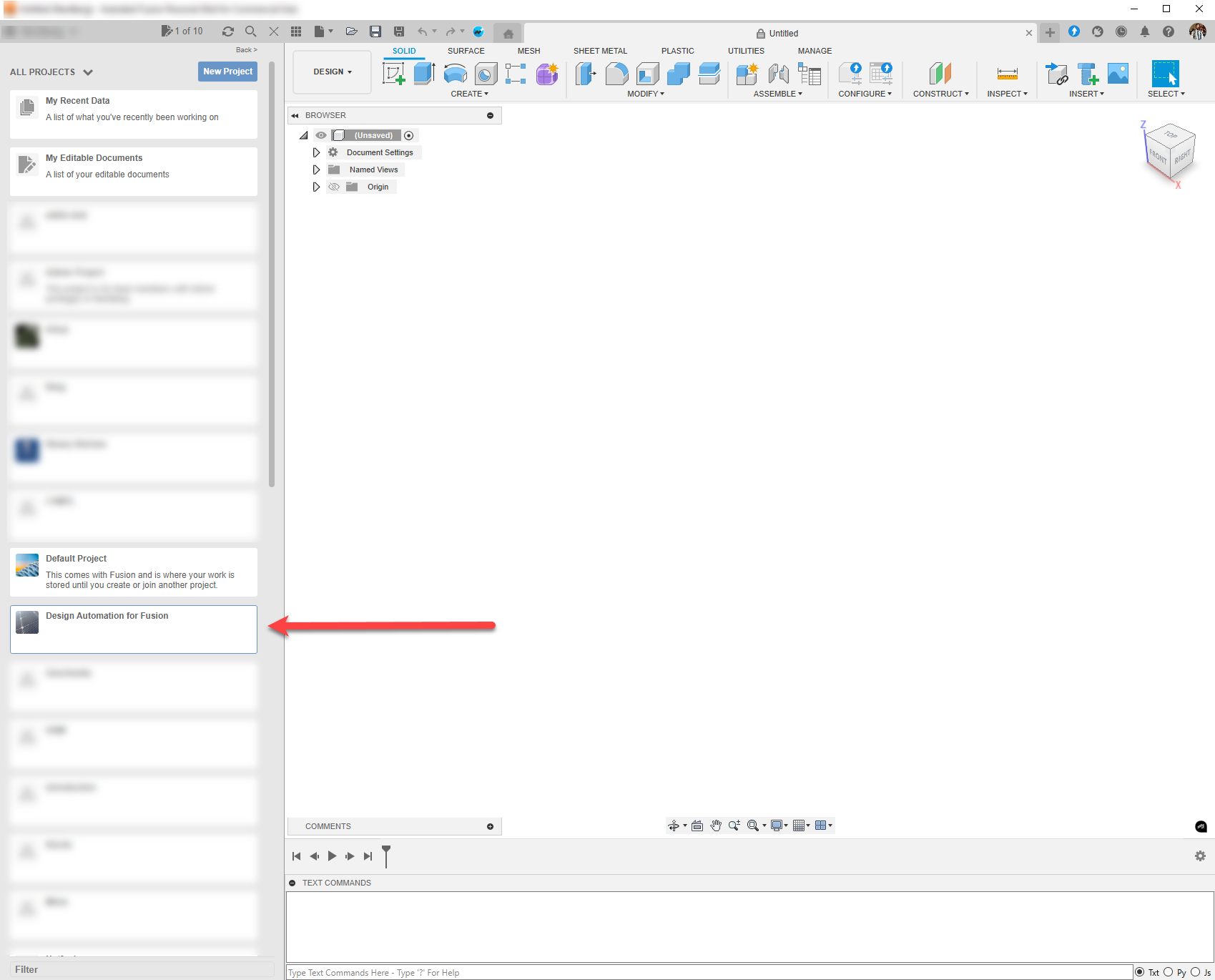
- Open the Fusion Teams Panel and locate the
- Open the project. There should be two designs:
NutandNut v1 modify parameters 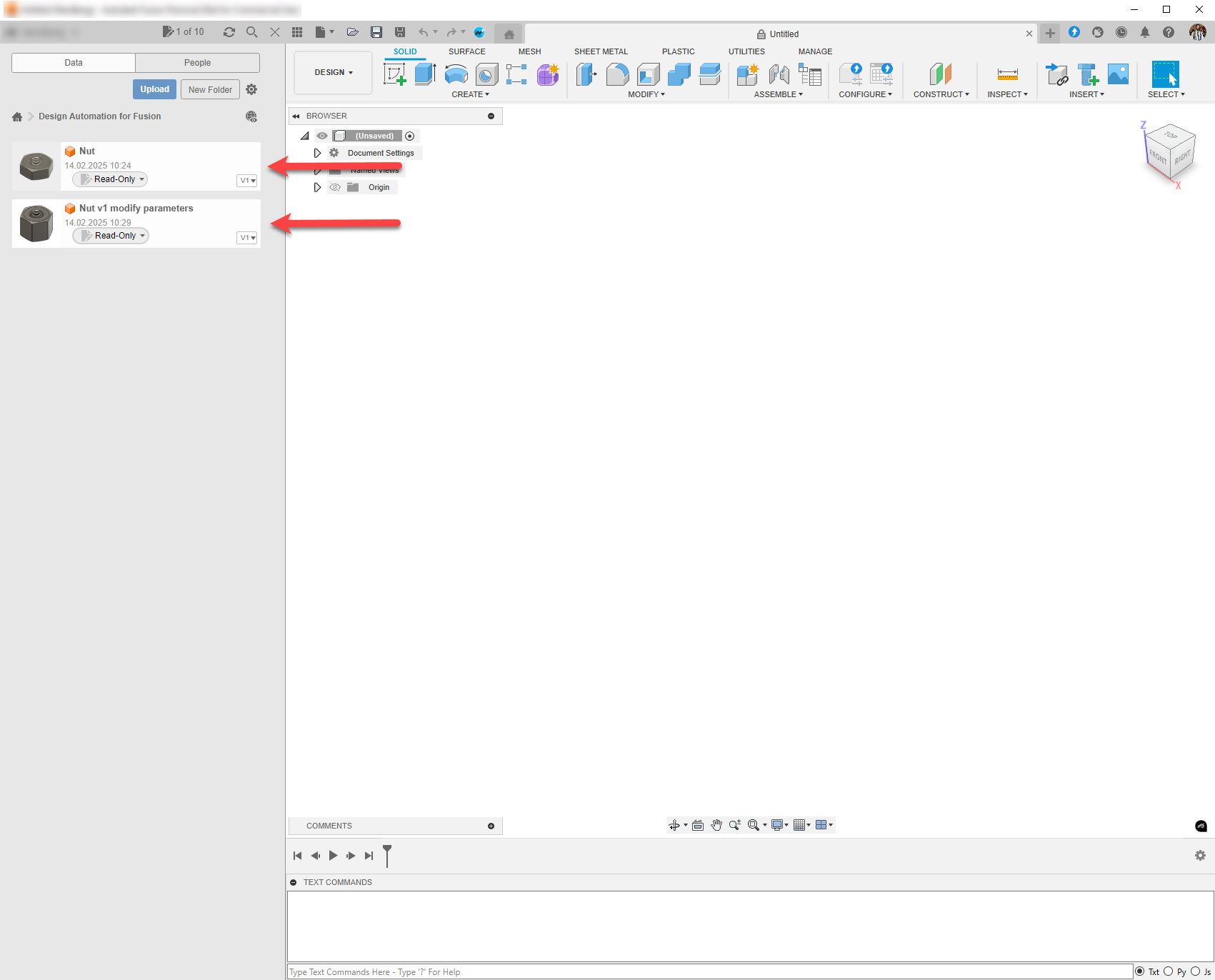
- Open the project. There should be two designs:
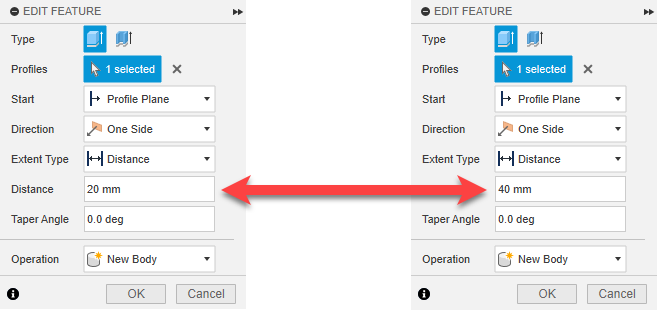
- Open both of them and check the change in the Distance of the Feature Extrude 1